
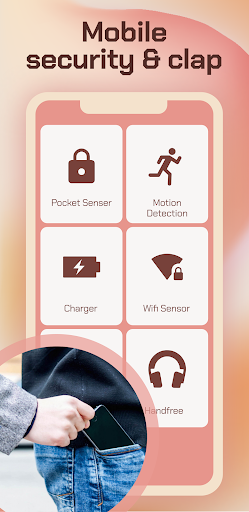
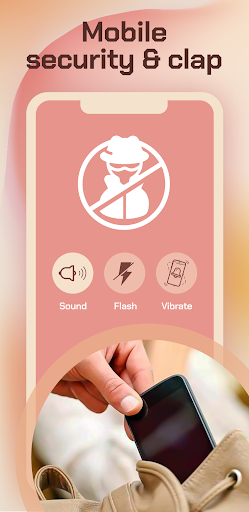
Use a theft alarm if you don't want anyone to use your device without your permission.
Use case:
1) When charging the device, if someone turned it off, the loud siren will help you prevent theft or misuse by using the charger mode.
2) At work, you can put your phone on top of your laptop and turn on drive mode. If someone tries to access your laptop or phone, they will immediately sound an alarm and scare them away.
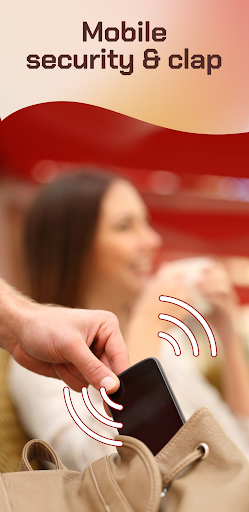
3) When traveling by public transport, you can protect your device from theft from your pocket in proximity mode.
4) The theft alarm can also be used to surprise your colleagues and friends who access your phone without your consent.
5) The theft alarm can also be used to prevent your children and family members from using your phone when you are not around.
6) An alarm will sound and will continue until the correct password is entered. Stopping the app does not stop the alarm. Restarting the device also does not end the alarm. Only the correct password can stop the alarm.
Functions:
1) Thief cannot close the app or turn down the alarm volume without knowing your password.
2) The siren will resume if your phone is restarted.
3) Loud alarm is triggered even if your phone is in silent mode.
4) When you turn on the alarm, the phone vibrates and flashes like police lights.
5) Choice of alarm sounds and many other settings available for customization.
The loud alarm is triggered when:
1) The charger is disconnected from your phone
2) If your phone is lifted from its resting position
3) When your phone is stolen from your pocket
Protect your phone from burglars. Thieves are wary of this app.
Note: This app does not claim that it can completely avoid theft. The owner must be vigilant. With the anti-theft alarm, you can prevent theft.
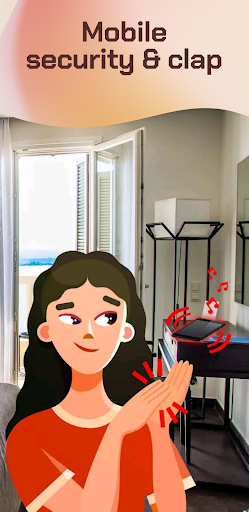
How to find a phone by clap?
- When the phone is not lost, turn on the app
- Press the activation button
- Lost it? Clap!
- Hooray! Gadget found


9Apps 4.9