


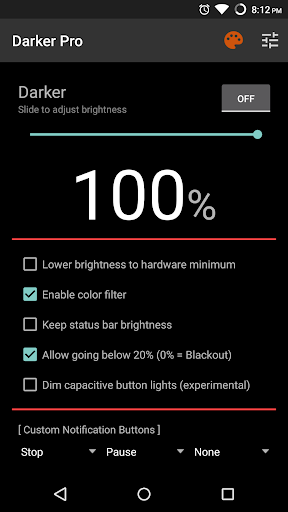
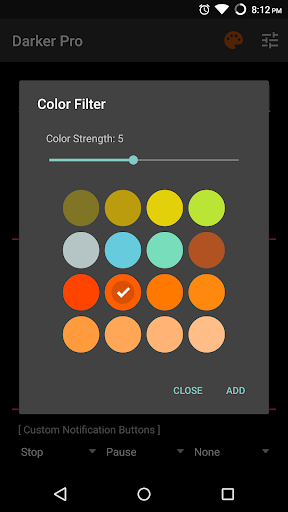
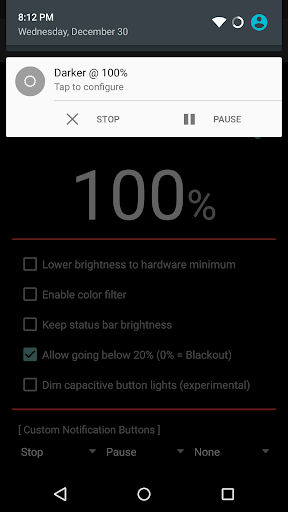
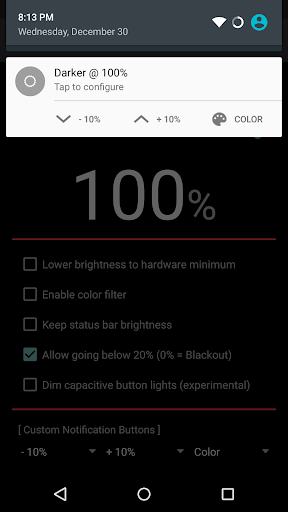
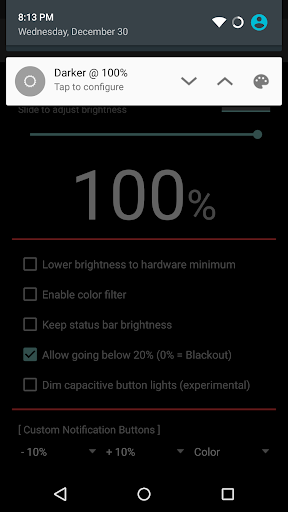
Darker can lower your screen brightness to extremely low levels, to help prevent eyestrain during the night. Use the built-in color filter* to adjust the color of your display, perfect for filtering out harsh white backgrounds during the night.
Users can either upgrade the free version to Pro through in-app purchase, or directly purchase this version (for countries that don't support In-app purchases) - both are the same in terms of functionality.
Features only in the Pro version:
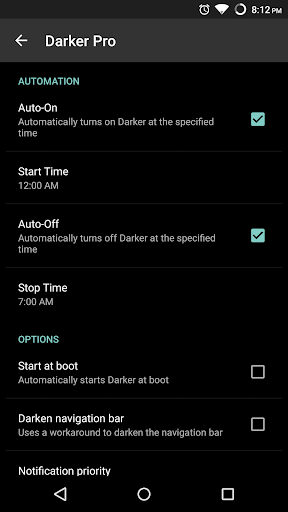
» Auto-On & Auto-Off
» Start at boot
» Lower brightness below 20%
» Darken navigation bar
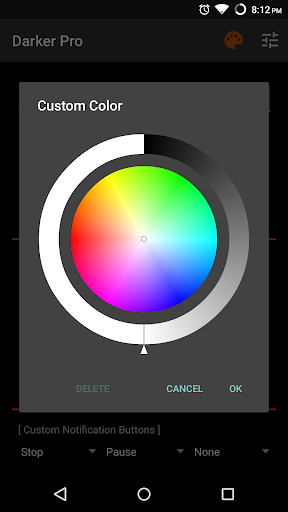
» Custom filter colors
» Root mode
» Customizable notification buttons
• Up to three buttons can be added for quick access.
• Buttons to increase and decrease the brightness (+5%, -5%, +10%, -10%)
• Buttons to set a specific brightness (@0%, @10%, @20%, ... , @90%, @100%)
• Quick toggles (stop, pause, reset, color filter)
Note: When manually installing APK files, Android blocks the "Install" button from being pressed when Darker is running. This is NOT a bug. It's a protective measure to prevent malicious apps from camouflaging the install button. Pausing Darker will solve this.
*The color filter is similar to how the desktop version of f.lux works. Selecting a redder color will reduce more bluelight emitted from the display.
Tasker Support
Darker has Tasker support, use these intents to send commands to Darker:
darkerpro.STOP
darkerpro.PAUSE
darkerpro.INCREASE_5
darkerpro.INCREASE_10
darkerpro.DECREASE_5
darkerpro.DECREASE_10
darkerpro.SET_10
darkerpro.SET_20
darkerpro.SET_30
darkerpro.SET_40
darkerpro.SET_50
darkerpro.SET_60
darkerpro.SET_70
darkerpro.SET_80
darkerpro.SET_90
darkerpro.SET_100
darkerpro.TOGGLE_COLOR
darkerpro.ENABLE_COLOR
darkerpro.DISABLE_COLOR
Add the above intents to Tasker by going to Action Category→System→Send Intent→Action, leave the other fields default, and note that the intents are case sensitive.
These two intents below need an additional parameter in the "Extra" field
darkerpro.SETCOLOR "Extra" field: COLOR:1~16 (Colors are numbered left to right, top to bottom)
darkerpro.COLORSTRENGTH "Extra" field: STRENGTH:1~10
The intent below needs the "Target" field set to "Service"
darkerpro.START
***NEW USERS: Click on the notification to enter the settings screen***
- Darker can now darken the notification panel and navigation bar on Android 8.0+ devices! (New option in settings)
- Updated to latest Android SDK version










9Apps 4.9














