
Easily display your phone screen on TV with the useful screen mirroring app
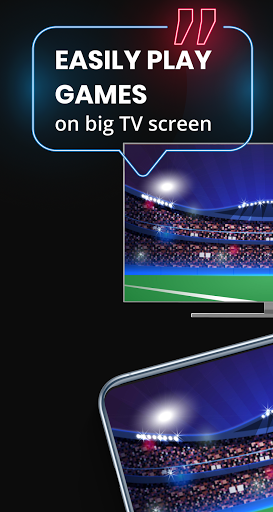
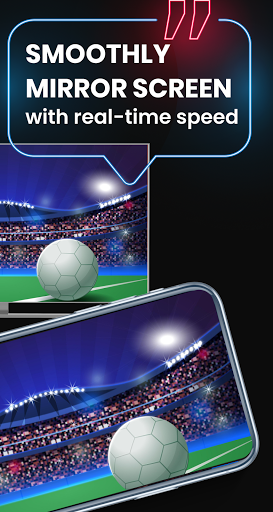
📱 You are a gamer; there are many different types of games on your phone! Playing games on your phone gives you convenience but will reduce the satisfying experience and negatively affect your eyesight because the phone screen is too small. Imagine that you and your teammates will participate in a dramatic online game match; phone screen is too small for watching together. Don't worry too much; download our screen mirroring app, which will help you show games to a larger TV screen, share game results with friends immediately
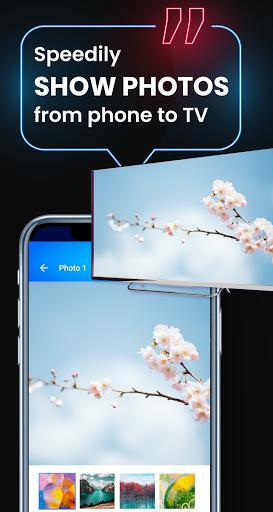
📺 With a screen mirroring app, you can easily share your beautiful photos and videos with your family on big TV screen. You can fast connect a smartphone to a TV wirelessly, search for favorite shows on your phone & quickly mirror them anytime on TV.
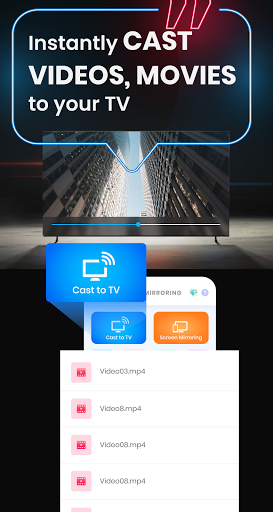
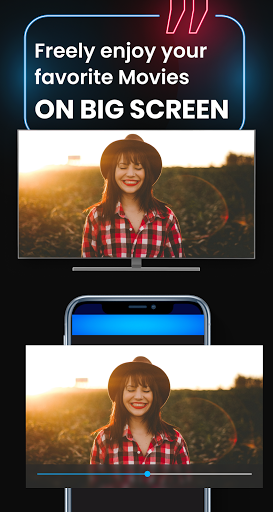
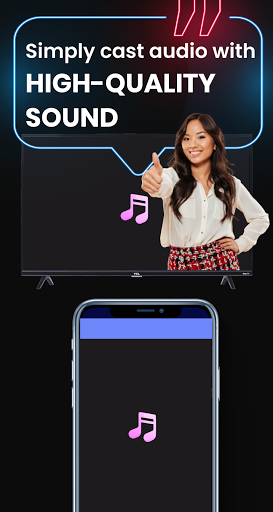
💥 The screen mirroring application also supports casting audio and interesting movies on phone to TV. There is nothing better than eating snacks and watching interesting movies on the big screen. Using a screen mirroring application will help you increase satisfaction while watching films on the TV screen.
💯 Outstanding Features 💯
◽ Simple and beautiful interface, easy to use, you can mirror screen and cast video, image, audio immediately
◽ Easily mirror content on the phone screen and quickly cast photo, audio from your phone memory to the TV.
◽ Guide users on how to use the application step by step, how to use each function of the application
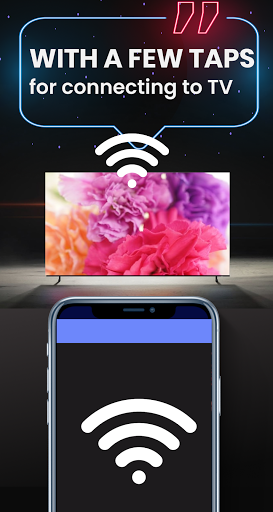
◽ Quick mirror screen with just a few simple taps, save maximum time
◽ Smoothy & stably mirror screen on TV which give users comfortably enjoy the dramatic game, exciting movies on the big screen
◽ Increase user satisfaction when playing games on a large TV screen
◽ Mirror everything on your smartphone to TV screen
◽ Quickly cast videos, audios, photos in phone memory to the bigger screen
◽ Fast create your own "Playlist", easily add and manage important files
◽ Easy to access the pictures, videos, audio recently streamed on "Recent Casted Video."
✨ Introduction: ✨
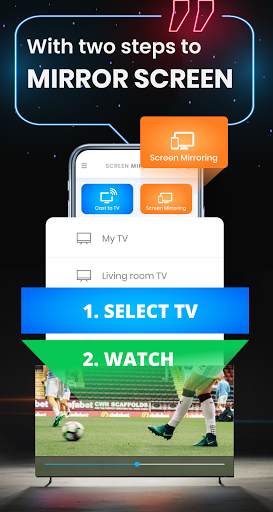
- Make sure your TV and phone are connected to the same wifi network
- Enable Wireless Display on your phone
- Touch "Screen Mirroring" for mirroring the screen on the TV
- Touch "Cast to TV" for casting video, photo, audio on your phone and select the file you want to cast
Let's start to enjoy right now!





9Apps 4.9














