


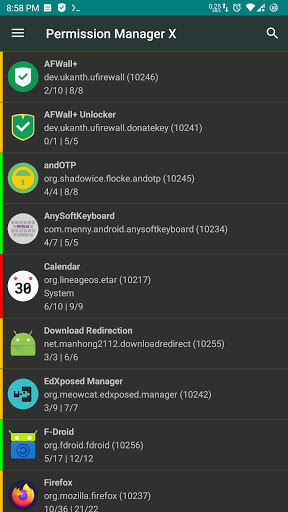
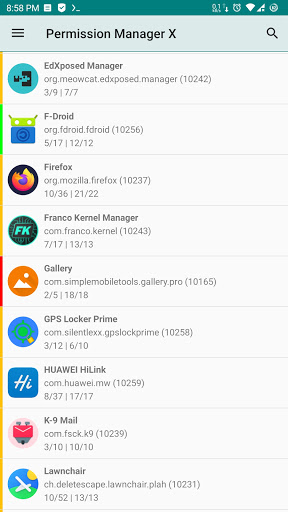
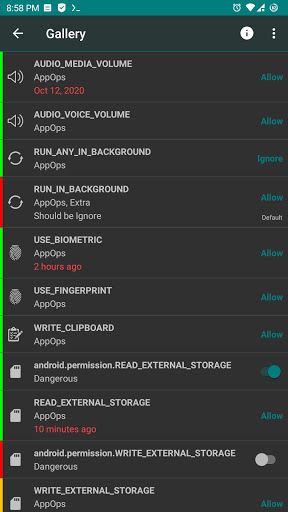
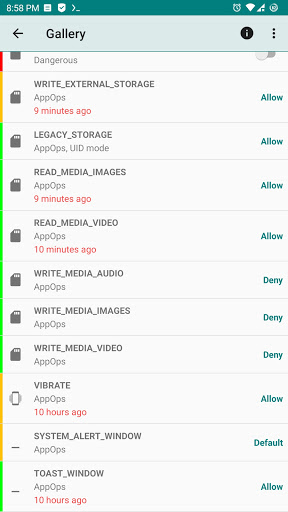
Features:
Using eXtended Permission Manager, for each installed app, on single screen, you can:
- View, grant or revoke manifest permissions
- View AppOps permissions and choose one of multiple modes
- Set your desired reference value for every changeable permission
The app evolved from a shell script to a GUI for my personal needs. After a ROM upgrade or changing device, it's a time-taking process to review all installed apps for granted permissions and revoke the unnecessary ones (after all
privacy matters
). To come up with a solution, you can set reference states of permissions which can be quickly backed up and restored. Colored bars at left indicate reference states and make it quite easy to review packages and permissions at a glance.
Manifest permissions are those normally called permissions e.g. Storage, Camera etc. AppOps (app operations) is a robust framework Android uses at back end for access control. With every Android release manifest permissions are becoming more dependent on AppOps. So it's fun to control both simultaneously and see how they relate to each other. AppOps provide a fine-grained control over many of the manifest permissions. Plus it provides additional controls.
Are you concerned about Performance, Privacy and Control?
You can control which apps:
- Run in background
- Keep your device awake
- Know about your location
- Can send SMS and make calls
- Read your contacts and logs
- Are aware of your accounts
- Are making sounds and vibrations
- Use camera and mic
- Access your files
- Can read and write to clipboard
- Can install other apps
And many more, depending on your device and Android version.
And yes, the basic functionality of Permission Manager X is completely free and open-source. No ads, no trackers, no analytics. You are encouraged and requested to support the development.
Source code: https://github.com/mirfatif/PermissionManagerX
Translations: https://crowdin.com/project/pmx
Paid Features:
- Sort apps and permissions by different parameters including installation date
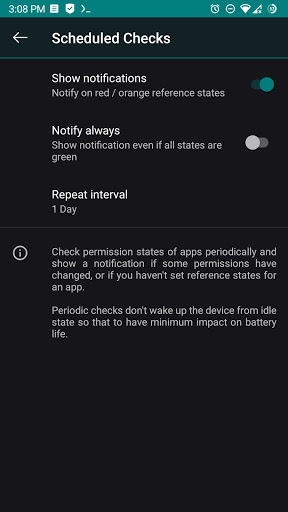
- Perform scheduled checks for bad reference states to show a notification
- Auto Revoke granted permissions with RED states
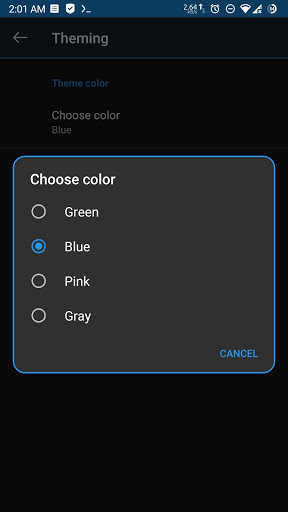
- Theming options including theme colors, dialog styles and animations
- Multiple users / work profile support
- Auto create backup file on changes
- Show search suggestions
- Batch operations (profiles) (upcoming)
Required Privileges / Permissions:
- In order to let Permission Manager X serve you fully, either the device must be ROOTED or you need to enable ADB over network. Otherwise very limited information is available.
- android.permission.INTERNET is required to use ADB over network. The only connection made outside the device is to check for app updates. We respect your privacy, so no data is collected.
Note:
- You need to uninstall the app installed from other sources before installing this one.
- The app is tested on stock Android 7-11. Some highly customized ROMs may behave unexpectedly.
v1.10:
- Improved in-app and online help
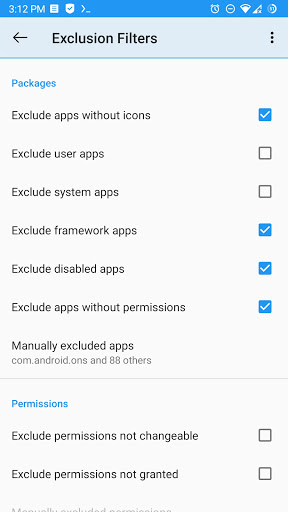
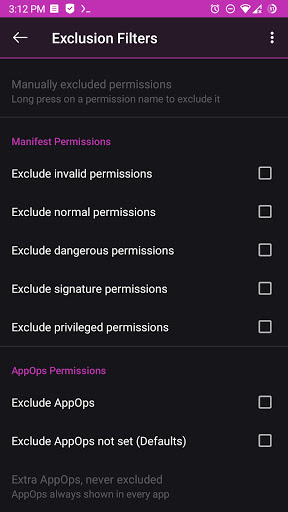
- Improved Exclusion Filters
- Auto Revoke permissions for all users
v1.08:
- Sort packages by total and granted permissions
- Auto Revoke granted permissions with RED states
v1.07:
- Added Russian translation
- Fix for modified AppOp modes in LineageOS
v1.06:
- Multi-user / work profile support
v1.05:
- Packages and permissions sorting
v1.04:
- Theme preferences
Detailed changelog: https://github.com/mirfatif/PermissionManagerX/releases

![Linux File Permissions For Beginners [HINDI] | Linux CHMOD Command screenshot 1](https://i.ytimg.com/vi/4p2zkY8Q-LQ/mqdefault.jpg)






9Apps 4.9













