
Mio Photo Editor lets you create stunning custom pictures.
feature:
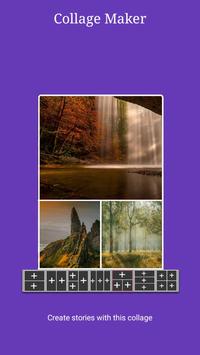
* With this fun application, you can combine the contents of multiple photos into one background.
* We provide AI to intelligently recognize your photos, automatically delete background images and cut off redundant images.
* Manually handle the details of the picture, allowing you to enjoy the fun of editing pictures, instantly transform into photo processing without photoshop.
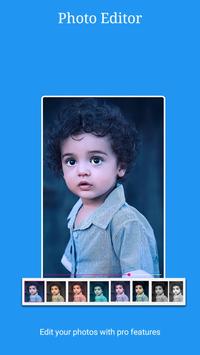
* Using the editing function, with a few simple steps, you can create artistic works that can meet most of your picture editing needs.
★ Adjust picture – adjust exposure and color, or adjust manually with precise controls
★ Crop-crop the picture to standard size or freely crop as needed
★ Fusion-perfect fusion of different light and shadow pictures
★ Text-You can add artistic or plain text style text to pictures, support multiple style fonts
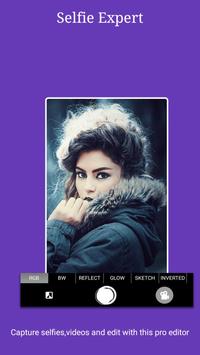
★ Blur-Add out-of-focus imaging effect (soften and blur background) to the picture to make it more beautiful and suitable for portrait photography
★ Templates-Pictures created by professional designers
★ Beauty-Brightening, brightening the face or rejuvenating, the whitening effect is significant
★ Graffiti-Provide a variety of creative brushes to draw amazing effects on pictures
★ Repair-Remove anything you think damages the photo, including acne and skin blemishes



9Apps 4.9













