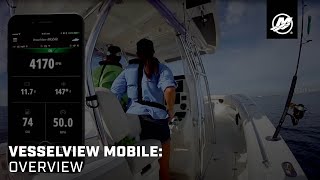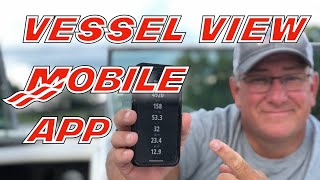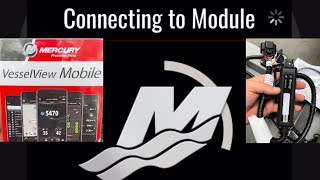
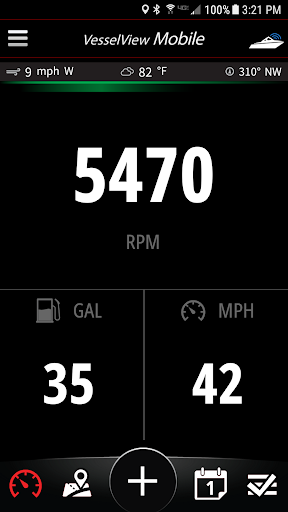
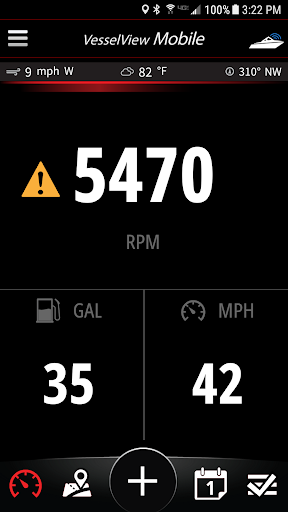
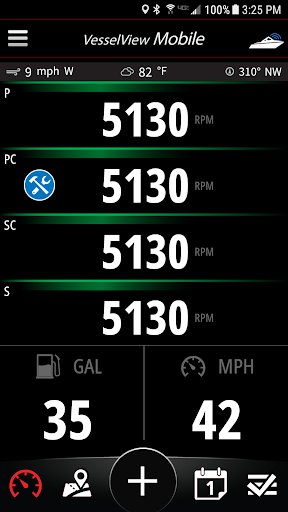
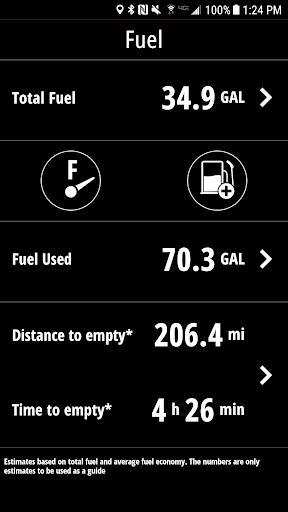
VesselView Mobile provides Mercury Marine SmartCraft® engine owners with the ability to view live engine data, monitor fuel usage, obtain detailed descriptions when a fault occurs and receive maintenance alerts when due. The full functionality of the app is available when used in conjunction with the Bluetooth Low Energy VesselView Mobile module. This app collects and shares your precise geolocation. When the app is open and connected to your vessel it requires a continuous connection and therefore may impact the battery life of your device. Without the module, users still have access to a speedometer tool, a map with POIs, the ability to capture moments with the location tagged, plus other useful features. Mercury Marine’s VesselView Mobile app also provides users with a Web-based account.
Features:
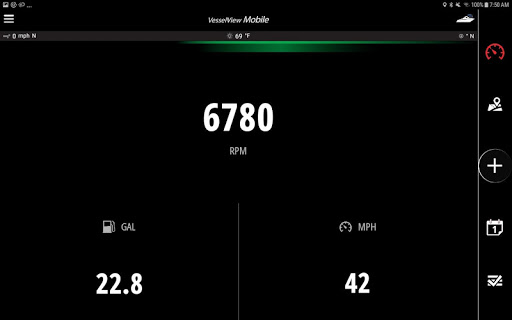
• View live SmartCraft® engine data : RPM, Battery Voltage, Engine Temperature, Engine Hours, Oil Temperature, Oil Pressure, Coolant Temperature, Sea Temperature and more!
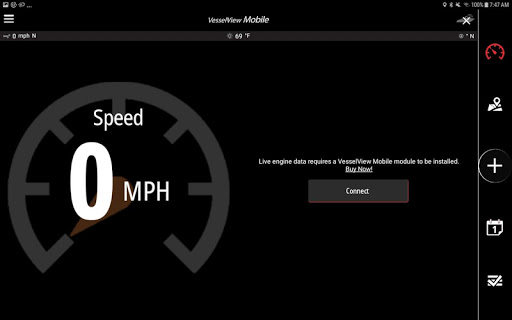
• Speed is determined from your device
• Your Top Speed is captured so you can share with friends
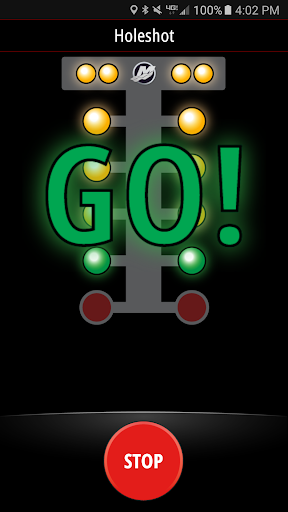
• Holeshot. A racing game that uses your device's GPS to see how soon you can get to 20mph
• Enter fuel on-board and the app tracks fuel usage
• Average speed and fuel economy is calculated and used to estimate Distance to Empty and Time to Empty
• Receive active fault alerts and corresponding descriptive fault information
• Enter Maintenance records and get appropriate reminders in the future
• See your location on a map with nearby Points of Interest
• Capture Moments such as pictures or fish caught with a location tag
• Use the calendar to review Moments or Maintenance
• Weather and wind conditions updated periodically
• Communicate wirelessly to your SmartCraft® engine through a Bluetooth Low Energy connection
• Allows for normal phone operation – call, text, streaming music, search the web, etc. while connected to your Mercury Marine SmartCraft® engine
************ IMPORTANT INFORMATION *************************
• Mercury Marine’s VesselView Mobile app is free to install. The VesselView Mobile module can be purchased through Mercury Marine dealers or through a link inside the app.
• The VesselView Mobile module works with SmartCraft® capable engines built since 2003 (40HP and up). One to four engines can be viewed simultaneously.
• The VesselView Mobile module simply connects to a SmartCraft® connector located either at the helm or on the engine.
• Continued use of GPS running in the background can dramatically decrease battery life.
• Bug fixes and enhancements.







9Apps 4.9