


Call Forward App -
How To Call Forward and divert?
How To Call Forward -
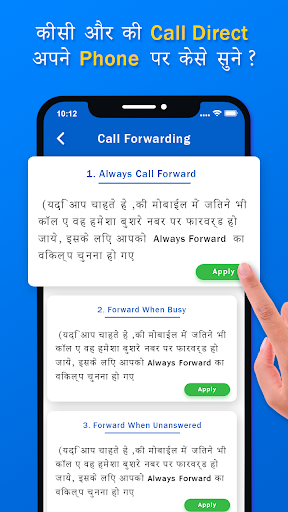
Call Divert App is very easy and simple to use for forwarding any incoming call to another Call number.
-> Features of App:
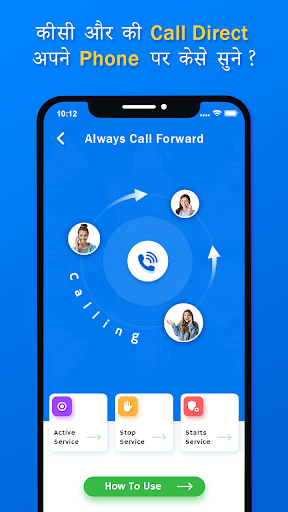
~ User can start, stop and activate service.
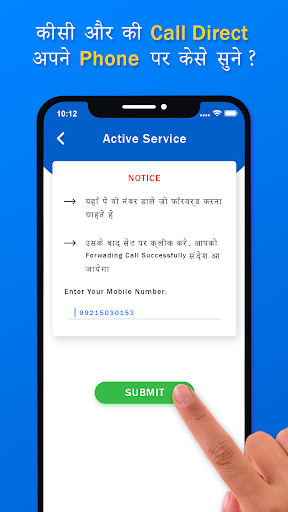
~ First Enter Mobile Number to Whom you Redirect call in Active Service.
~ Than press Set button and select your Sim to Forward call.
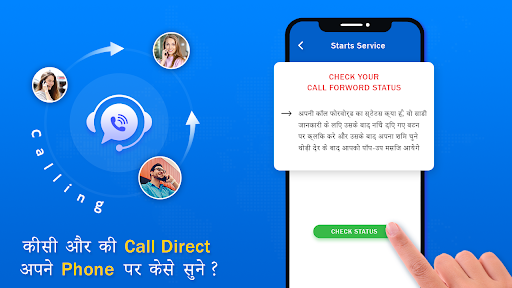
~ And than See in your notification to start your forwarding call.
~ To Stop all Forwarding call got to Stop Service and click Stop button to stop service.
~ "How To Call Forward" guide Available.
-> Step :
~ First of all enter mobile number for active services.
~ Then after press submit button and select that number of sim which you want to forwarding.
~ Then after see notification to start call forwarding.
~ if you want to stop service, click on Stop service button.
Advice: यह Application उस मोबाईल में Download करे जिस मोबाइल की कॉल आप फॉरवर्ड करना चाहते है|
Thanks a lot for use this app......!

9Apps 4.9














