
Linux Remote Control provides a keyboard and a mouse pad for your Linux computer. It comes additional with some extra features useful especially for HTPC use.
*** Features ***
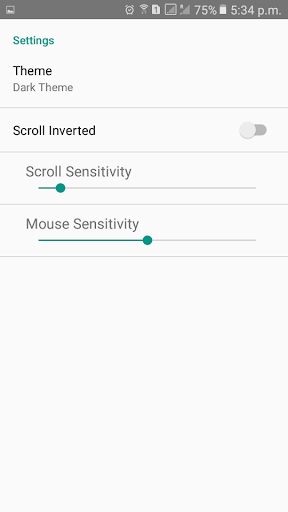
• 2 different themes (light and dark)
• Change audio volume with the volume buttons of your smart phone.
• Scroll up and down, for example in web pages, with a two finger swipe gesture.
• Zoom in and out with the pinch and reverse pinch gesture.
• Save as many host connections as you like.
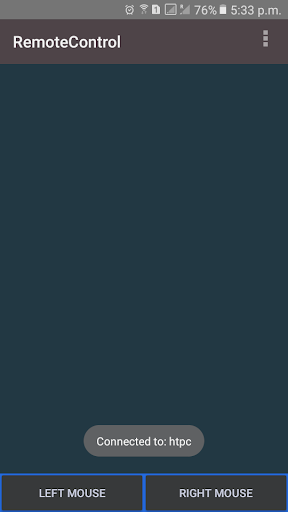
• Keyboard available if smart phone in landscape orientation.
• Mousepad and Mouse buttons available in portrait orientation.
• Mouse sensitivity adjustable.
*** How to connect ***
Linux Remote uses wifi to connect to the computer. Therefore the cellphone and the computer must be in the same network. If you add a new host to the app, Linux Remote will transfer the server software to the computer. The software will run as systemd service
and starts automatically when you start your computer.
1.) Required for the host software is python (2.x or 3.x) and pip.
If you use a debian based distribution run:
sudo apt-get install python3 python3-pip
If yum is your package manager try instead:
yum -y install python-pip
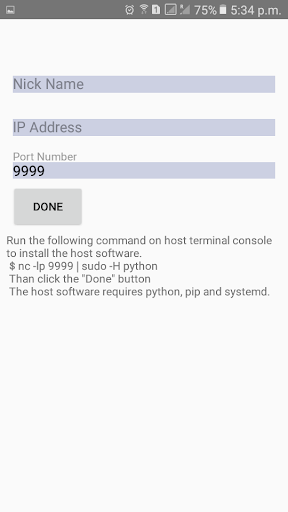
2.) Run following command on your computer:
nc -lp 9999 | sudo -H python
3.) Open the menu in the app and choose "Add host".
4.) Choose a nickname free by your choice and provide the IP-Address of your computer.
4.) Click the "done" button.
Thats it, enjoy your remote control!
Note:
I use the Remote Control App by myself for watching movies on my HTPC and appreciate any suggestions which features and improvements would be nice to have in future releases.
- fix sound controls








9Apps 4.9














