

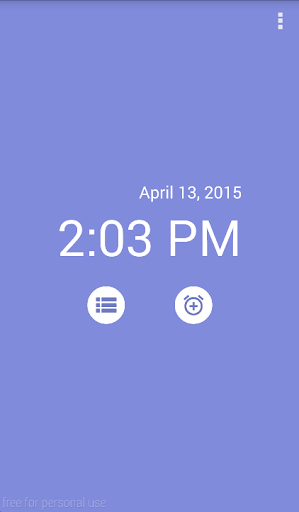
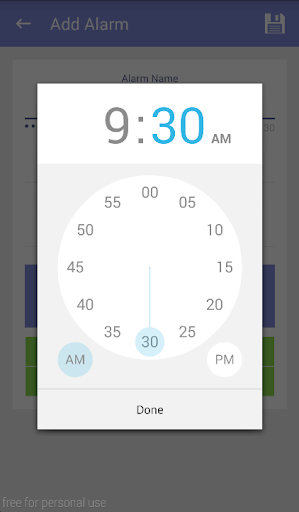
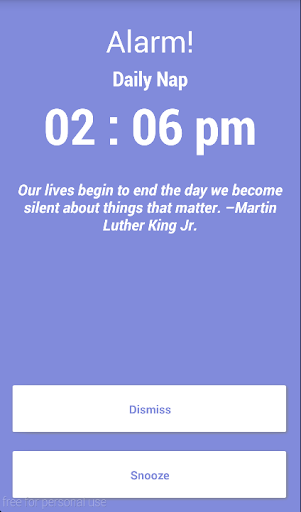

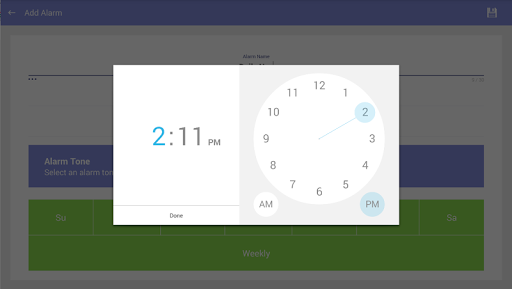
Being a bit of a heavy sleeper himself, Marty Hernandez developed an alarm With challenges such as Wake-athon, Tap-Tap, and Math and Word problems to ensure that the Snooze button wouldn’t be an escape to oversleeping. Smarty is an alarm smart enough to wake you up!
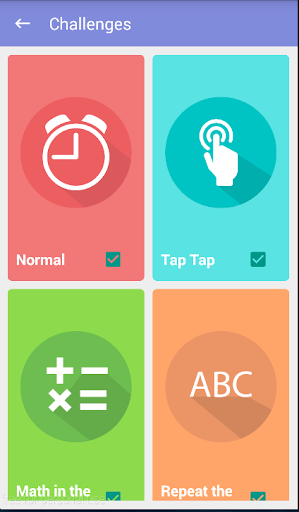
Smarty Alarm includes several challenges to wake you up!
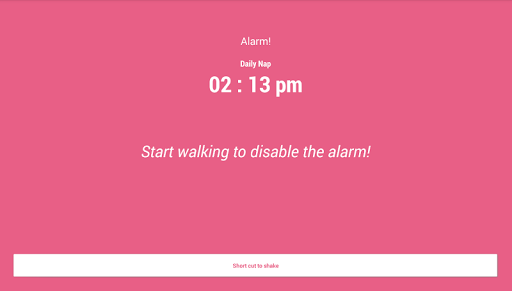
Wake up to Smarty’s walking challenge!
Wake-a-thon
-To turn off the Smarty alarm, the user will need to finish a walking challenge followed by shaking the device.
Try taking the shortcut and you’ll end up shaking your phone for a long time!
-For this challenge, the application will check if the device’s Wifi is turned on. If no Wifi is available, it is advisable to stay in areas with strong cellular signal. If no Internet or signal is available, the user will have to the shortcut.
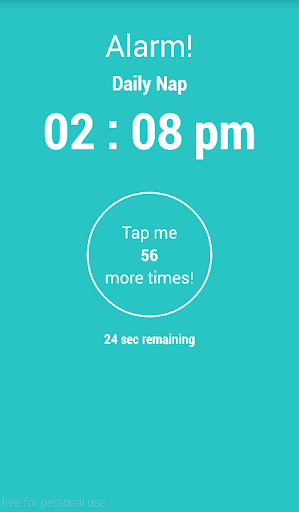
Tap tap
-To turn off the Smarty alarm, the user will need to tap the button a number of times within the given time frame. Failure to complete the challenge will reset the timer, and repeat the challenge again!
Repeat the Word
-To turn off the Smarty alarm, the user will need to re-type case sensitive random letters.
Math in the Morning
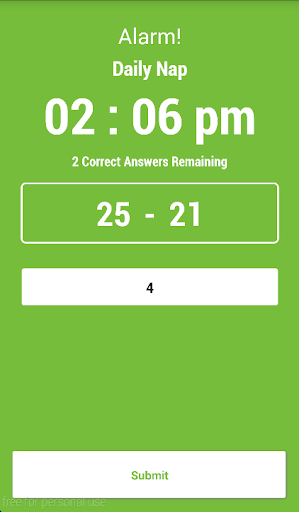
-To turn off the Smarty alarm, the user needs to solve addition, subtraction, and multiplication problems.
Fixed bugs






9Apps 4.9













