
The traditional art of note-taking and writing brought on your phone through a clean and clutter-free design to eliminate every distraction. Your creativity will do the rest.
Steno is a lightweight note taking, task list and writing app centered around minimalism to avoid all the unnecessary and distracting stuff.
Currently available features:
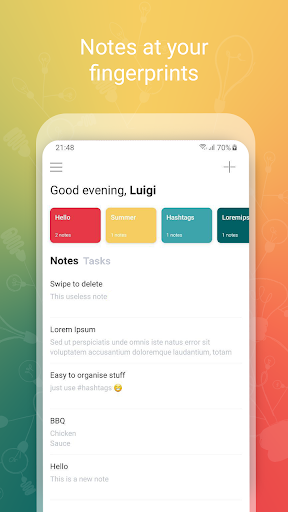
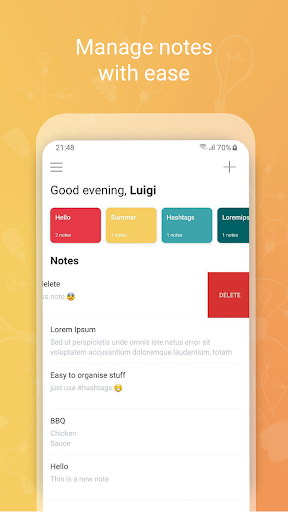
• Quickly add, edit and delete notes.
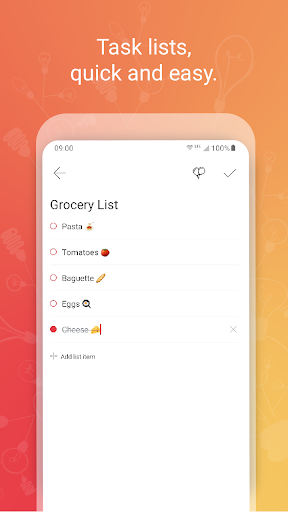
• Write down your Task list, to-do lists, grocery list etc.
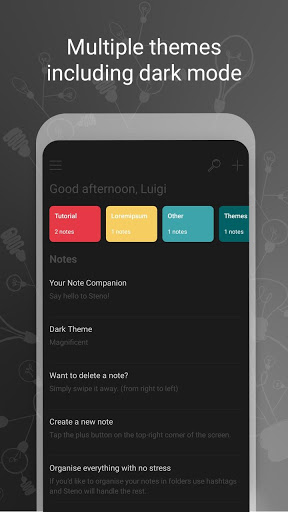
• Light-on-dark color scheme (dark mode) for less eye strain, OLED black color scheme (fully black) and other themes in the works.
• Support for undo feature in case of accidental note deletion.
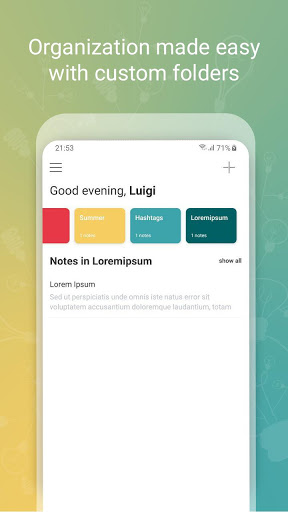
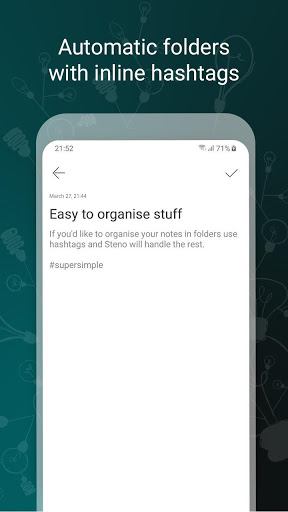
• Easily organize your content with hashtags: automatic-folders will group notes containing in-line hashtags (e.g.: #idea #todo #list etc.)
• Find what you need, fast: search through all your notes or filter them by folder/label.
• Share your notes with friends and family.
Beta testers who are interested in communicating more with us please refer to https://forms.gle/kbrtMBBscR8iRQX9A
If you'd like to take a look we keep also a change-log journal at https://stenoapp.com/changelog
• finally TASK LISTS!
— We have been telling our beloved users for a long time that we were working hard on a task list functionality and we are so thrilled to announce that it's finally here! Yes, you can now write down your tasks lists in an usual Steno way: beautifully simple. You can give your lists a name and add as many tasks as needed. We have also integrated simple yet explicable design elements to mark your tasks as 'done'.
• Usual bug fixes




9Apps 4.9













