

Thai keyboard Description
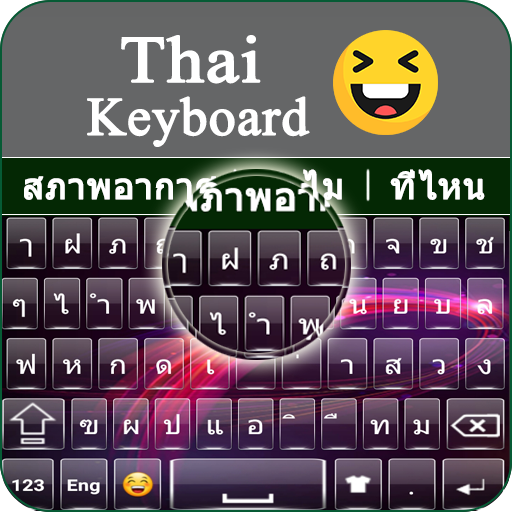
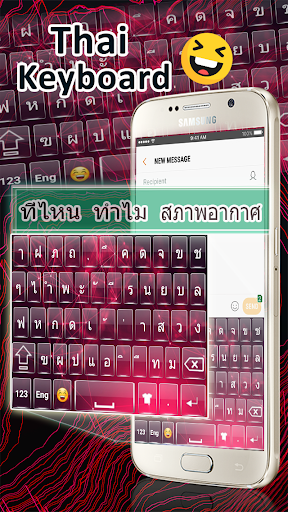
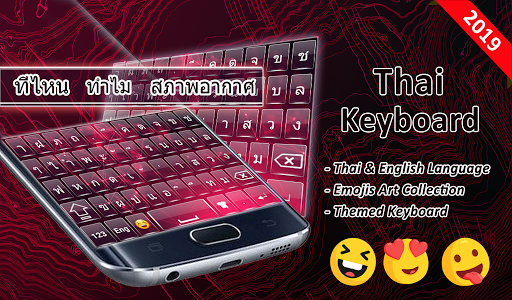
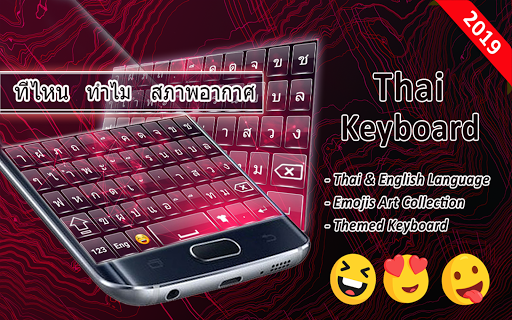
With the help of Thai keyboard, you can easily write in Thai language. Thai typing keyboard is the best Thai language app with stylish Themes and new Emojis. We are happy to present you this stylish Thai keyboard with unique and simple English and Thai alphabets typing. You can use Thai language keyboard with all social media apps to text, post or comment in the Thai language through Thai keypad. Thai keyboard is the best mobile keyboard for typing in the Thai language. Thai keyboard is specially designed for those people who love to type in Thai language. Thai keyboard is simple Thai typing app for users who want English Thai keyboard and Thai English Keyboard simultaneously. Thai keyboard for android is free Thai typing app. Typing Thai words in the Thai language with easy Thai typing keyboard. Thai keyboard app is fancy and simple English keyboard with its unique Thai alphabet order.
Thai keyboard Emojis, Themes and Fast typing Support
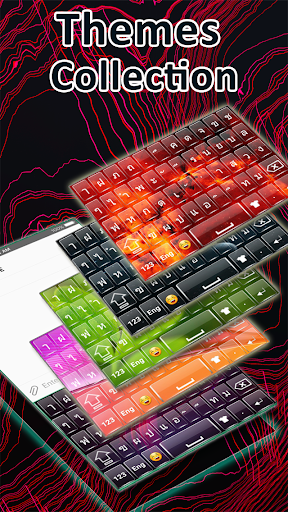
Thai keyboard is designed with a large amount of eye-catching and stunning themes. In Thai typing keyboard, all Thai alphabets, words, letters and punctuations are supported. It’s the easiest keyboard for Thai typing. Thai language keyboard work as default keyboard in your phones or tablets. Here, you have an option for typing in English when you want to switch from Thai typing. Thai typing allows you to type in Thai and English at the same time. Chatting with your friends in English and Thai with Thai keyboard app. Thai keyboard is easy to use and free to download. Install Thai language keyboard for fast and smart Thai typing app. Thai keyboard help writing in Thai language easily. Thai language keyboard is specially designed for the Thai speaking peoples who adore writing in their native language. Now chatting on messenger app and another social site with Thai keypad which is easy to use and cause no change to your keyboard setting and design.
Features of New Thai Keyboard
• Decorate your keyboard with 1000 emojis and Stylish Themes
• Set your picture as a background in keyboard
• Different settings are available to customize the background of Thai keyboard
• Thai to English and English to Thai keyboard
• Working offline mode
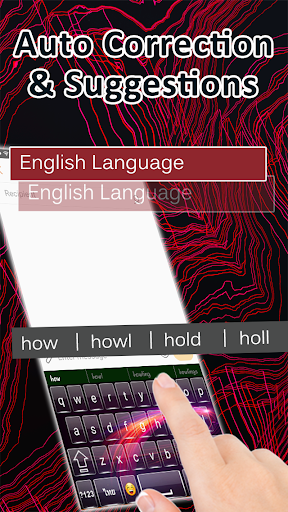
• Complete Dictionary and Auto correction with Fast typing
• Set of key press sound and vibration key press
*How to use Thai keyboard*
• Download and install Thai Keyboard app
• Open (“Thai keyboard”)
• Enable keyboard (“choose Thai keyboard”)
• Select input Method (“Thai keyboard”)
• Themes (“select your favorite”)
You can suggest us to update our Thai typing keyboard. We will take action on your reviews and make Thai keyboard better as you want. Share it! Give the Reviews for additional upgrades! Much obliged to you.



![[Cozy ASMR] 1h keyboard typing for sleep, relaxation and focus ☁️ screenshot 4](https://i.ytimg.com/vi/RGM2YSuw-y4/mqdefault.jpg)


9Apps 4.9














