
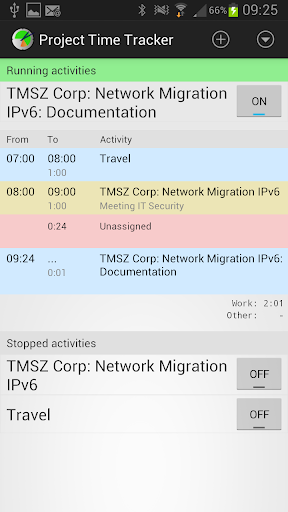
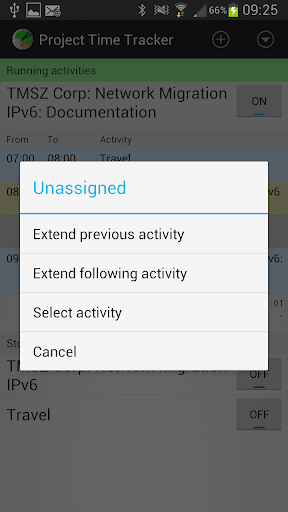
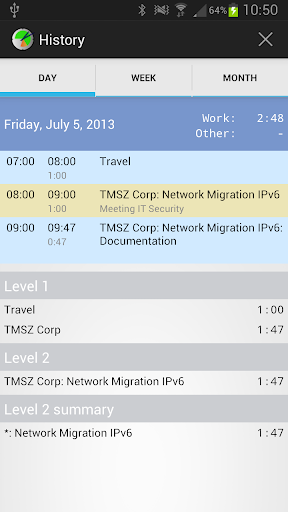
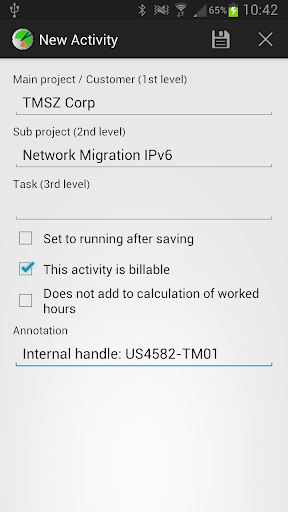
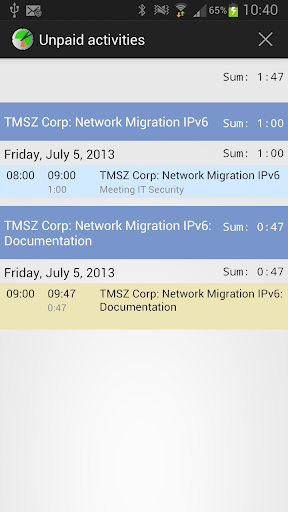
- Easily track where you spend your time
- Activities are defined by up to 3 levels (e.g. Customer -> Project -> Task or Recreation -> Sport -> Soccer)
- View by day, week or month (optionally filtered by activity)
- Track frequencies, e.g. "Last month, I've been to the gym 3 times"
- Optional usage and automatic conversion of time unit based entries, e.g. 1 unit = 6 minutes
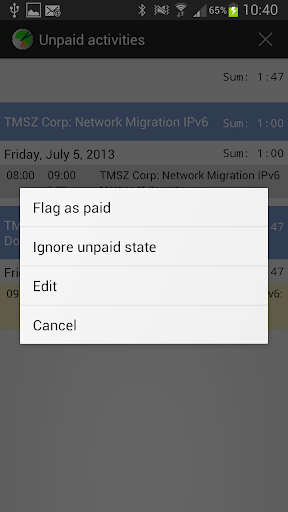
- Mark activities as chargeable and view records that have not been charged yet
- Add comments to each activity log or per day for detailed reporting
- Track activities that run in parallel, e.g. track duty time while working for another project
- Define activity groups to separate work from spare-time records or different customers
- Create e-mail reports (Export as HTML, XLS, XML or CSV) for printouts and archiving
With the free installation of Project Time Tracker you can track up to 4 activities. Simply unlock an unlimited number of activities from within the app in case you require more. For pricing information, please see below details on "In app products", the price includes the activation of an unlimited number of activities. Besides the limitation to max 4 activities, the free version is fully featured and has no other restrictions.
For questions or problems, please contact info (at) lunaapps.com or use the contact form on our web page.
Keywords: time tracking timesheet time tracker project time tracker
1.29: Bugfix for start view, activity start can now be in the future
1.28: Type 4 mail reports now include a summary for level 1 and history views now include a summary for level 3
1.27: New option to include a user name for type 4 reports
1.26: Modify paid status by date range
1.25: Backup: Store backups in app folder by default
1.24: Settings: Default unit value for new time based activities
1.23: Bugfix: Empty names when having lots of activities
1.22: Mail report: Export in CSV format
...








9Apps 4.9













