
Pixel Draw - Pixel Art icon

Pixel Draw - Pixel Art

0.9.4 for Android
4.0 | 50,000+ Installs | Reviews

Łukasz Dziak

Description of Pixel Draw - Pixel Art

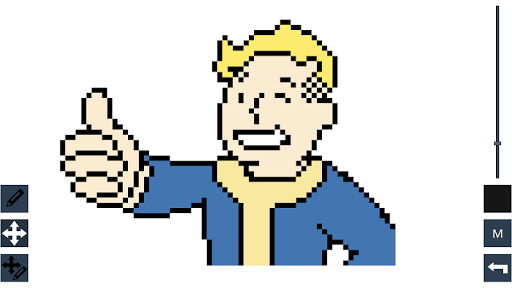
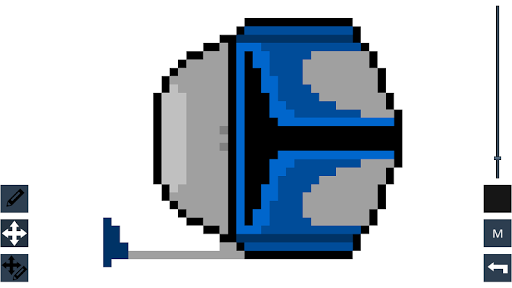
App that allows you to make pixel art. You can select color for each pixel, move around by sliding, zoom in/out and change colours. In addition you are able to save your work to file and load it later. You can also save screenshot to .PNG file and share your work on facebook. Have fun!
Main Features:
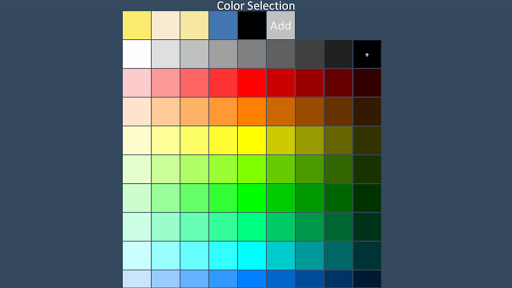
- Colors Palette
- Add own colors
- Draw, move, move draw modes
- Zoom in / zoom out
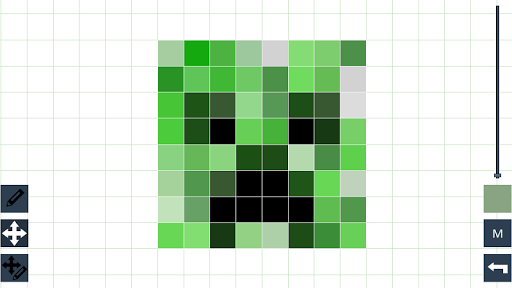
- Optional grid
- Save and Load
- Save screenshot
- Export as image
- Send screenshot or image by email
- Share screenshot or image on facebook

What's New with Pixel Draw - Pixel Art 0.9.4

Changes:
- Fully resizable canvas
- New Save/Load menu
- Added importing drawing from .png image
- Some small improvements

Information

  • Category:
    Tools
  • Latest Version:
    0.9.4
  • Updated:
    2017-01-31
  • File size:
    3.6MB
  • Requirements:
    Android 5 or later
  • Developer:
    Łukasz Dziak
  • ID:
    com.luke.pixelDraw
  • Available on:
Reviews
  • avatar
    This sucks so badly. You can't even change the color. Imma go sleep now bye
    2019-07-31 08:35
  • avatar
    it was nice, but it kept glitching. would have been better if it stayed on the block i touched.
    2019-04-30 12:14
  • avatar
    good does the job
    2018-12-28 08:30
  • avatar
    the app is good but the grid you draw on is not inline with the coloured grid that can't be drawn on, therefore it can make so that the lines don't go where you want... can you pls fix this? :/
    2018-12-18 08:06
  • avatar
    I don't know if anyone else has this problem but my grid is always blank and when I try to change the color it only changes the background not the grid.
    2018-09-02 08:17
  • avatar
    I like being able to draw but this makes it hard the controles are bad
    2018-07-11 03:46