
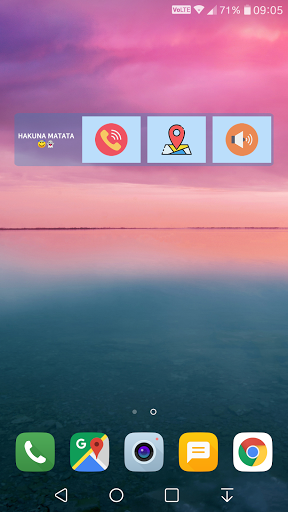
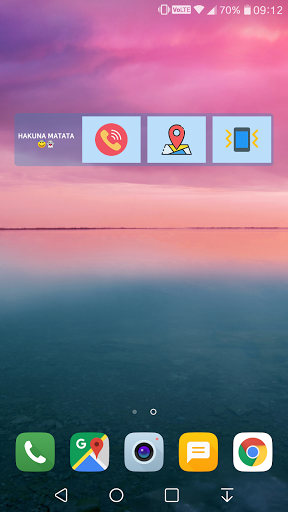
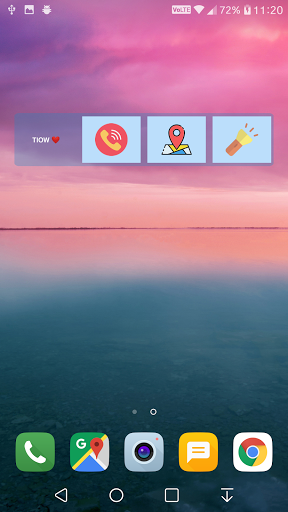
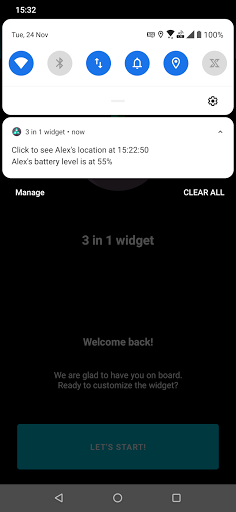
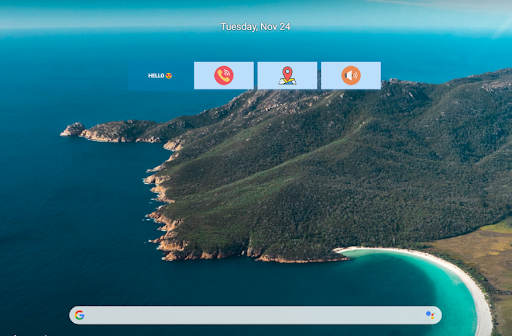
This widget lets you do 3 things - Speed dial any one ☎️, track others' locations along with phone stats ⛯ and control your phone ⚙️.
If you want the following three things at your fingertips on your phone's home screen then you are going to love this widget -
1. Speed dial any of your favorite contacts by a single touch 📞
2. Track real time locations of your family, friends and loved ones by a single touch 👨👩👦👦 🗺️
3. Ability to silent your phone by a single touch 📳🔇 or turn on/off flash light quickly 🔦
You can also share your unique location ID with others using this widget so that they can track you. ⛯
You also get to track others' phone stats like battery level. 🔋
This widget comes with a lot of customizations so that you have the control over everything. ⚡
📋 How to use:
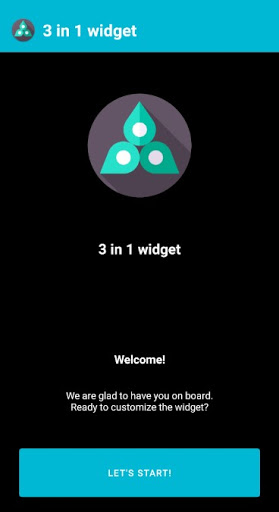
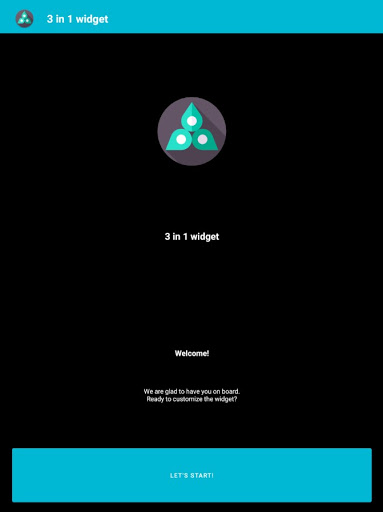
1. Open the '3 in 1 widget' application after install and click 'LET'S START'.
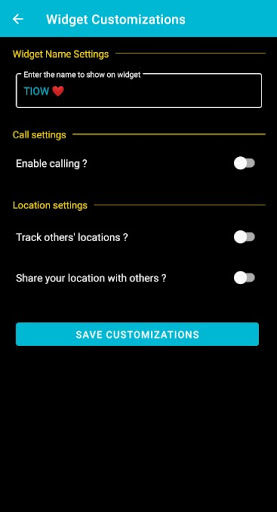
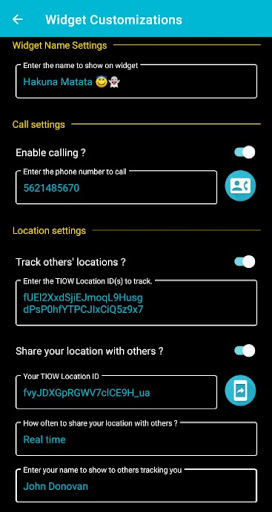
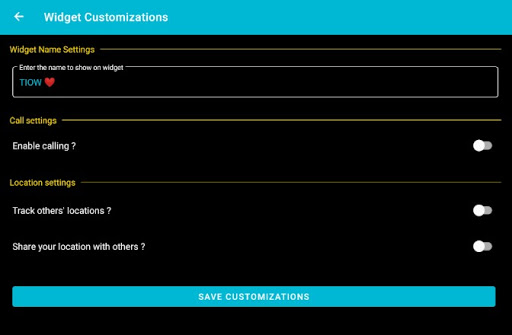
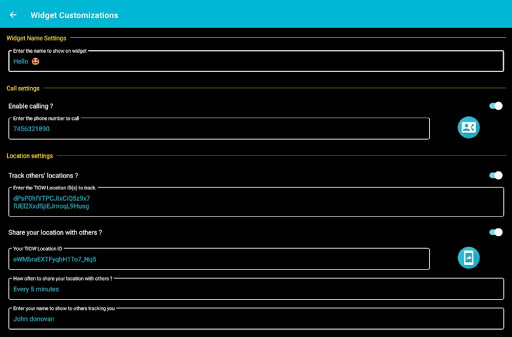
2. Under 'Widget Name Settings', enter the name that you want to display on
the widget. It can be anything and can contain emojis as well.
3. Under 'Call Settings', if you want the speed dial feature then enable it and add the number to call when call box is clicked on the widget. You can also click on 'Contacts' button next to it to select a number from your contacts list.
4. Under 'Location settings', if you want to track locations of your family and friends then enable "Track others' locations ?" option and add their unique TIOW location IDs. TIOW location IDs can be found in their '3 in 1 widget' applications installed on their phones. You can also add multiple location IDs by pressing 'Enter' after every location ID.
5. If you want your family and friends to track you then you can enable 'Share your location with others ?' option and share your unique TIOW location ID with them. Click on 'Share' button next to it to share your location ID.
6. You get to decide how often your location should be shared with others who are tracking you. For e.g. 'Every 15 minutes' means your current location is shared with others after every 15 minutes.
7. You can also choose the name which will shown to others when they track you using your TIOW location ID.
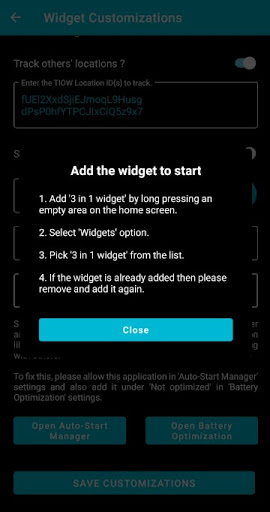
8. In the latest Android versions, background operations like fetching location can be restricted which can impact your location sharing with others. To fix this you can enable support of this application in 'Auto-start Manager' and 'Battery Optimization' settings which ever is present in your phone. This will make sure the application works seamlessly in the background.
9.
Under 'Third button settings', you can select what you want to do with the third button on the widget.
10. Click 'SAVE CUSTOMIZATIONS' to save your customizations.
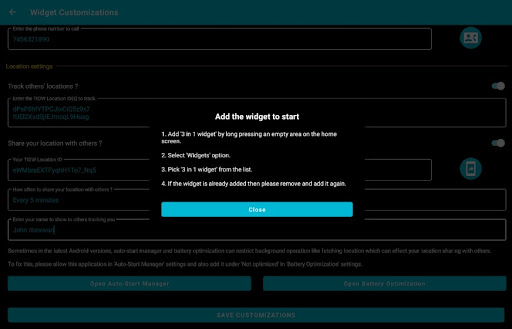
11. Follow the steps to add the widget and enjoy it. 😊✨
12. At any point of time you can go back to the application and disable any option. For e.g. if you want to stop sharing your location with others and then disable 'Share your location with others ?' option and then click 'SAVE CUSTOMIZATIONS' button.
Permissions needed and why 📑
- Phone -> To
initiate a call to the added phone number
- Contacts -> To show you the list of contacts to select the phone number
- Storage -> To be able to store your customizations on your phone
- Location -> To be able to fetch your location to share with whoever has your location Id even when the application is closed or not in use.
All permissions are optional and are required based on your use.
Privacy policy -> (https://docs.google.com/document/d/1whxp3njgkMcE3f_3n5x7CLsa0LYjgsqs4BQNgid_lq0/edit?usp=sharing)
Coming soon ⌛
- Ability to track more phone stats other than battery level
- Ability to configure more settings in your phone
Contact us 📧
If you have any suggestions or want to report an issue, you can contact us at meetsakura@gmail.com
Cheers! 😃




9Apps 4.9














