
Time is your lock screen's password.
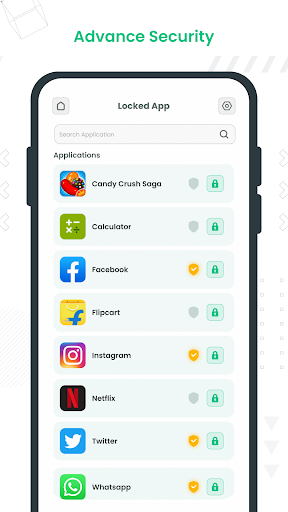
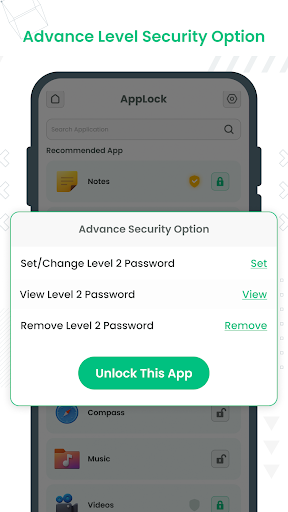
In this Lock Screen, you can set an application-wise DIFFERENT PASSWORD so that if someone knows your one application's password, then that intruder can open only that particular application, not other applications.
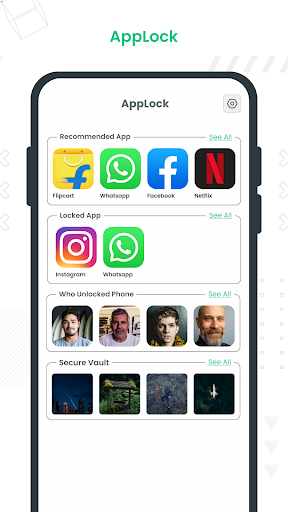
Lock Screen can lock Facebook, WhatsApp, Gallery, Messenger, Snapchat, Instagram, SMS, Contacts, Gmail, Settings, incoming calls, and any app you choose. Prevent unauthorized access and guard privacy and ensure security.
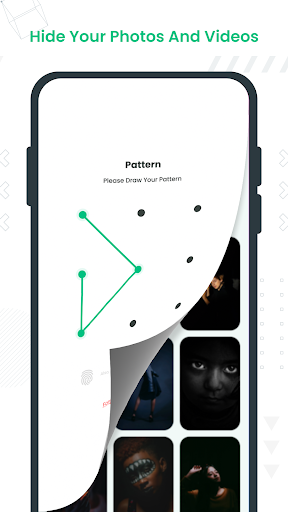
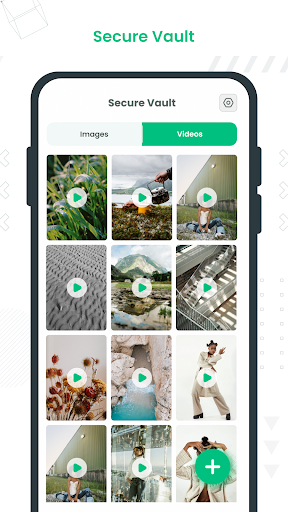
Lock Screen allows you to hide all types of files, including photos, videos, and other items in a hidden space with password protection.
Lock Screen - Time Password is a light app protector tool to protect your privacy in mobile apps.
With a Lock Screen, your apps are protected quickly. You can change the password whenever you want. Best of all, you no longer have to worry about your personal information being revealed when using the Fingerprint Lock Screen.
Features of the Lock Screen - Time Password:
🔐 Different passcode/patterns
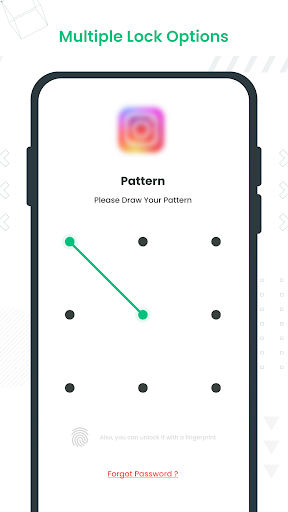
You can also add extra security levels to the locked app because we provided an advanced lock system with the help of the Lock Screen - Time Password, You will be able to set different passcode/patterns to a different applications. So if someone knows your one application’s password, they will access only that particular application, not others, because other applications will have different passcode/patterns.
🔐 Lock Screen - Time Password
For apps that have been locked, people need to enter a password or draw the unlock pattern to use. Lock Screen - Time Password can prevent privacy from leaking to others. Prevent unauthorized access and guard privacy. Ensure security!
📷 Hide photos & videos
Secret media files will be stored in Lock Screen - Time Password and will not be shown in any other photo album, gallery, or file manager. Keep others away from your private photos, videos, and movies in safe media files vault.
● Capture Intruder Picture
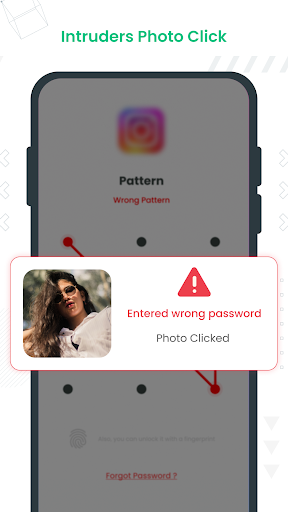
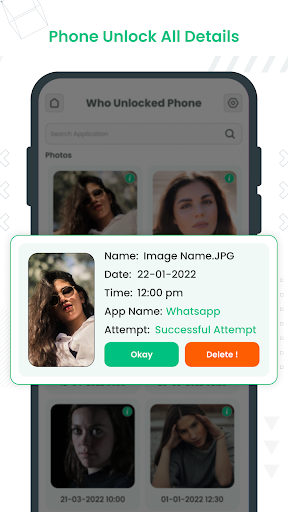
If someone tries to open locked apps with the wrong password, Lock Screen - Time Password will capture the picture of the intruder from the front camera and show you when you open Lock Screen - Time Password and also will capture the picture if you will enable successful attempts.
● Lock Recent Apps
You can lock the recent apps page so no one can see the content of recently used apps.
● Custom Settings
Use separate combinations of locking methods with different pins or patterns for specific apps.
● Fingerprint Support
Use fingerprint as secondary, or use only fingerprint to unlock apps.
● Turn Off Lock Screen - Time Password
you can turn off Lock Screen - Time Password completely, just go to app settings and turn off the app.
● Simple and Beautiful UI
Beautiful and simple UI so you can perform any task easily.
● Lock Screen Theme
lock screen changes color according to the app that you locked, whenever the lock screen appears you will experience Lock Screen - Time Password differently.
● Prevent Uninstall
To protect Lock Screen - Time Password from uninstalling you can go to the Lock Screen - Time Password setting and press "Prevent Force Close/Uninstall".
● Easy to Use
Just One Click to set locked apps and unlocked apps.
Hopefully, you will enjoy this amazing app. Lock Screen - Time Password is still in the development period so your feedback is welcome. If you have any questions, don't hesitate to contact us. Thank you. Have a nice day!
IMPORTANT:
Your privacy is important to us! Lock Screen - Time Password app does not copy or store your photos and videos.
Do not uninstall Lock Screen - Time Password, clear app data, or delete files and folders generated by Lock Screen - Time Password before backing up your data Otherwise, your files will be lost forever.
We focus on privacy protection and we are dedicated to providing the most advanced photo locker and video hider to keep your privacy safe!
Contact us: aquadeveloperllc@gmail.com

![Fixed: Forgot iPhone Screen Time Passcode! [Recover & Reset] screenshot 1](https://i.ytimg.com/vi/f-12T5CsQG8/mqdefault.jpg)



9Apps 4.9














