


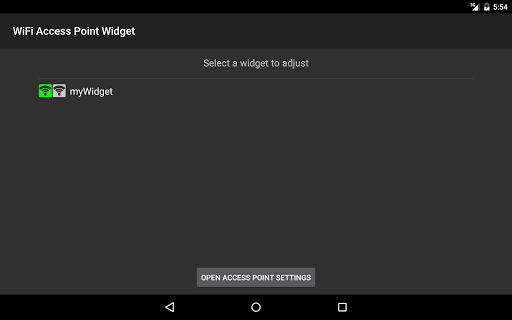


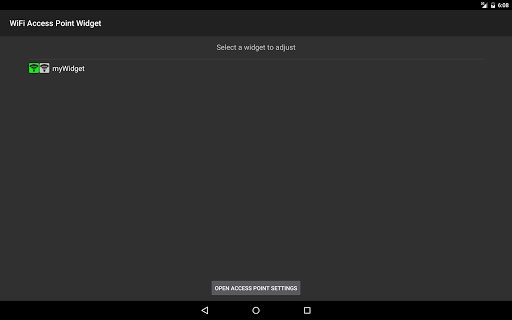
Widget allows you to enable/disable the portable WiFi hotspot (WiFi Tether) feature on your device with just one touch. Now you can easily share your Internet connection to other devices. Save your money!
Functions:
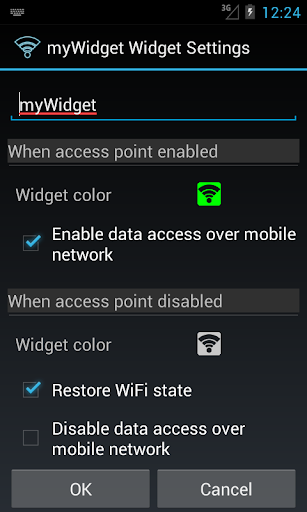
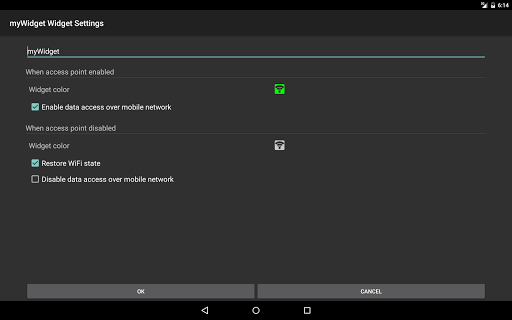
- the ability to customize the color of the widget;
- the ability to customize the size of the icon;
- enabling/disabling mobile data (3G/4G);
- restoring the WiFi state.
How to use:
1. Install app.
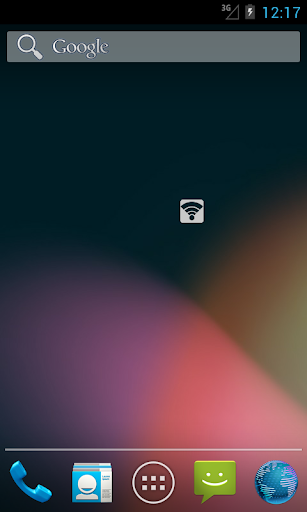
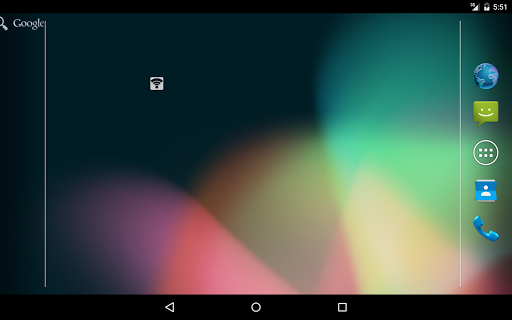
2. Add widget to your Home screen:
- long press (touch and hold your finger down) on any open spot on one of your Home screen pages. This will bring up a list of options;
- touch Widgets from the list of choices;
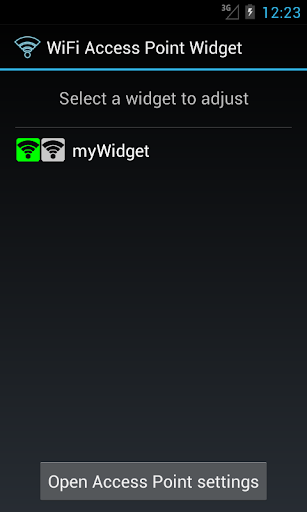
- scroll through your list of installed widgets and select the WiFi Access Point widget;
- adjust the widget settings.
3. Tap WiFi Access Point widget to enable/disable the portable WiFi hotspot.
Features:
- small size of the application;
- individual settings for each widget;
- ease of use;
- absolutely free and without ads!
Remember to set a password in the settings of the access point!
If this application doesn't work on your device, please send us the details, we will try to fix it.










9Apps 4.9














