
Lite Pdf Pro - Free Offline Pdf Tool & Editor App is an all-in-one editing tool for PDF files. A Make In India PDF Maker..
View, Edit, Scan, Annotate, Markup, Comment, Convert, Manage, Fill & Sign on your PDF pages with Pdf Pro - Free Offline Pdf Tool & Editor App for now!
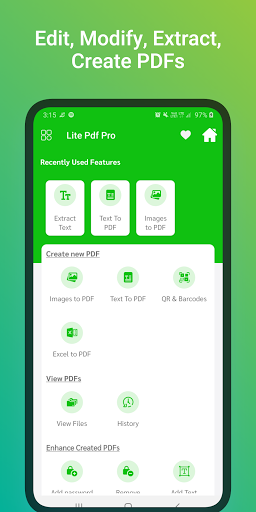
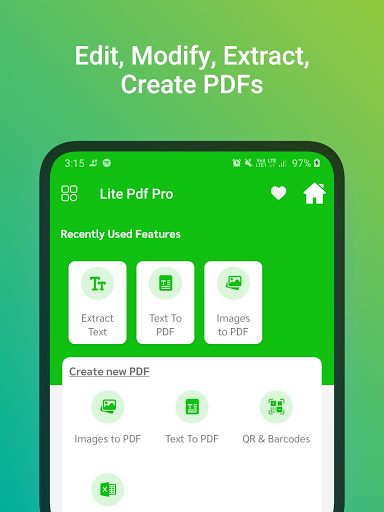
All-In-One PDF Editor! Editing and modifying PDF files is 100 % FREE and easy-to-use. Create a PDF document or edit and modify PDF file directly on your device in just a few seconds.
Lite Pdf Pro - Free Offline Pdf Tool & Editor App does more than just bring a few new editing tricks to PDFs. Actually, this PDF app can add extra depth to the way we interact with these popular files.
It is the most efficient Indian professional PDF tool.
Pdf Pro - Free Offline Pdf Tool & Editor App is the best office application that helps you interact with PDF files, PDF documents easily and conveniently.
If you are looking for a simple and effective document reading application to support your work and study, Pdf Pro - Free Offline Pdf Tool & Editor App is a perfect application. More than just a reading app so you can take notes, convenient, and easy to memorize notes. Quickly open and view PDF documents. A simple list of PDF files Search, scroll, and zoom in and out. Choose a single page or continuous scroll mode. Bookmark PDF pages for future reference
Go to the page number directly and see the page count and total pages. Scroll PDF Documents page by page..
Coming soon Lite Pdf Pro - Free Offline Pdf Tool & Editor support for Windows, Mac and iOS.
Lite Pdf Pro - Free Offline Pdf Tool & Editor App is the best offline free professional alternative to Adobe Scan, Adobe Acrobat, PDF Reader, WPS PDF Pro ,etc.
Key Features of Pdf Pro - Free Offline Pdf Tool & Editor App :
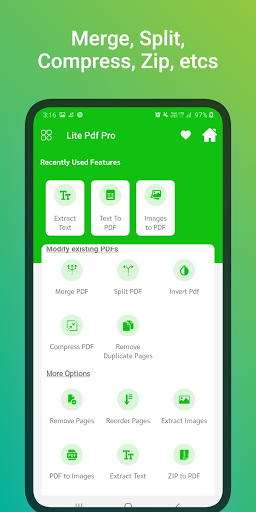
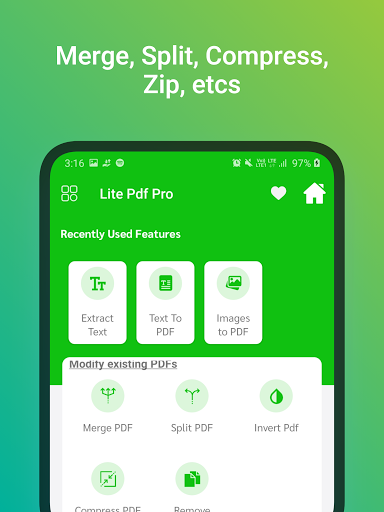
1. Split PDF: Split a PDF file at a particular page into multiple files. Now no worries about a large file to split.
2. Merge PDF: Select two or more PDF and merge into a Single PDF Document.
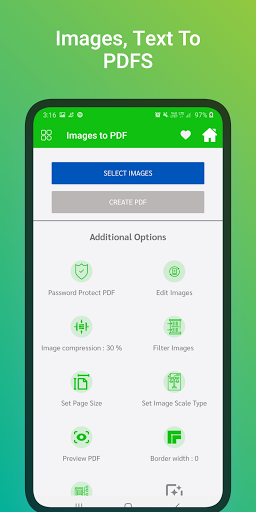
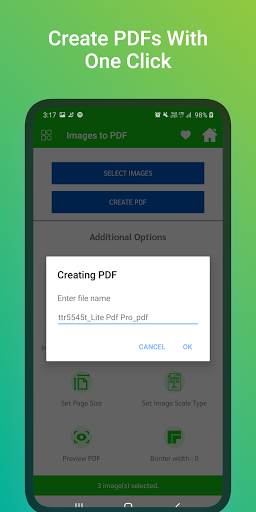
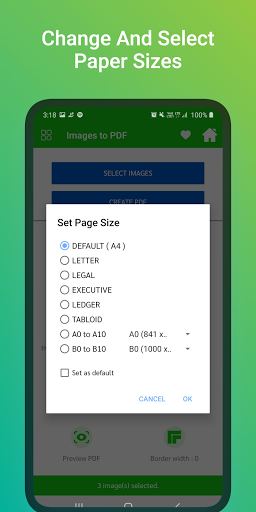
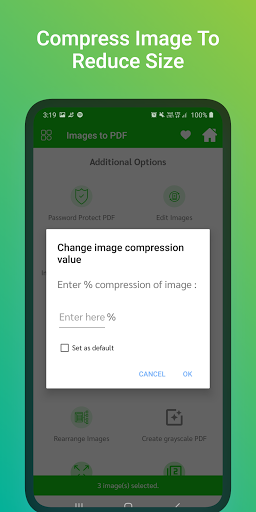
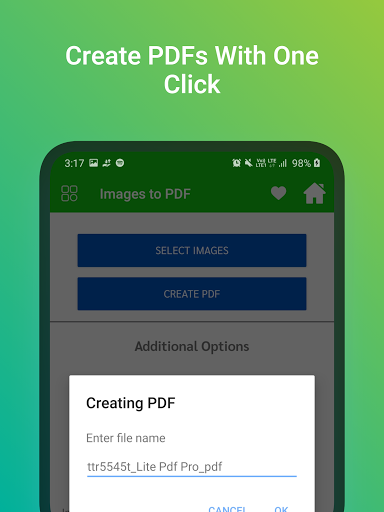
3. Images to PDF(PNG to PDF or JPG to PDF): Select one or more images to create a PDF files of it. Now enjoy an album of your golden memory into PDF and share it with anyone.
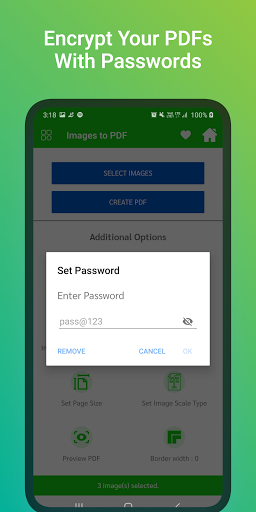
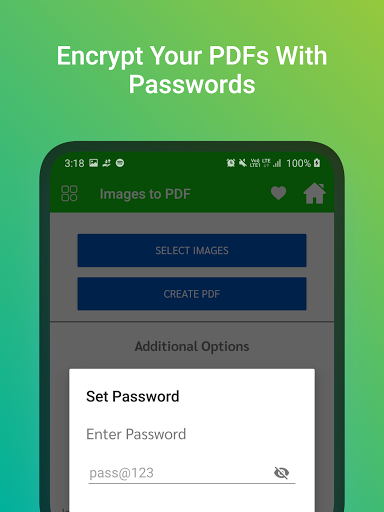
4. Lock PDF (Encrypt PDF): Enjoy an unlimited privacy of your PDF Document by encrypting it with a Password.
6. Unlock PDF (Decrypt PDF): Remove password from a PDF to enjoy hassle free access.
7. Extract Pages: Extract specific pages from a PDF.
8. Extract Images: Extract all images from a PDF.
9. Rotate PDF Pages: Rotate specific page of PDF e.g. Portrait to Landscape & Landscape to Portrait by an angle 90,180 or 270 clockwise.
10. Reorder PDF Pages: Reorder the pages of PDF by changing an order of pages by drag & drop on long press.
11. Delete PDF Pages: Delete specific pages from a PDF.
12. Add Background Color or Add Background Image to PDF: Select any color or image to apply it to the background of PDF.
13. Add/Edit Metadata of PDF: Add or Edit Metadata of PDF will allow to add or edit Title, Author, Creator, Producer, Subject, Keywords of PDF.
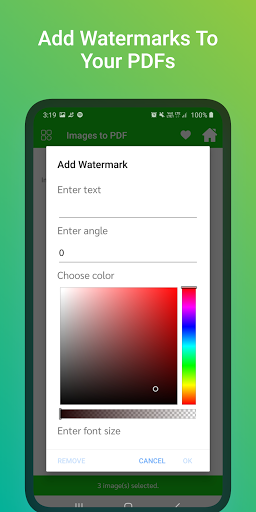
14. Add Text watermark to PDF: Apply a text watermark to all pages or specific pages of PDF with many other option e.g. Watermark Position(Top, Center, Bottom), Watermark Font Style (Normal, Bold, Italic, Bold Italic), Watermark Rotation (0 degree, 45 degree, 90 degree, 135 degree), Select the watermark placement type(Over Content or Under Content), Watermark Font Size, Watermark Font Color.
15. Add Image watermark to PDF: Apply an image watermark to all pages or specific pages of PDF with many other option e.g. Select the watermark placement type(Over Content or Under Content), Watermark Opacity, Watermark Size (Full/Fit Screen or Can select specific size).
16. Add Empty/Blank Pages: Add an empty/blank pages to specific page of the PDF.
17. Delete Blank Pages: Delete blank pages from a PDF automatically.
You are just one click away from modifying your PDFs and give them a professional style.
All-In-One PDF Editor! Editing PDF files is 100 % FREE and easy-to-use.
** Minor bugs are fixed*




9Apps 4.9












