


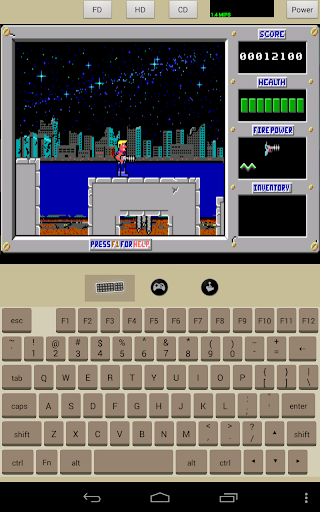
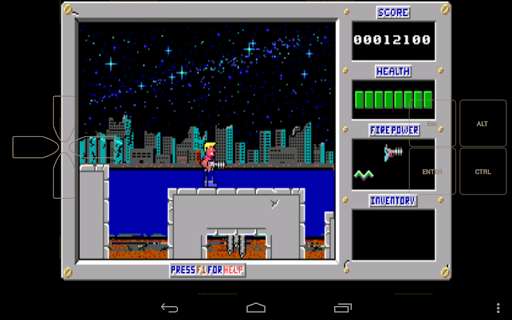
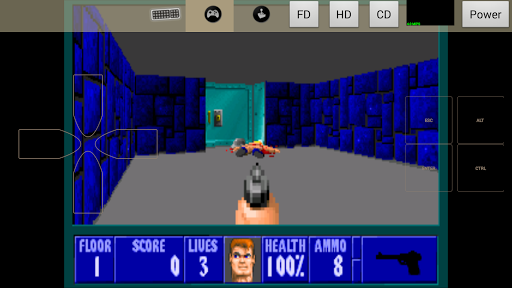
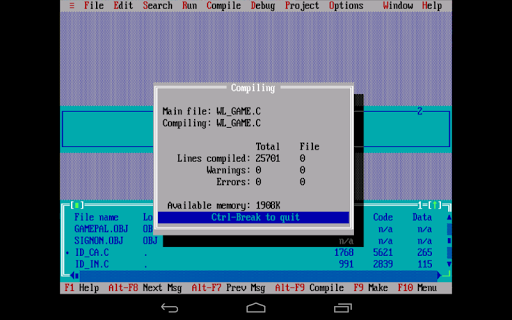
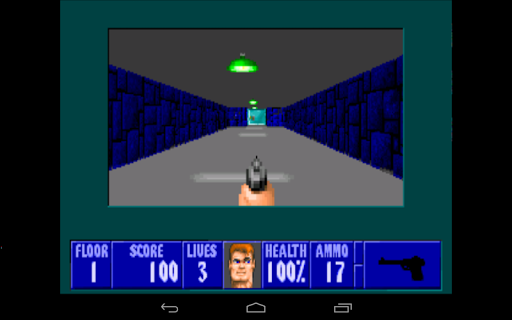
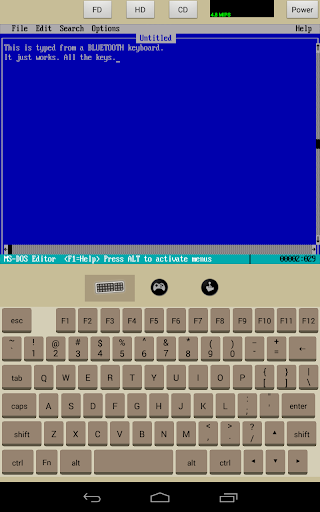
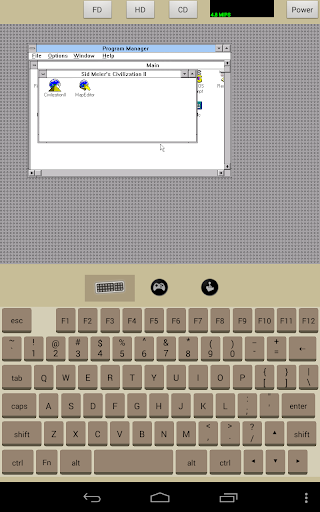
Aemula is a virtual PC mainly for running DOS programs, playing DOS games. This emulator is implemented with hand optimized assembler and multi threading emulation to squeeze every bit out of your dual core tablet. Under the humble cover is a beast that can turn your device into a cutting edge PC in the early 90s.
• i486 PC emulation
• CPU Speed adjustable on the fly. When running at 10MIPS, its speed is comparable to 80486DX 66MHz (As reported by Norton sysinfo).
• Floppy disk drive, Harddisk, and CDROM
• 8bit Sound blaster 2.0
• VGA / SVGA Cirrus5430
• Emulated Serial Mouse
• Emulated Joystick
• PC compatible keyboard
• Larger configurable keypad for gaming control
• Support external bluetooth keyboard
NOTE:
Aemula comes with a Freedos boot disk. You can install other compatible OS on it. Visit http://aemula.litchie.com/guide.html for more help information.
v2.2
- Fix UI issues on phone
- Add "Ctrl-Break" key support. Please delete the rombios.bin under /sdcard/aemula, let the app generate a new one for you.
v2.1
- UI compatible with HD phones
v2.0
- UI Improvement: fullscreen in landscape mode
- External keyboard support
v1.6
- Add SVGA (Cirrus 5430) emulation
Please delete your init.l file and let it regenerate.
v1.5.1
- Make keyboard higher. Easier to target.
- UI improvement.








9Apps 4.9














