Clock Seconds Pro + Widget icon

Clock Seconds Pro + Widget

2.4.1 for Android
4.0 | 5,000+ Installs | Reviews

Light Dot Net

$2.99

Description of Clock Seconds Pro + Widget

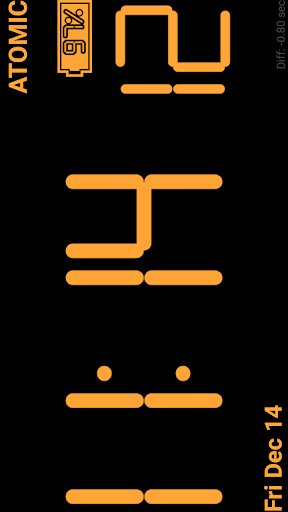
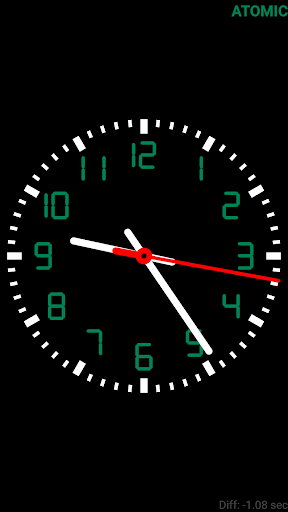
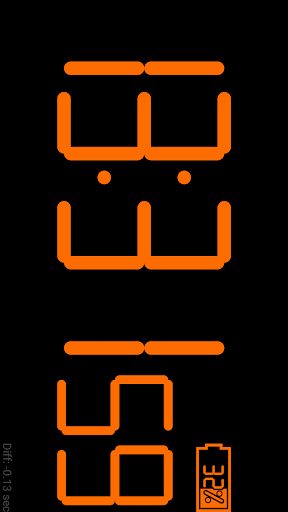
This app is a combination of "Digital Clock Seconds" and "Atomic Wall clock", with additional options:
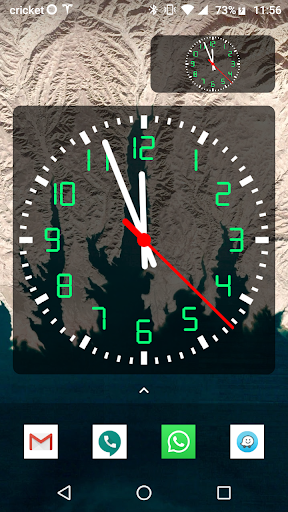
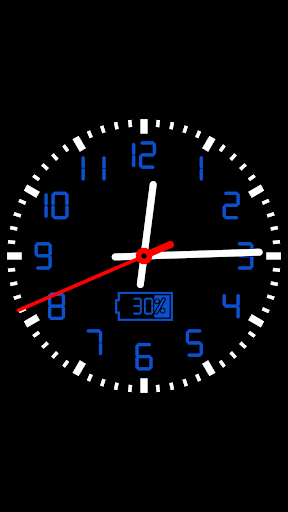
* Analog / Digital clock option.
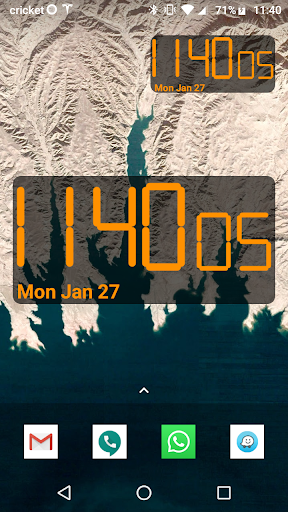
* Resizable Widget.
* Show Date option.
* Atomic sync with NIST Internet Time Server (see http://www.time.gov/), to give you the most accurate time.
* Full screen option.
* Split screen / Picture in picture.
* Accurate battery level. (Hidden when reached 100%).
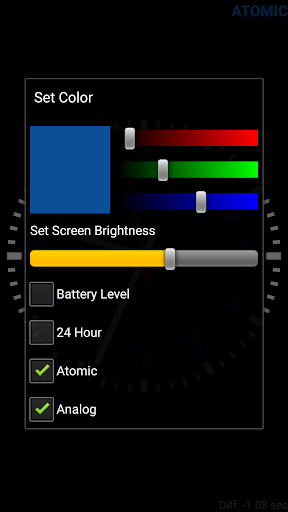
* Select any colors using red / green / blue sliders.
* 12 / 24 hour.
* Adjustable screen brightness to preserve battery consumption.

What's New with Clock Seconds Pro + Widget 2.4.1

- Transparent widget background.
- Larger date text.
- Beep every hour option.
- 2 digits 24 hour option (Army time).
- Bug fixes.
Thank you for the comments in the reviews, we are continually working to improve the app.
You may also email support@lightdotnet.com with your suggestions. Thank you.

Information

  • Category:
    Tools
  • Latest Version:
    2.4.1
  • Updated:
    2020-02-17
  • Requirements:
    Android 0 or later
  • Developer:
    Light Dot Net
  • ID:
    com.lightdotnet.wallclockpro
  • Available on:
Reviews
  • avatar
    Worked great before, but crashes immediately upon startup everytime now, despite paying for it, a real shame. Edit: Thanks for the prompt fix, works great now, updated back to 5stars.
    2023-08-31 05:29
  • avatar
    Nice clock but it's a major battery hog. in response to being told to Lower my brightness.... the clock doesn't need to be active on the screen to be draining my battery at an unacceptable rate. Honestly it was so long ago if you would of responded sooner I would of been able to provide screen shots of my phone telling me it was the widget causing major power consumption
    2023-08-30 11:30
  • avatar
    Great until today AUG 30 2023 Until today, Wednesday, 30 August 2023, Clock Seconds Pro displayed the correct digital time - ie 7:09 AM - on my android screen as part of the touch screen icon. Now, it is just a static analog clock that displays 10:59 ... I cannot find a way to "fix" this in the settings or Google Play. I have enjoyed this app I paid for across many years. It was valuable to me in a job where I had to brief over 100 men every weekday morning for more than three years.
    2023-08-30 11:16
  • avatar
    Used for years. Just installed on Pixel 7 and it's stopped working. Widget just frozen. Won't open. What a shame.
    2023-08-22 05:58
  • avatar
    Perfect app! Right to the point app Simple with many different color options to change things up periodically.
    2023-06-16 05:27
  • avatar
    Needs a exit button
    2023-04-25 11:48