

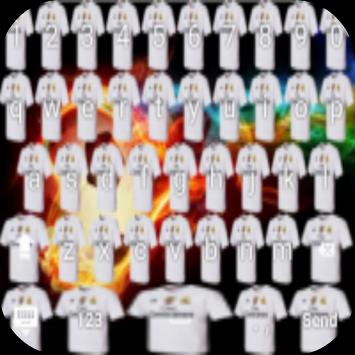
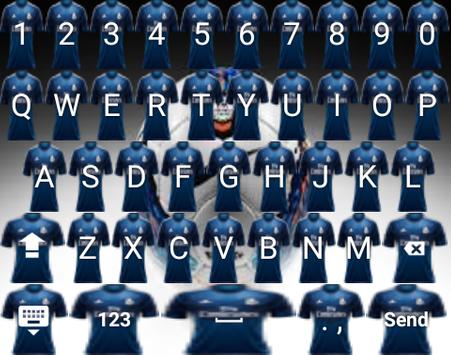
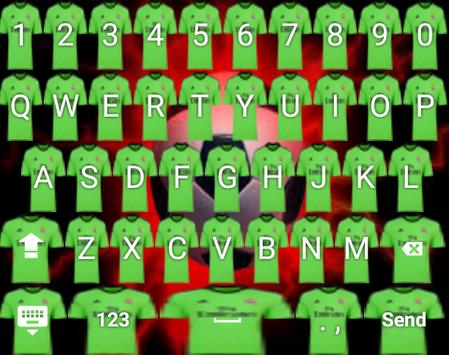
which will make your smartphone cooler with decorated with various themes and buttons on the jersey madrid
How to use?
- Open the application after finally installed
- Click "Enable Keyboard" and select "Keyboard Theme" (later returned)
- Click "Set Input Method" and select "Keyboard Theme" (later returned)
- Click "Set Theme" and then select the keyboard theme you want.
- Done. keyboard theme has been changed to the selected theme on the application.
* You can choose to include a photo of you that will be used as the theme for your keyboard
- Open the app
- Click on "Scene Background" then
- Click "Set Background Gallery" select existing photos in your gallery.
- Set the image size to be used as a keyboard theme (later returned)
- Click "Set Theme" under the menu "Set Background Gallery"
- Done. keyboard theme you have turned into the theme of the photo you choose.
Thank you




9Apps 4.9














