Triggers icon

Triggers

2.2 for Android
3.8 | 5,000+ Installs | Reviews

Claybikeltd

Description of Triggers

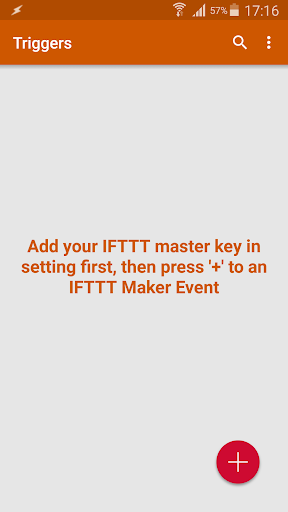
Step 1: Log in to your IFTTT account.
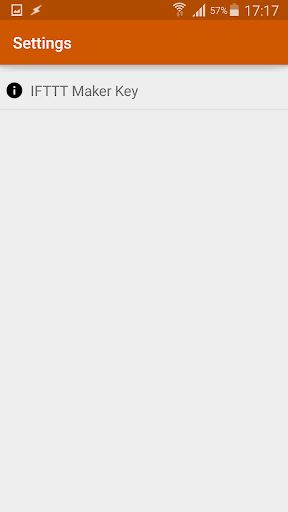
Step 2: Search for Webhooks and go to its setting page to get the key.
Step 3: Fill in the key inside the Triggers app.
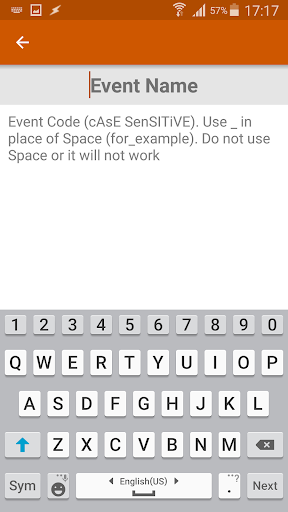
Step 4: Create your recipe with webhook as the first condition.

What's New with Triggers 2.2

Critical bug fixes that are required for the app to operate smoothly in the background on newer Android devices

Information

  • Category:
    Productivity
  • Latest Version:
    2.2
  • Updated:
    2020-01-10
  • File size:
    3.0MB
  • Requirements:
    Android 4.4 or later
  • Developer:
    Claybikeltd
  • ID:
    com.lehoang.iff
  • Available on:
Reviews
  • avatar
    Ok figured it out.. Works!
    2020-10-11 08:37
  • avatar
    Installed on Google Pixel 3, with Galaxy Active 2. Does not work, the app on the phone does not appear to be sending data to Webhooks I have checked and double-checked each part of the setup and the Webhooks key. It's a shame because I can't get a refund for the Galaxy Watch app.
    2020-08-05 05:07
  • avatar
    Does all what you could ask for it, flawlessly. Only opening the possibilities in IFTTT and Tasker
    2020-04-16 03:56
  • avatar
    Does not work with S7 and Gear S3. Web hook key and Maker event name have been successfuly been tested using cli. I used the curl command to test my webhook events.
    2020-02-13 09:17
  • avatar
    Yessss you can reorder commands now, deserves a review
    2019-10-23 01:41
  • avatar
    good app used it to trigger the gate opening from my watch
    2019-08-25 12:08