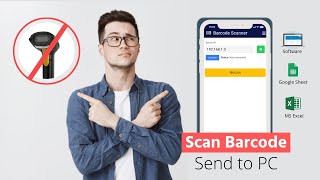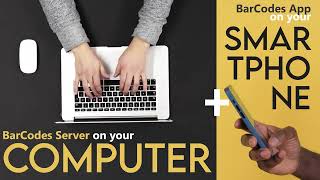
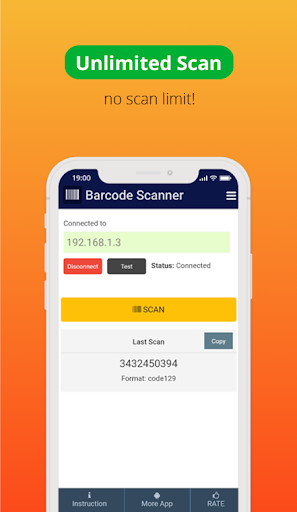
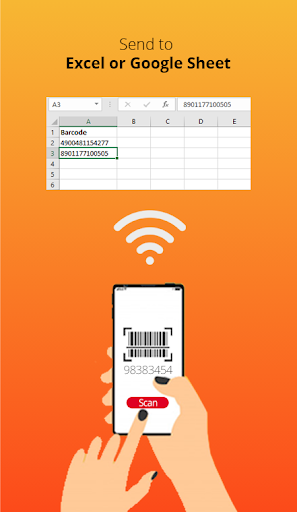
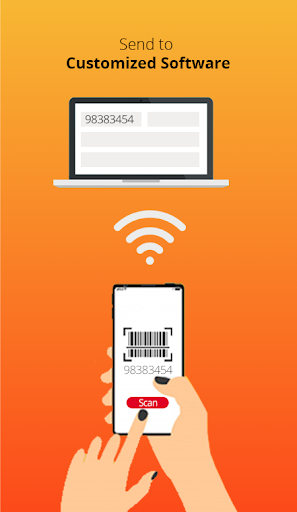
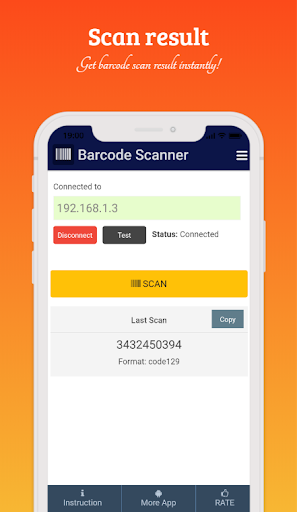
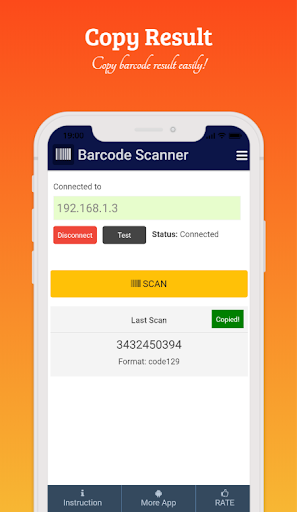
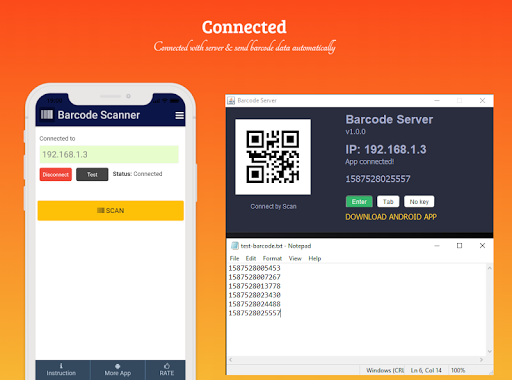
Barcode Client Server is a simple solution for scanning barcode by your smartphone and easily send it to PC. You can use it without server or with the barcode server for send barcode to PC. The work process of Barcode Client Server is really simple and straight forward.
- Features
- Lightweight app
- Simple and easy to use
- Barcode scan and copy barcode easily
- Support most used barcode types
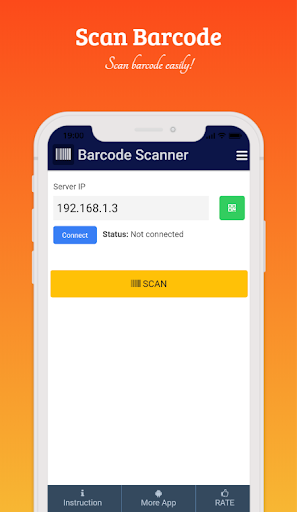
- Connect to PC by scanning QR code
- Can connect to PC
- and more features
- Support Types
QR_CODE, DATA_MATRIX, UPC_A, UPC_E, EAN_8, EAN_13, CODE_39, CODE_93, CODE_128, CODABAR, ITF, RSS14, PDF_417, RSS_EXPANDED, AZTEC
- How to connect server
- Download BarcodeServer zip file from https://github.com/haruncpi/barcode-server
- Extract the zip file and run BarcodeServer.exe
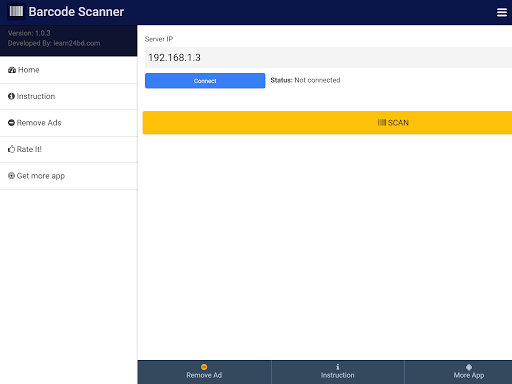
- Open the Barcode Client-Server android app and connect it with your server IP.
- Done!
Important Note: For sending the barcode to PC, your server and mobile must be connected with the same WiFi network.






9Apps 4.9

![Barcode client server setup & usage [Latest Version] screenshot 1](https://i.ytimg.com/vi/l2qS5Zagm-I/mqdefault.jpg)