
Works with: ADW/Go/Smart/Apex/Nova/LauncherPro/Atom/Holo and more!
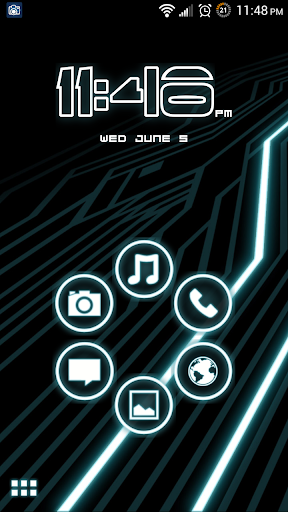
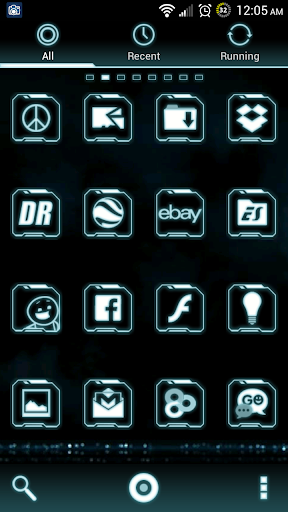
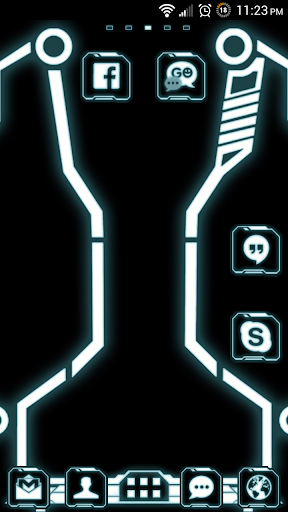
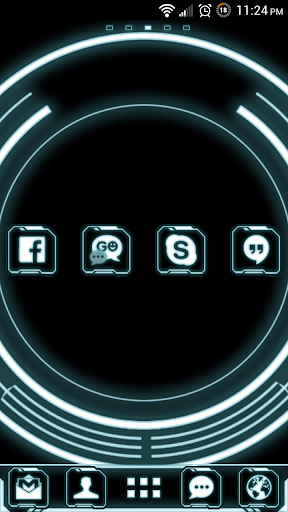
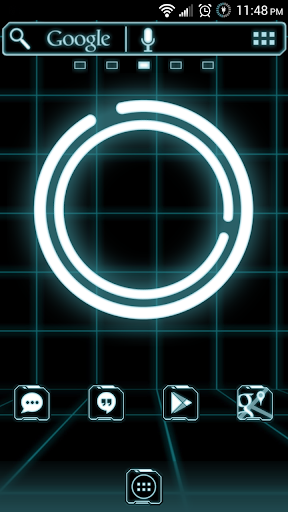
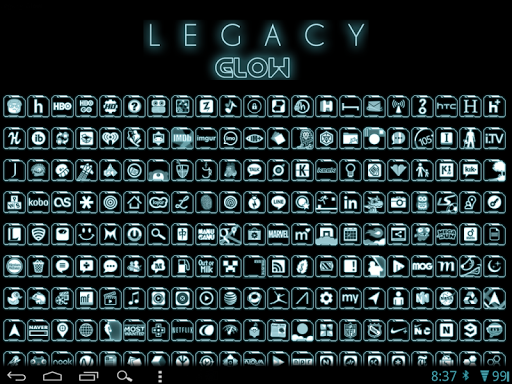
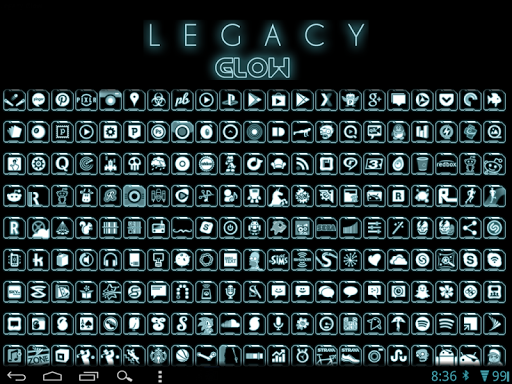
This is a futuristic, black and white neon glowing launcher theme. You'll feel like you're on the grid! GSLTHEME
This theme is absolutely one of a kind and has tons of options and features.
☆☆☆FEATURES☆☆☆
★Over 1,000 96x96 XHDPI icons
★Full Go Launcher theme with 3 docks
★Full ADW.Launcher theme with 4 folders
★Full Smart Launcher theme with clock and home screen bubbles
★Full Apex Launcher theme
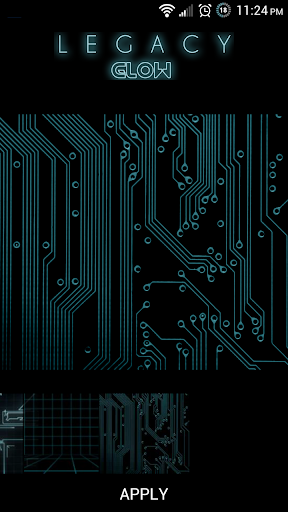
★10 HD wallpapers (usable with or without a launcher installed)
★Analog clock widget
★Custom font (Apex, Nova)
Matching Go SMS Pro (http://bit.ly/16kuaQK) and Go Contacts EX (http://bit.ly/11yzlJG) themes also available.
*THIS ICON PACK SHOULD WORK WITH ALL LAUNCHERS THAT SUPPORT ICON PACKS*
☆☆☆INSTALLATION AND CUSTOMIZATION☆☆☆
Go Launcher EX
1. From your home screen, PRESS MENU -> THEMES -> INSTALLED -> LEGACY GLOW and PRESS APPLY
2. Icon size (recommended for XHDPI devices): PRESS MENU -> PREFERENCES -> VISUAL SETTINGS -> ICONS -> ICON SIZE -> CUSTOM SIZE -> move the slider to 120
3. Icon highlight color (recommended): MENU -> PREFERENCES -> VISUAL SETTINGS -> ICONS -> HIGHLIGHT COLOR -> Enter #FF40939E -> OK
ADW.Launcher
1. From anywhere within the launcher, PRESS MENU -> ADWSettings -> THEMES -> LEGACY GLOW and PRESS APPLY (top right)
2. Icon size (recommended for XHDPI devices, ADW EX only): PRESS MENU -> ADWSettings -> ICONS SIZE -> move the slider to 120 or 130
Apex Launcher
1. From anywhere within the launcher, PRESS MENU -> THEME SETTINGS -> LEGACY GLOW -> APPLY (bottom right)
2. Icon size (recommended for XHDPI devices): PRESS MENU -> APEX SETTINGS -> HOMESCREEN, DRAWER, or DOCK SETTINGS -> ICON SIZE -> move the slider to 120
Smart Launcher
1. From anywhere within the launcher, PRESS MENU -> PREFERENCES -> PERSONALIZATION -> GLOBAL THEME -> LEGACY GLOW
2. Also under PERSONALIZATION, PRESS THEME DRAWER -> LEGACY GLOW
3. Icon size (recommended for XHDPI devices): PRESS MENU -> PREFERENCES -> PERSONALIZATION -> ICON SIZE -> BIG
Nova Launcher
1. From anywhere within the launcher, PRESS MENU -> NOVA SETTINGS -> LOOK AND FEEL -> ICON THEME -> LEGACY GLOW
1. Color theme (recommended): also under LOOK AND FEEL -> COLOR THEME -> enter ADDCE5 in the #______ field -> OK
☆☆☆HELP ME ADD ICONS!☆☆☆
Missing an icon? Request it by email: ryersondesigns@gmail.com
☆☆☆COMPATIBILITY☆☆☆
Tested and working with: Go Launcher EX, Apex Launcher, Nova Launcher, Nova Prime, Icon Changer, ADW Launcher, ADW EX, Holo Launcher, Atom Launcher, Smart Launcher, LauncherPro, Icon Themer.
☆☆☆KNOWN ISSUES☆☆☆
Jelly Bean users will need to email me for a patch for the clock in Smart Launcher to display properly
Tag: GSLTHEME




9Apps 4.9