👉 By this App You can changed the Network Configurations Mode like "5G/4G LTE/3G" in your Smartphones by Opening the Hidden Settings.
👉 For 5G Mode you must required 5G Compatible Mobile & For 4G Mode required 4G Compatible Mobile.
👉 This is the Awesome App help you to Switch 5G Network, GSM Network, CDMA Network, WCDMA Network.
👉 5G Network will support only 5G Smartphones Hardware.
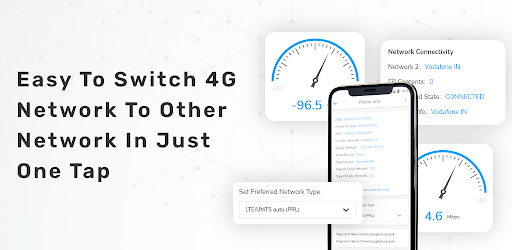
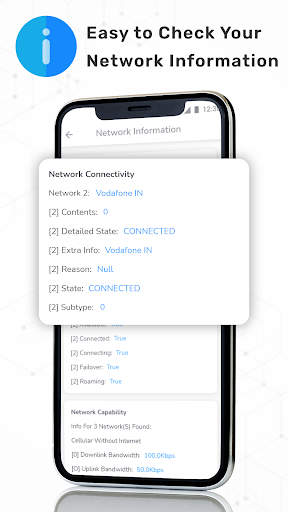
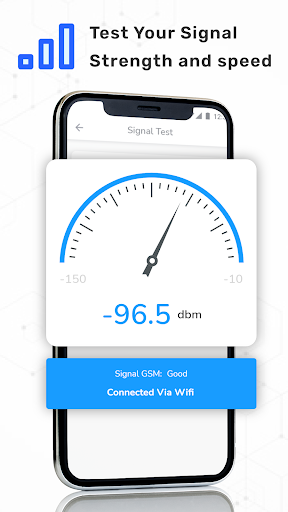
👉 Advanced network information like Network Connectivity, Network Capability & Link Properties info.
👉 Enable Volte on Supported Device.
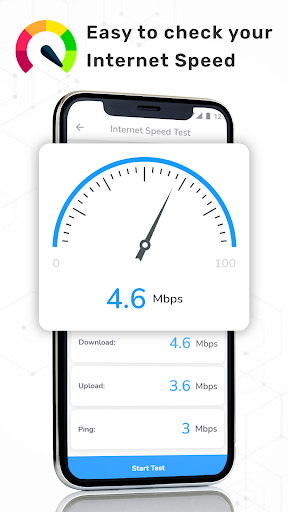
👉 You Can Check Your Internet Speed.
⭐ How to Use
✔ Open "5G 4G Force LTE" Setting in app.
✔ Select "Open Settings" to switch mode.
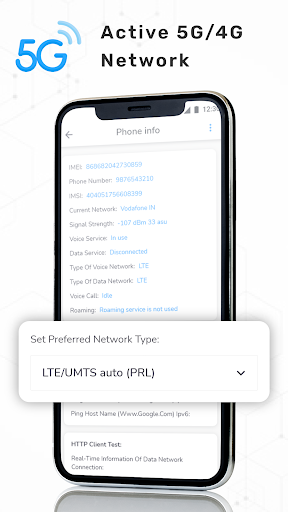
✔ Scroll down and find the Option "Set preferred network type".
✔ Click on LTE Only For 4G or Click on LTE/UMTS auto(PRL).
⭐ Disclaimer:
⛔️ This 5G/4G LTE Force app won't work on all device as some device restrict the force switching mode.


9Apps 4.9