

About this app
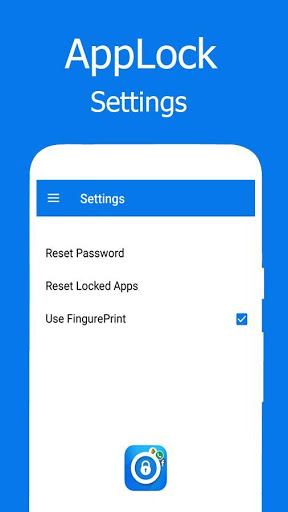
AppLock fingerprint is one of the best Android lock app with privacy guard, the best app locker with password & pattern lock screen, smart applock that provide high secure features in the one app.
his is the super applock that will protects your privacy & give phone protection.
The best fingerprint applock software or application that helps protect your smartphone and other personal information. App locker with password of pattern can lock and protect applications like Facebook, WhatsApp, Line and almost all other applications from intruders with applock fingerprint and password.
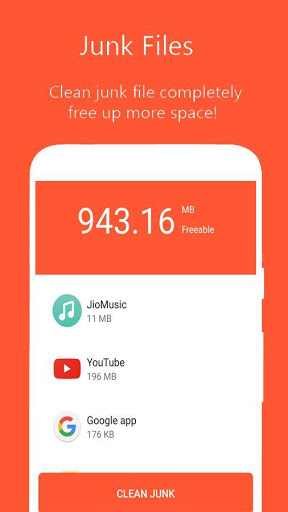
Junk Cleaner: Scan and remove junk files automatically. Clean junk files, free up storage space and boost phone speed!
Features
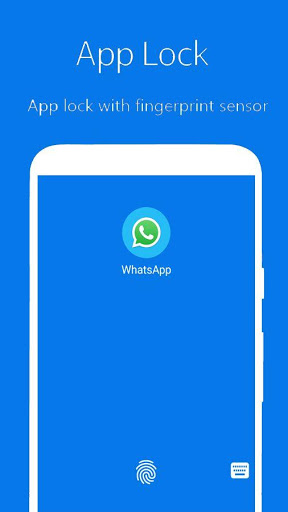
- Fingerprint lock supported
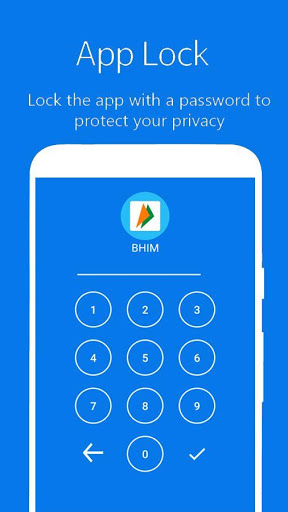
- Numeric password supported
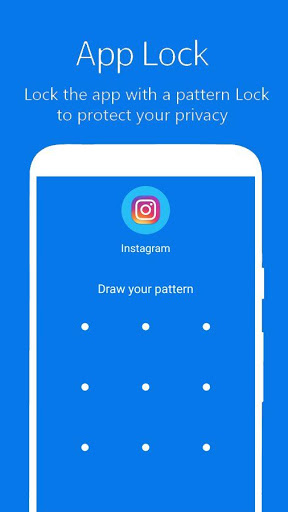
- Lock apps with a password, pattern password safe with anyone
- Junk Cleaner: Scan and remove junk files automatically. Clean junk files, free
up
storage space and boost phone speed!
- Unlock with PIN,Pattern or Fingerprint.
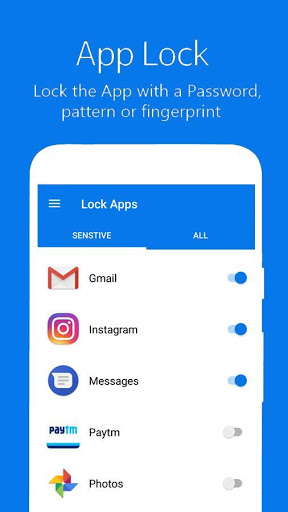
- Easily to lock phone apps, unlock phone apps easily from an app list by one click
AppLock is free, which provides you with the ultimate simplicity and user experience.
How to use:
★ Start the app, Set a password with a PIN or pattern.
★ Select the app you want to lock in AppLock's app list.
★ Enter the password to unlock the app your choosing locked when you start that.
★ If you forgot the password, it is convenient for you to reset new password by answering the security question you set before.
Note:
For android 5.0 , please allow Applock to use usage access permission.
You can first find AppLock and then allow usage access.
If AppLock do not work, please make sure you enable floating window on your android devices (i.e. HuaWei/XiaoMi/Vivo/MIUI/ Yureka) .
Try following methods:
Enter settings--app application, find AppLock and enable the floating window for our AppLock.



9Apps 4.9














