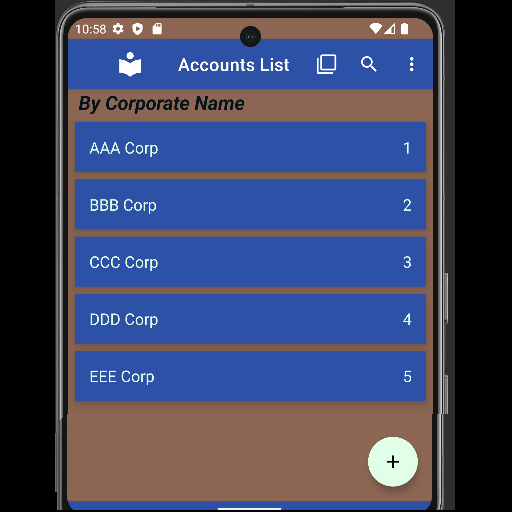
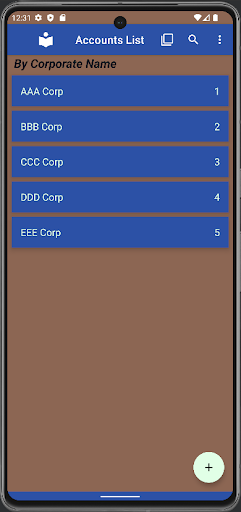
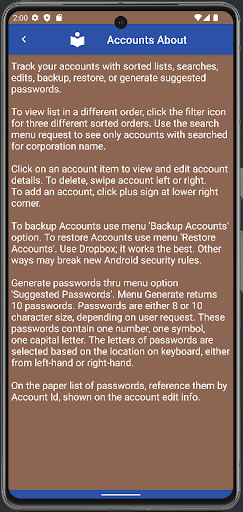
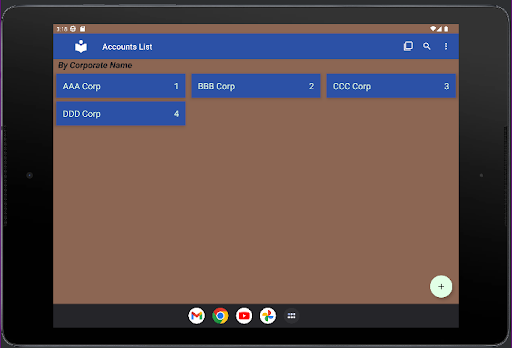
Track your accounts with sorted lists, searches, edits, backup, restore, or generate suggested passwords.
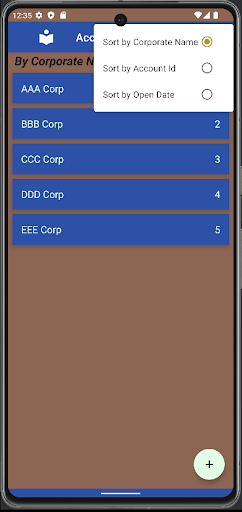
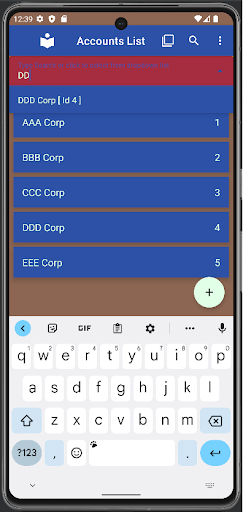
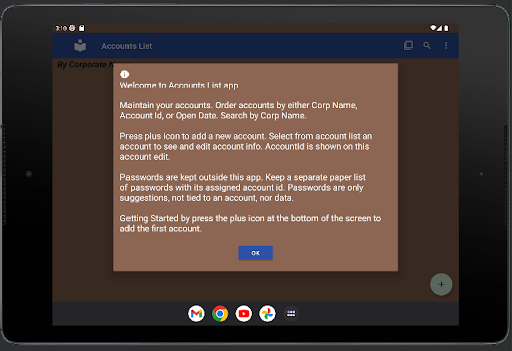
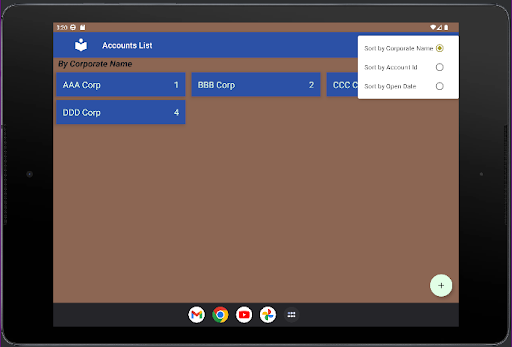
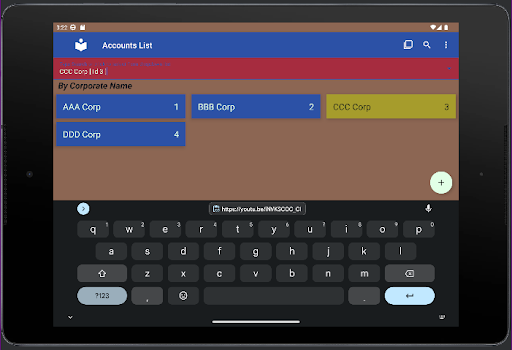
To view list in a different order, click the filter icon for three different sorted orders. Use the search menu request to see only accounts with searched for corporation name.
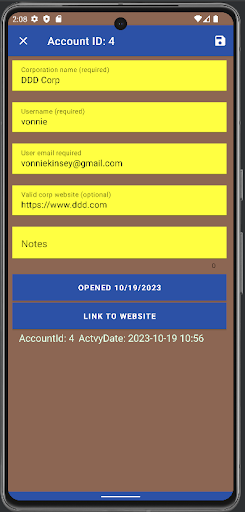
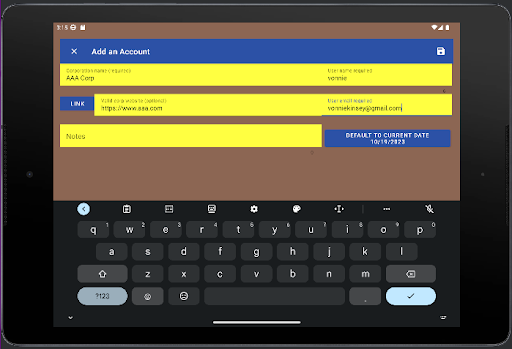
Click on an account item to view and edit account details. To delete, swipe account left or right. To add an account, click plus sign at lower right corner.
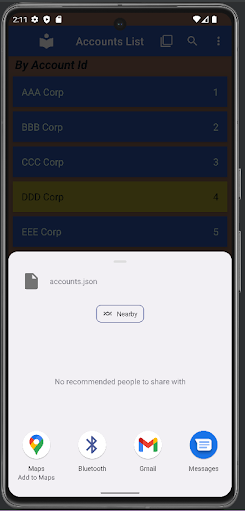
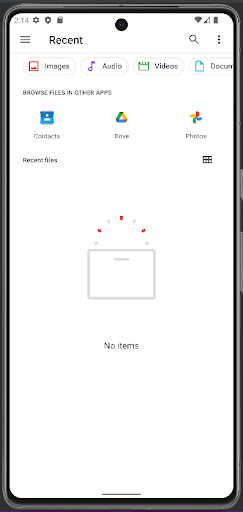
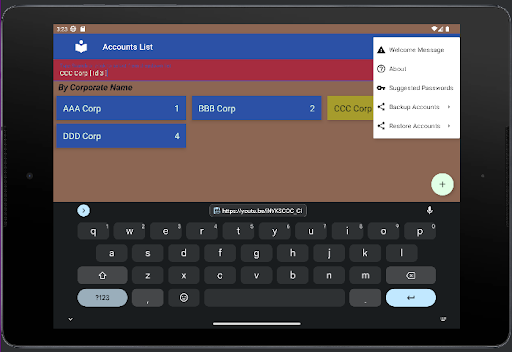
To backup Accounts use menu 'Backup Accounts' option. To restore Accounts use menu 'Restore Accounts'. Use Dropbox; it works the best. Other ways may break new Android security rules.
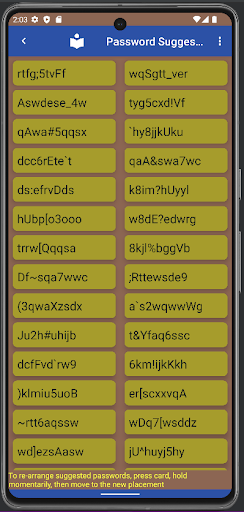
Generate passwords thru menu option 'Suggested Passwords'. Menu Generate returns 10 passwords. Passwords are either 8 or 10 character size, depending on user request. These passwords contain one number, one symbol, one capital letter. The letters of passwords are selected based on the location on keyboard, either from left-hand or right-hand.
On the paper list of passwords, reference them by Account Id, shown on the account edit info.


9Apps 4.9