

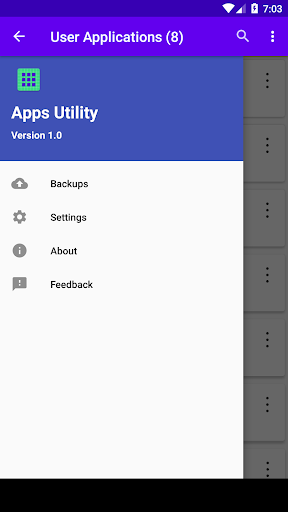
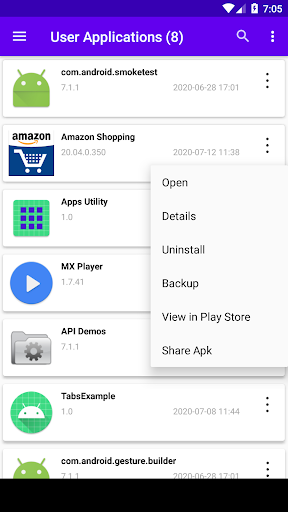
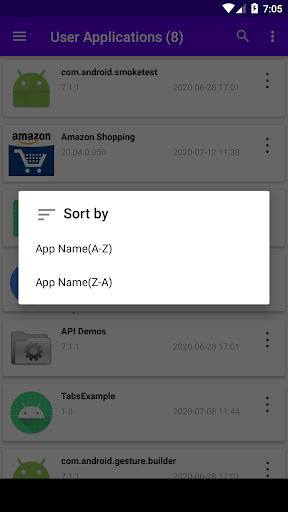
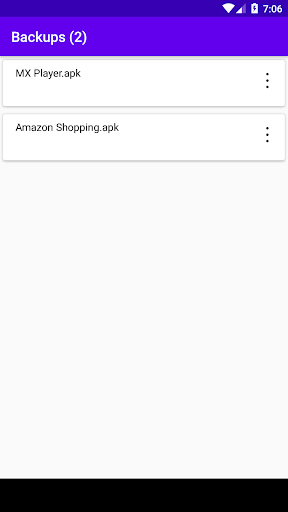
This app lists all the installed applications, and provides various actions that can be performed on the installed applications.
Features:
1. Simple user interface.
2. Small app size.
3. Lists all the installed apps.
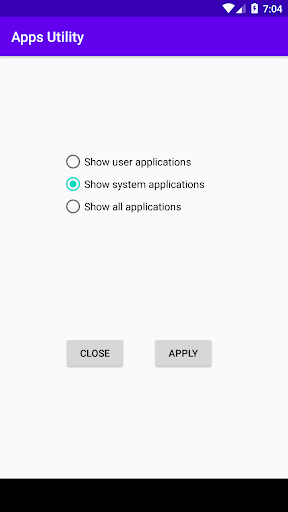
4. Option to view user apps only, system apps only, or all the apps.
5. Get app details.
6. Uninstall user apps.
7. Backup application.
8. Share any application (apk)
9. Install from the backup file.
10. Share the backup file (apk).
1. Simple user interface.
2. Small app size.
3. Lists all the installed apps.
4. Option to view user apps only, system apps only, or all the apps.
5. Get app details.
6. Uninstall user apps.
7. Backup application.
8. Share any application (apk)
9. Install from the backup file.
10. Share the backup file (apk).






9Apps 4.9














