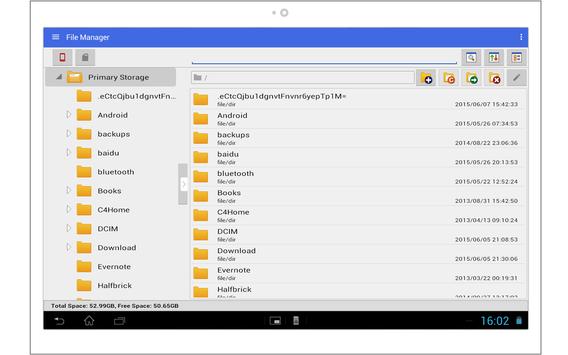
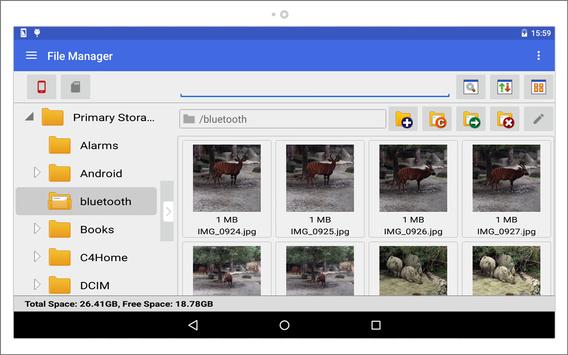
J.Y. File Manager is capable of easily manipulate files and share between android devices. E.g. USB OTG support or Bluetooth share support.
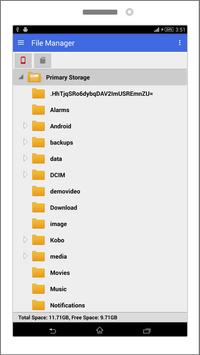
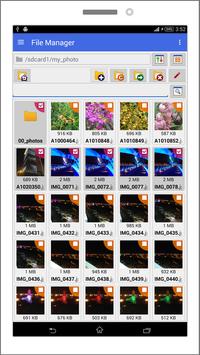
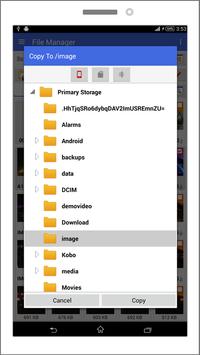
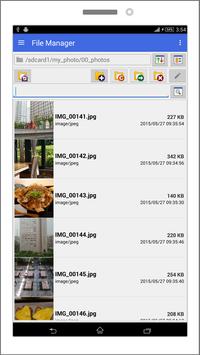
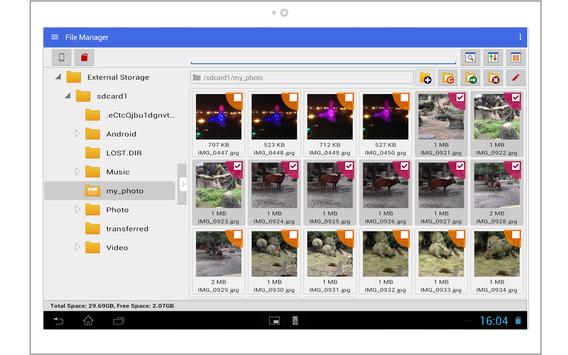
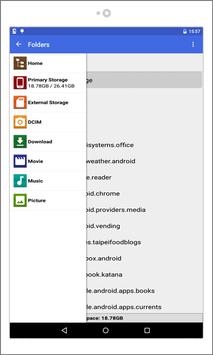
The image/video thumbnails are automatically generated, moreover, for the folders and normal files, it will show the symbolic link, icons, last modified information and size. For tablet , it shows tree list of internal disk on the left panel and detail list on the right panel. For phone , it shows tree view at the beginning.
Feature:
- View
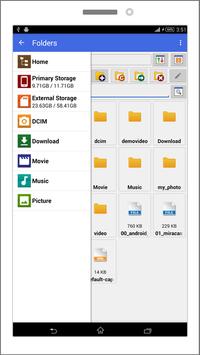
1. Navigation shortcut for data storage
2. View as Icons / View as detailed list
3. Tree view for data storage
4. Status bar : Show disk total sizes and free space
5. Show hidden files
6. Thumbnail view : Image / Video
7. Arrange items : Sort by name / Sort by Size
8. Simple HTML viewer
- Edit
1. Multi-select files
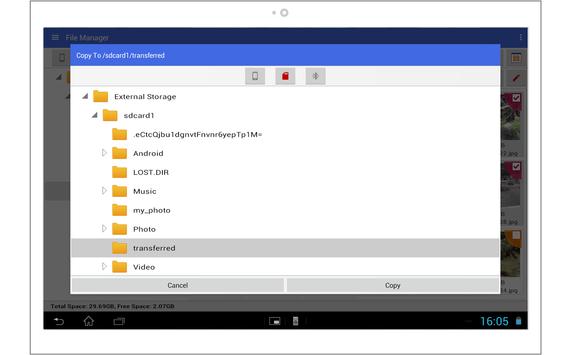
2. Move / Copy / Delete files
- File
1. Create Folder
3. Search in the folder
- Data Storage
1. Internal disk
2. External disk
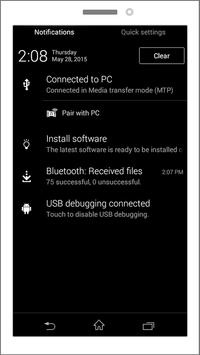
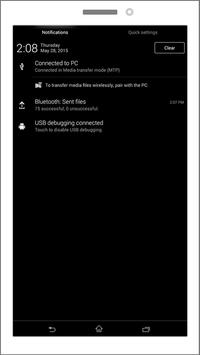
3. Bluetooth
4. USB OTG : For your devices with USB OTG support
-Add more detail info for file list in GridView
-Enhance UI style for specific machine models

9Apps 4.9