
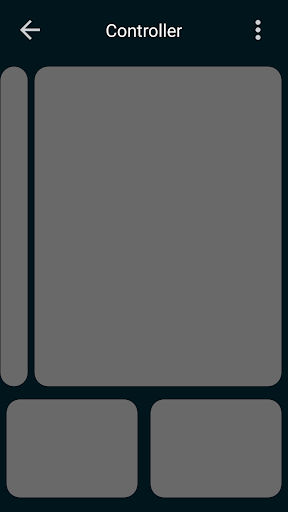
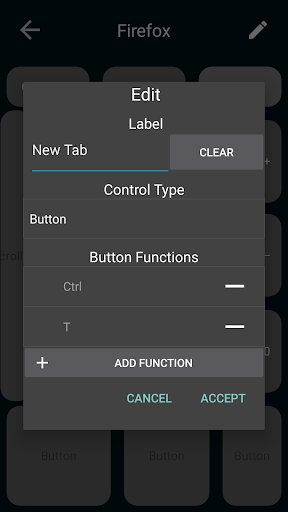
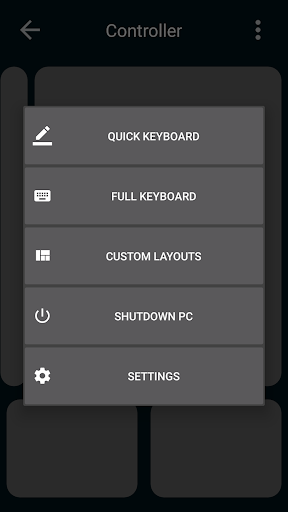
Computer Controller is designed to let you easily use your computer from across the room. Low latency and highly customizable, it focuses on efficient and easy to use controls.
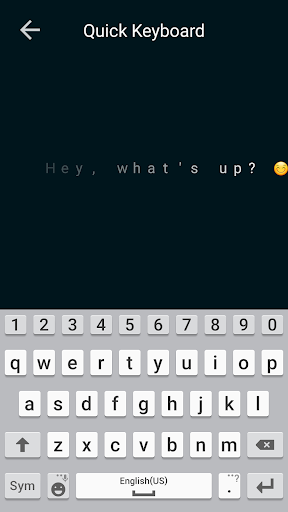
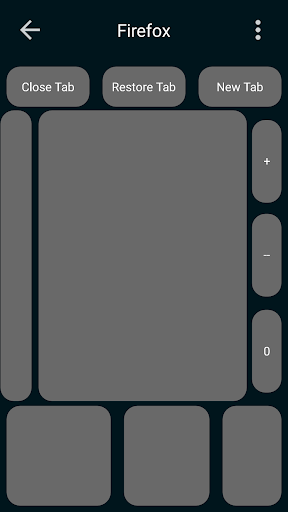
This app emulates the function of a mouse and keyboard as well as various Windows OS functions, optimized for mobile devices. Move your mouse with a touchpad or joystick, type with the native Android keyboard (voice recognition is supported) and design your own layouts to suit your needs. See the promotional video for examples of what custom layouts can do.
Noteworthy features:
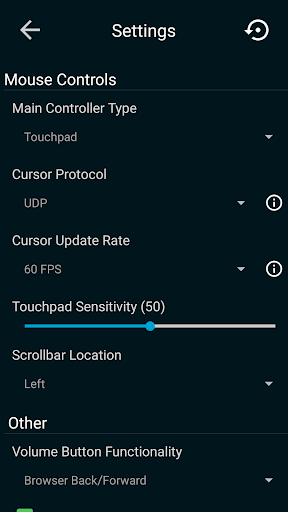
-Supports 60 FPS mouse movement
-Supports multiple monitor setups
-Battery efficient
-Bare minimum permissions required
Instructions on how to get started are inside the app, as well as the promotional video.
-Custom layouts can now be duplicated to quickly make a variant of a layout
-Minor bug fixes






9Apps 4.9













