
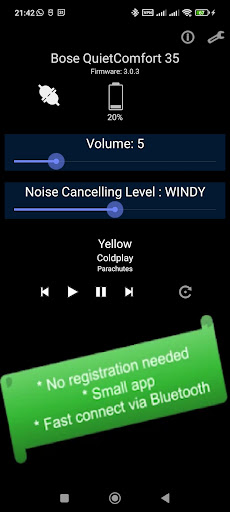
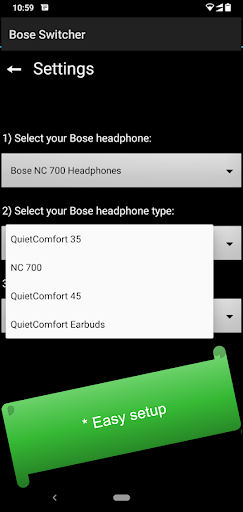
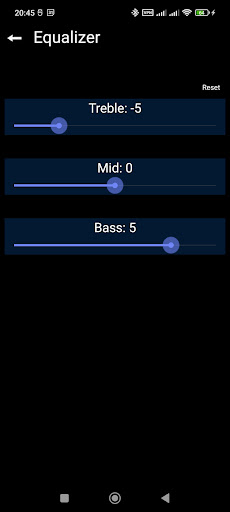
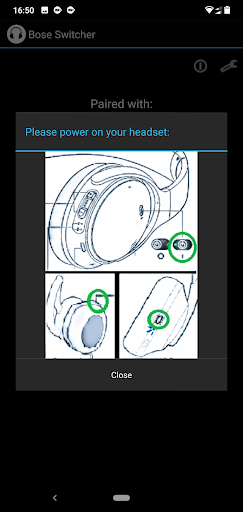
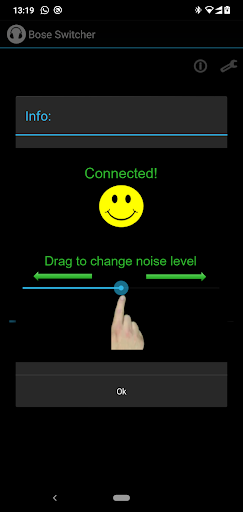
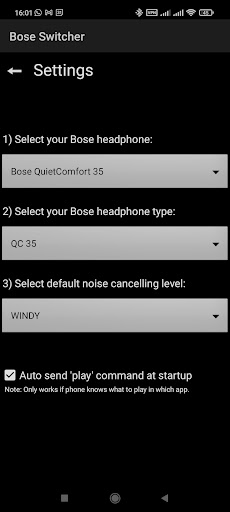
This app sets the Noise Cancelling level and equalizer settings quickly of your Bose Quietcomfort (35/ 45/ Earbuds) and NC 700 headphone.
- No registration needed.
- No location or other unnecessary permissions needed.
Just a small and fast app that connects to your headphone via Bluetooth.
This apps sets the noise cancelling level temporary. Noise cancelling will be enabled next time when turn on your headphone or when you press action / noise control button on your headphone. You can set the Action button to the Google Assistant, and use this app to switch the Noise Cancelling level.
Additional functionality:
-equalizer functionality (bass, mid, treble) for some types. (not for QC35)
-display the battery level of your headphone.
-display firmware level of your headphone.
-send audio commands like: play, pause, next and previous.
-display current song playing.
-changing volume.
Please check if your headset is supported by this app, before installing this app!
Supported:
-Bose Quietcomfort 35 (QC35) / Bose Quietcomfort 35 II (QC35 II)
(90% is supported, depending on hardware version)
-Noise Cancelling Headphones 700
-Bose QuietComfort Earbuds
-Bose QuietComfort 45 ( limited benefits )
Note1: I made this application in my own free time. Don't provide a negative review if your headset is not supported yet but check for future updates of this app.
Note2: The advertisements within this app are not in the way of normal use and you will never have to wait for them to set the noise cancelling level.
Not supported yet (I cannot test):
-Bose QuietControl 30
These devices don't support Active Noise Cancelling (impossible to support). Some types do support audio commands.
-Bose AE2 / revolve / color Soundlink
-Bose Sport Earbuds
-Bose Soundsport
-Bose QuietComfort 25 (QC25)
-A20 Aviation Headset
-Aviation Headset X (A10)


9Apps 4.9















