

How To Install:
- Follow the 3 steps: open the application after downloading, click on the "Set as Active Theme" button and select the theme from the following page!
- This theme uses GO Keyboard. If you do not have it installed, you will be redirected to a download page!
- If you are having problems installing GO Keyboard, please watch this instructional video: https://www.youtube.com/watch?v=f1-zuZJKcdE
Presentation:
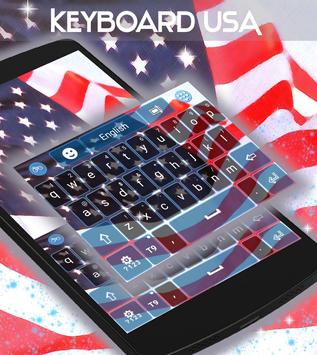
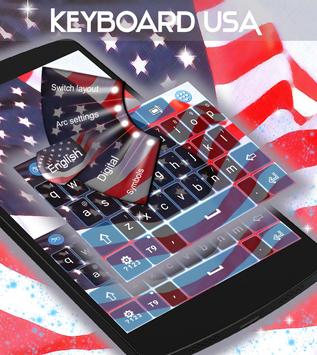
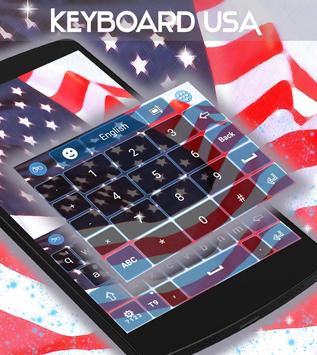
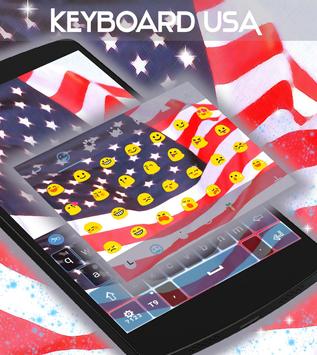
- Our new keyboard theme it's the perfect choice if you want to give your keyboard a patriotic look! DOWNLOAD USA Keyboard NOW and enjoy the America on your keyboard!
- The amazing HD screenshots we added will show you just how great this theme will look on your phone keyboard!
- The menus for this theme come with 48 different language translations!
Social Media:
Follow us on Google : http://goo.gl/NAozRU
Like us on Facebook: http://goo.gl/HBS9X7
Follow us on Instagram: http://goo.gl/5hQCNW
Pin us on Pinterest: http://goo.gl/7jssBl
Follow us on Twitter: http://goo.gl/LLclda
Take the time to RATE and COMMENT after you install, your opinion will help us improve our work! And do not hesitate to contact us tmecooltheme@gmail.com with any suggestions or questions you have!
New UI changes, fixed small bugs.



9Apps 4.9













