


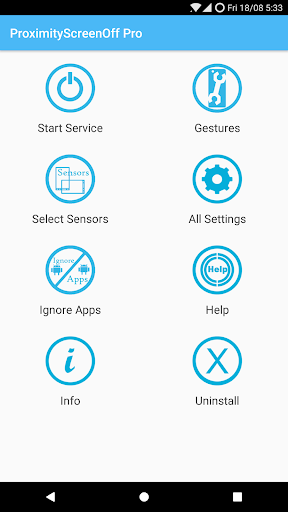
Want to feel what gestures can do? Here's an application which will let you turn off/on your screen just with a swipe!! Swipe your hand over the proximity sensor (Located near the earpiece on top of the phone).
Features:
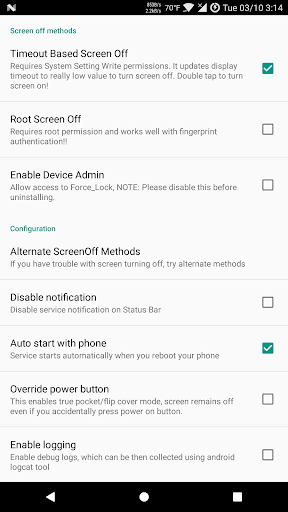
• 3 modes to turn screen off: Timeout based, Root Screen Off support fingerprint sensor and lastly traditional method, DeviceAdmin screen off.
• Support for tablets with Light Sensor only (Make sure you set sensor sensitivity to low).
• Tasker integration with quick service start/stop toggle
• Schedule start/stop of service (Save battery power during night)
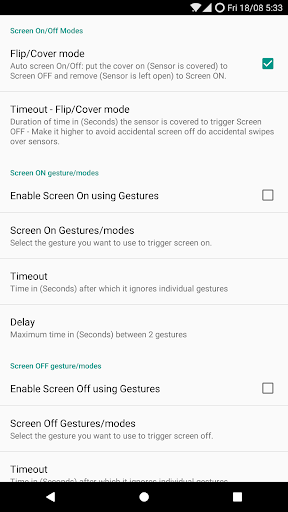
• Pocket/Flip or Smart Cover Mode: Turns screen OFF when sensor covered and ON when uncovered. (Feature requested by Galaxy Note users)
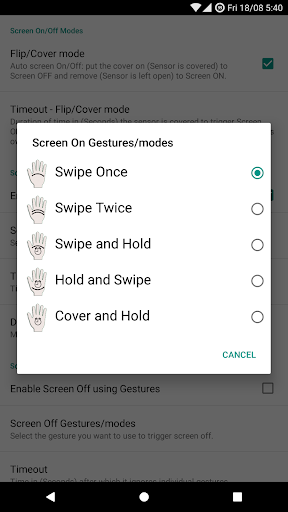
• Turn Screen On/Off with following gestures:
1) Swipe Once,
2) Swipe Twice,
3) Swipe and Hold,
4) Hold and Swipe and
5) Cover and Hold
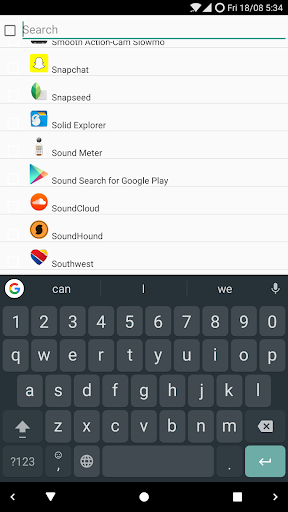
• Ignore Apps list: Add the apps/games where you want to disable the service
• Widget: to start and stop the service
• ScreenOff shortcut: to turn off the screen by launching the app.
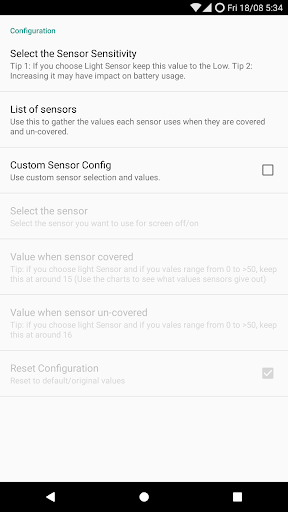
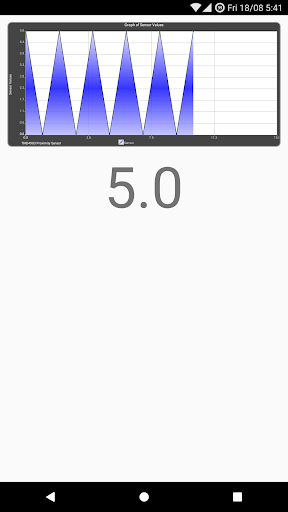
• Sensor Configuration : Based on your device select the sensor of your choice, or the one that's available and configure their values, as they are different for different devices.
• Enable screen on/off during calls only
• Disable call handling completely
• Battery Saving options:
1) Option to De-Activate sensors after timeout
2) Option to De-Activate sensors if power button is pressed or phone goes idle
• Override power button and screen-on by other apps (Phone is in pocket and you get a call or you accidentally press the power button, screen will remain off)
• Prevent accidental screen on
• Disable accidental lock - in Swipe to Screen Off mode if the sensor is covered for longer than specified duration screen wont turn off
• Vibration on screen On/Off
NOTE:
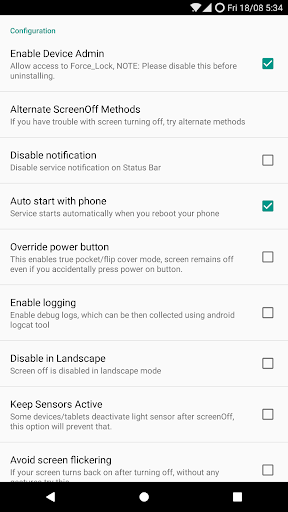
• This app uses the Device Administrator permission - which is required to Turn Screen ON/OFF
• App needs SDCard read/write permissions for debug logging support
• If app does not work with flip cover but works with hand, then try
a) Enable No-Recognize Delay and add about 4-5 seconds of delay
b) or try pasting a white piece of paper on the cover where the sensor is located, that will help the detection.
• If Gestures or any other settings (like lock-screen) are not working, please Clear app data from
Settings -> Application Manager -> Proximity Screen Off Pro -> Clear Data
• Default timeout after screenOn will be system display timeout. can be overridden by "Avoid screen Flickering"
• Removing/Uninstalling the app
- Launch ProximityScreenOff Pro and click Uninstall button
- System Settings , "Locations & Security" or just "Security" , Select Device Administrators and disable the ScreenOff App
• App needs Device Administrator privilege to lock the screen, If you have any questions on permissions used by the app, please send me an email and i will explain you the reason app needs them.
• To enable lock screen - Use option "Locks phone on screenOn" under "All settings"
Reviews:
http://www.youtube.com/watch?v=L0AH469emWc
http://www.youtube.com/watch?v=ON9fMwIbk4M
http://www.youtube.com/watch?v=LvMKMQb99pQ
http://www.spigen.com/samsung-galaxy-s3-case-ultra-flip-series-review-11596.html
Tested On:
Galaxy Note, S2, S3, Tab, Htc OneX, HD2, Desire HD, Google Nexus,
Motorolla Xoom(Light Sensor), DROID Incredible
(Root Screen Off Cover, Smart Cover, Screen, Switch, toggle, tap, power, battery, gesture, lock, smartlock, smart screen off, screen off, screen on, power saver, Galaxy Note, wave, tab, tablet, switch, nexus, s3, sgs, screen on, one touch, tasker)
Support for android 9










9Apps 4.9













