

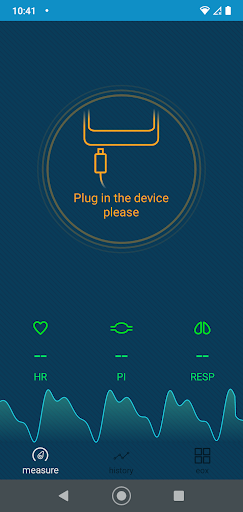
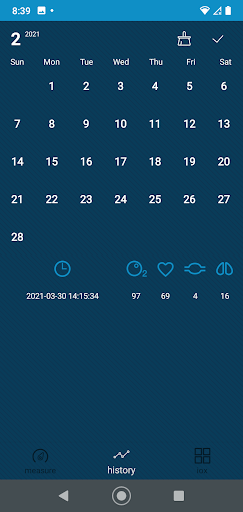
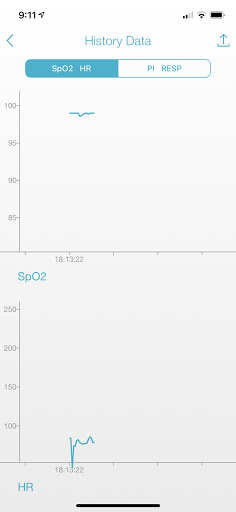
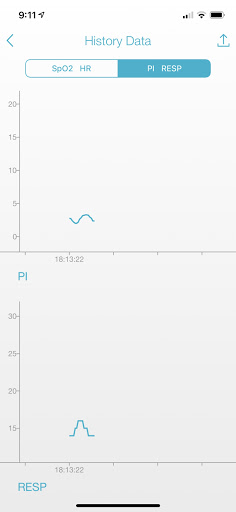
Use the included Android cord to connect your iOX device to your phone. Open your iOX app. Insert one index finger into the iOX with your finger nail touching the top of the inside of the iOX. The pad of your index finger will touch the bottom of the inside of the iOX. Do not insert your finger into the probe upside down.
Please allow 20 seconds for the iOX to acquire an accurate and stabilized reading after the initial reading is provided. It takes approximately 15 heart beats for the device to correctly calculate your levels.
Updated Alarm settings
More informative notifications during background recording
More explicit permission requests


9Apps 4.9




![[EN] How to use your Pulse Ox screenshot 4](https://i.ytimg.com/vi/JeU8Ju44_Os/mqdefault.jpg)
![[EN] How to set up your Pulse Ox with an iOS device screenshot 5](https://i.ytimg.com/vi/Z9RpqgTeMTs/mqdefault.jpg)













