
Intesis AC Cloud icon

Intesis AC Cloud

2.9.5 for Android
4.3 | 50,000+ Installs | Reviews

HMS Industrial Networks SLU

Description of Intesis AC Cloud

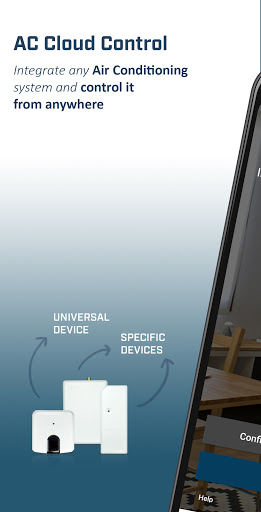
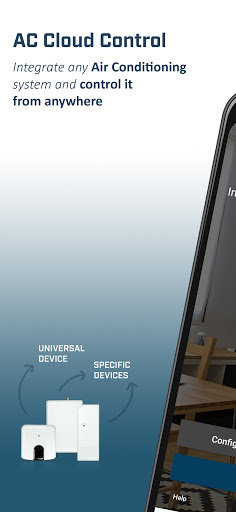
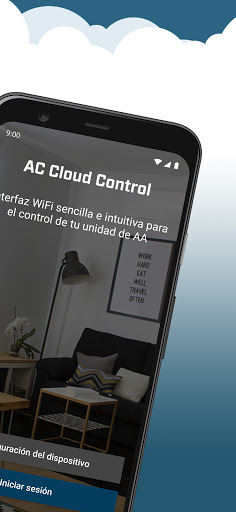
Intesis AC Cloud® allows you to control in a fast and intuitive way your air conditioning system* from anywhere using your Android device, Phone or Tablet, Iphone/Ipad or AC Cloud website.
Discover the new way to control your installation:
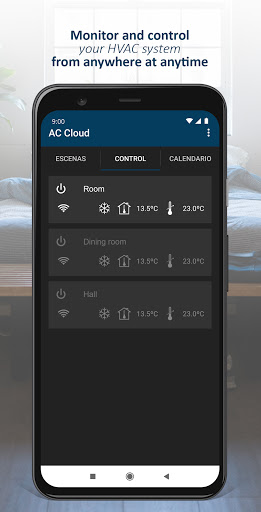
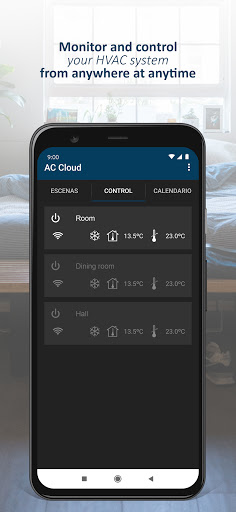
•TOTAL CONTROL: turn your unit on or off from any place you are. Also change the mode, fan speed, vanes orientation,…
•VISUALIZE / ADJUST THE TEMPERATURE.
•ALERT MESSAGES: Alerts and notifications of connection, malfunctioning errors, maintenance…
•MULTI USER SUPPORT
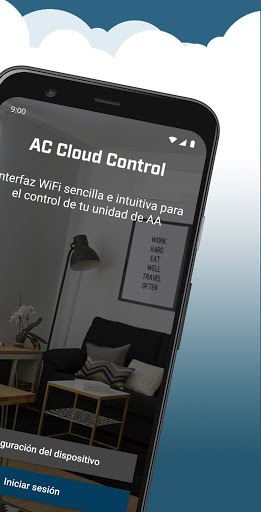
The app is available in English, German, French, Italian, Spanish, Catalan, Norwegian, Swedish, Danish, Dutch, Polish, Portuguese, Greek, Romanian, Russian, Turkish and Chinese.
*NOTE: List of compatible units can be found in http://www.intesishome.com/support/compatibility-list/?lang=en
Descriptions and / or specifications can change without previous notification.


Information

  • Category:
    Lifestyle
  • Latest Version:
    2.9.5
  • Updated:
    2021-12-16
  • File size:
    5.7MB
  • Requirements:
    Android 4.1 or later
  • Developer:
    HMS Industrial Networks SLU
  • ID:
    com.intesis.intesishome
  • Available on:
Reviews
  • avatar
    This was working okay until midday the 15th of October. Now it seems like the device is no longer able to connect to my Wifi. I've been up there and attempted to reset the device by holding its button for up to a minute but the device continues to flash a green light and nothing changes. I've sent a support request on the 14th and I'm still awaiting support.
    2020-10-17 03:35
  • avatar
    All Devices can't connect to cloud since update. Please Fix ASAP!!!!!
    2020-10-06 02:48
  • avatar
    This is a company that does what it wants, and not what the client wants. The app works for me. Installation is a nightmare, though I know how to get through it. They have a PC web client which they made unusable - they won't let you just go into the url and get the control screen - they make you go through three login screens every single time - they say it is for "security reasons" - because I'm sure the KGB would love to hack my AC. They won't make the power button on the phone app large enough so that you can always get it without zooming in with one additional click. They won't provide you with support instead sending you to the local distributor, which is always a nightmare. Companies that refuse to talk to their clients directly and pawn them off to distributors can't be trusted, period.
    2020-10-05 04:58
  • avatar
    New color scheme is not great in a bright sun. You can't tell if the unit is Off or On.
    2020-10-03 04:17
  • avatar
    Rubbish. Randomly dies. I can't get back in. Had it working. Got a new phone and can't make it work. Not user friendly.
    2020-09-07 09:06
  • avatar
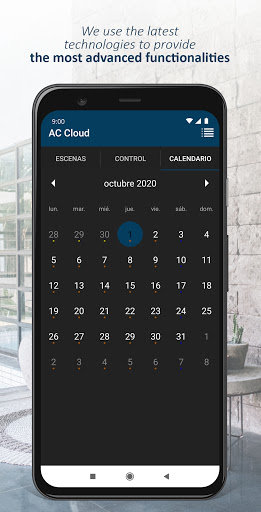
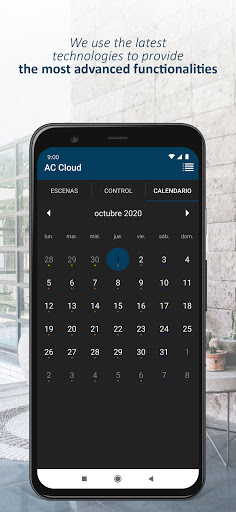
    I have eight devices hooked up to the application. Intesis devices: 1. Connecting the device to the a/c is as easy as pointing the existing remote to the i/r and pressing a button. trouble begins when it doesn't recognize the device type which only happened to me the one time. You can always choose a generic a/c and it will work fine (but with less options) 2. Connecting the device to the network was challenging and slow going. Requires scanning the barcode on the box while in the application, the phone moves in and out of the network continually. This could be easier... Intesis application: Basic operations work fine. Scene setup is not intuitive but easy enough once you get the idea. I also have the calendar setup with weekend and summer/winter automation. all in all very nice. 3 annoying items: 1. When opening the application the device list will show immediately but you need to wait the list to refresh before you can actually do anything with them. 2. It is often when the list refreshes you see some devices have dropped and you will need to wait for the device to reconnect (takes a few minutes). 3. When setting up scenes, sometimes specific devices will drop from the scene for no reason, checking the scene I'll see it isn't configured (although it was the last time I used it...) All in all the application works and does what I need it to do Could be improved.
    2020-09-07 08:24