

Powerful Download Manager by Attractive UI
View your download list and quickly share it
Download by only single click
User guide :
1.Download and install the app from the Play Store
2.Open the app.
3.Log into the app using your Instagram account’s.
4.Select the people you follow or search the people whose stories you want to view by name.
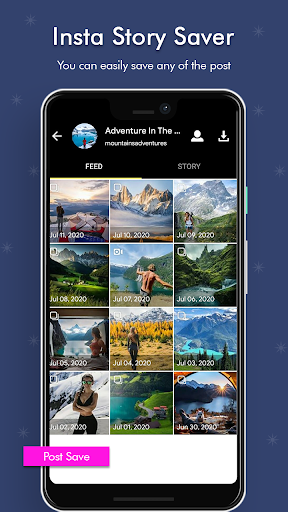
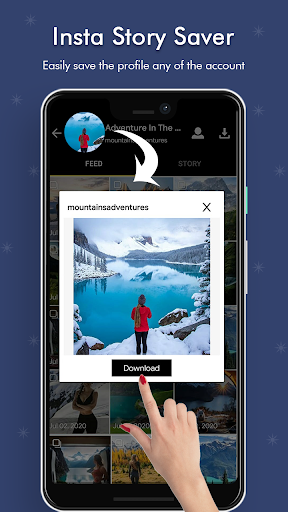
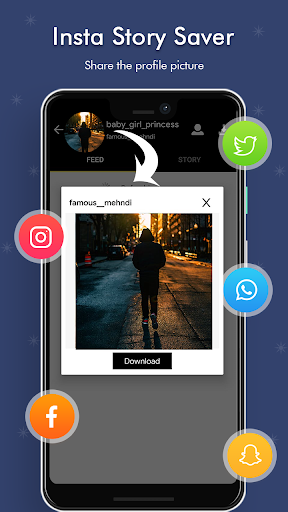
5.You have the option to save their posts, stories, profile picture ,or highlights.
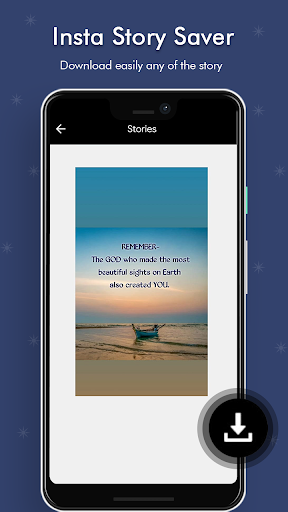
6.Select the video or photo you want to save then click on and download it to your device.
7.You can then repost the video or photo in your account if you wish to.
Outstanding
Features
Save Instagram Stories, posts, profile picture
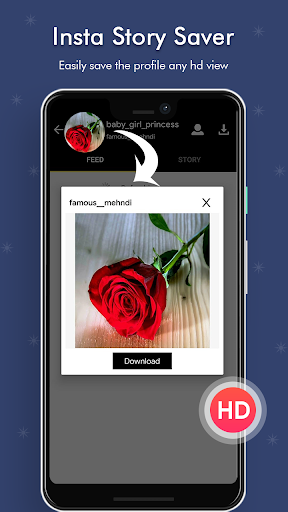
HD Quality profile pictures
Login with Instagram or Facebook account
Search users and browse stories
Clean interface and easy to use
Search using tags and accounts
Lightweight insta story saver
Share on your social accounts, whatsapp, facebook, etc
Share with your friends
Note: This app is an independent one and is not affiliated with any 3rd Party including Instagram.
Disclaimer :
Please get the PERMISSION from the owner before you repost videos or photos or profile picture;
We’re not responsible for any intellectual property violation that results from unauthorized reposts of videos or photos or profile picture;
This app is not associated with Instagram.
Try this insta story saver to save the stories. You can easily save story with this.
Fix Bugs
Optimize user experience, easy to use
Performance Improved

9Apps 4.9