

The one Remote Control for your Windows/Linux/OSX system.
Key Features
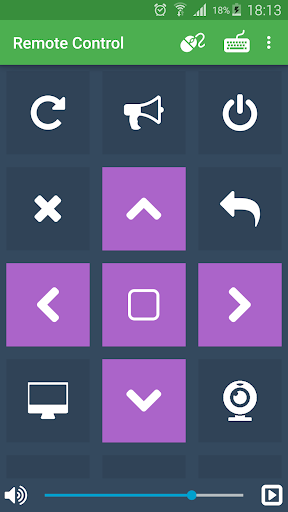
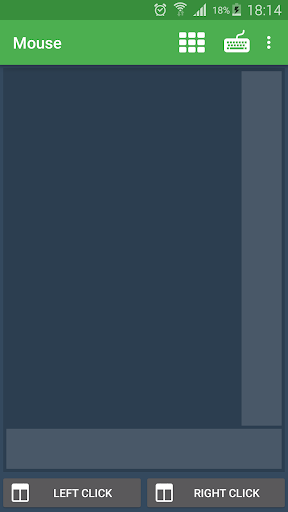
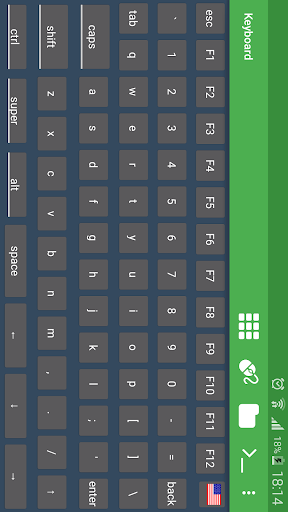
• Control mouse/keyboard
• Control the sound volume
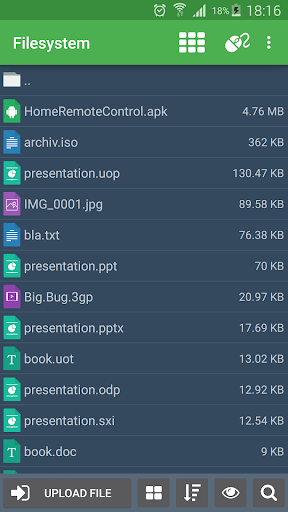
• List/manage/download/upload files to the system filesystem
• Write custom commands
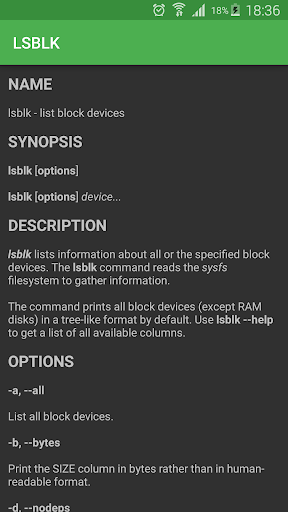
• Use a terminal
• Execute tasks in the future
• Control media
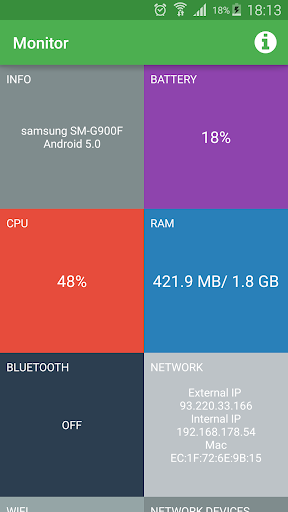
• Monitoring the system.
You can export any remote control profile as a json file, share it with friends/colleagues or import it to another app instance. For the Linux remote control no third party software is required except an SSH server which is most likely available via your package manager. Login via user and password or via SSH key.
Live Monitoring
• Current CPU usage
• Used and max ram
• Network interface information
• Bluetooth Mac address and name
• Left battery life in percentage
• Used and max swap
• Disk partitions and general information about the system architecture
You can also customize the monitoring commands and display any kind of information you want.
Wake on Lan
Wake up a system via network with a so called "Magic Packet". You will find instructions on how to enable the wol feature inside the app.
Widgets
The app has 3 types of widgets for your home screen: one to send commands, another one to show live monitor information and one to wake up systems.
Windows/OSX
Login via scanning the QR code of the Server App(http://schubert-simon.de/remotecontrolserver/RemoteControlServer.zip).
• fixed bugs
• updated libraries and android api
• live permission request dialogs













9Apps 4.9













