Ink&Paper Handwrite PDF Notes icon

Ink&Paper Handwrite PDF Notes

7.3.3 for Android
4.1 | 5,000+ Installs | Reviews

Francesco Paolo Torre

$3.99

Description of Ink&Paper Handwrite PDF Notes

A tutorial, where the most common features of the app are shown, is online at the following link:
https://www.youtube.com/playlist?list=PL3VL6s-M7yoeFSHGs-Z2qJdVV_WcdMuy6
With the release of the latest version the videos are a little bit out of date: at this link you will find a short manual that shows how to use the buttons in the new format:
https://inkandpaper-app.github.io/website/SHORT_MANUAL.pdf
• Write on your Android device like you would on a sheet of paper.
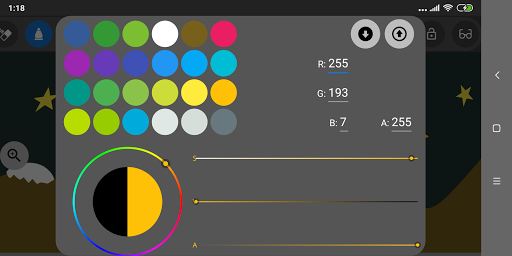
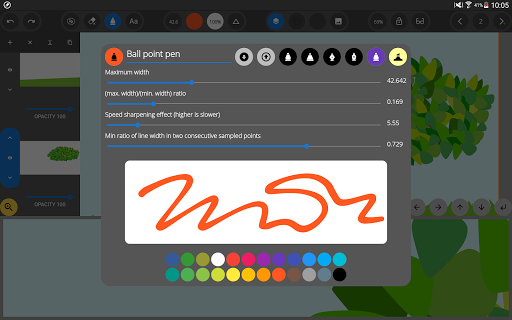
• Six customisable types of pens with the best digital inking features are available.
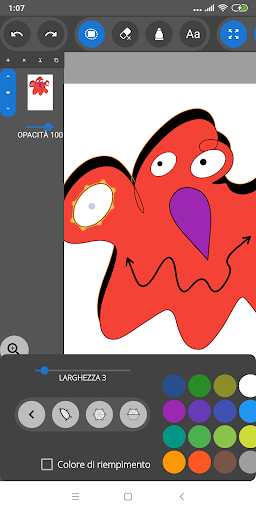
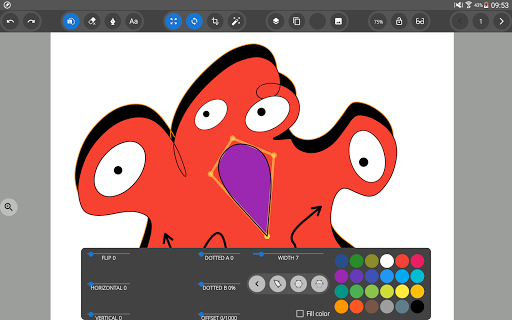
• Insert in the most natural way typed texts, images, geometrical shapes in your pages.
• Select and move, zoom, rotate, stretch any object using your fingers.
• Control undo and redo actions with the undo/redo bar.
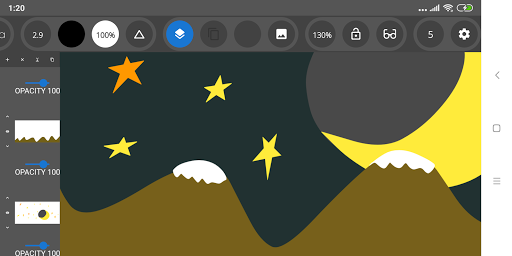
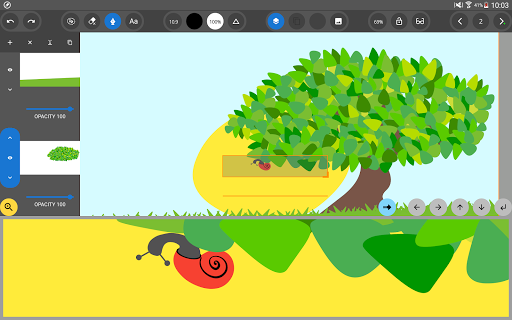
• Overlay objects and manage their opacity using layers.
• Take full advantage of an active stylus by configuring the erase methods.
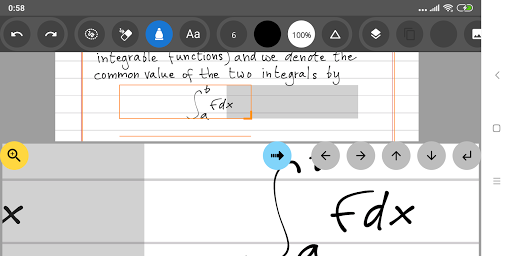
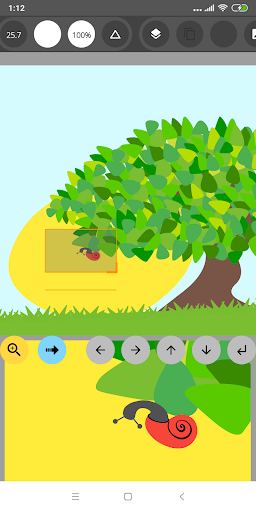
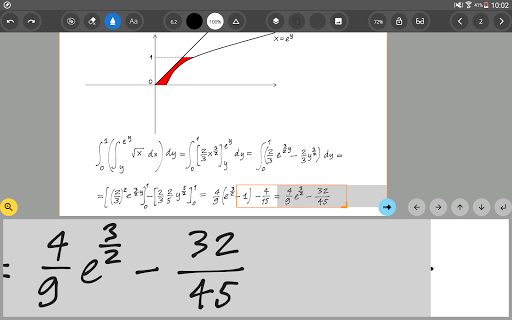
• Work with close up writing mode on small screen devices.
• Use gestures to select or delete objects while you are writing.
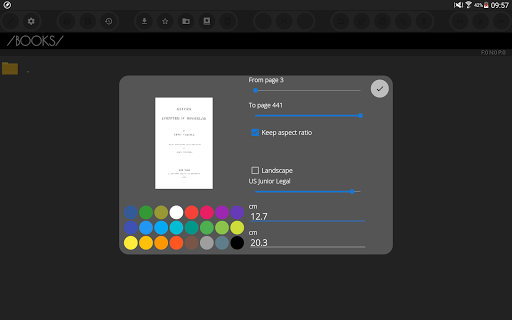
• Set the background of any page by the import of JPEG, PNG and PDF documents.
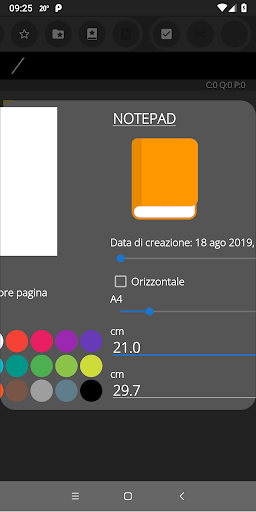
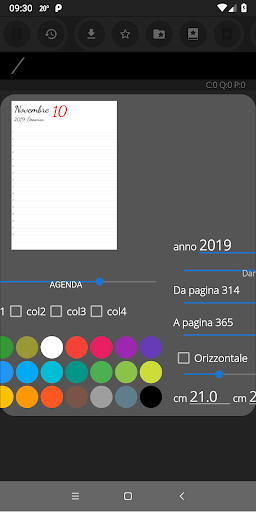
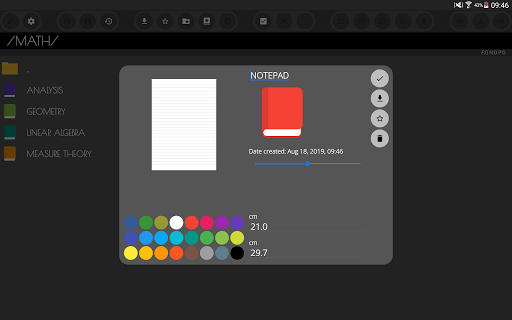
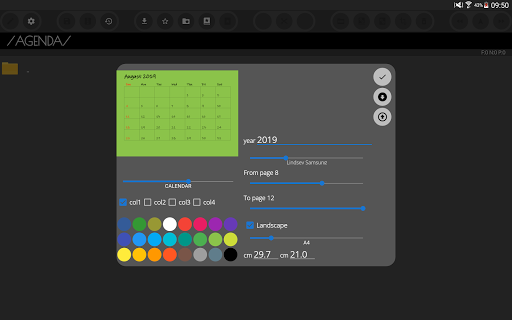
• Create new notepads from the most common document templates.
• Save and load customised sets of colours, pens, typewriters.
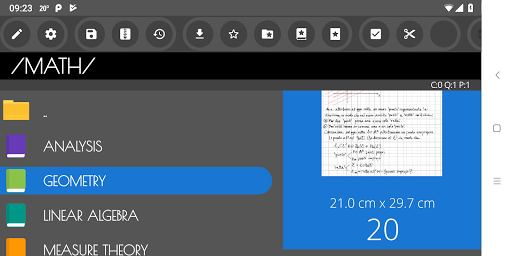
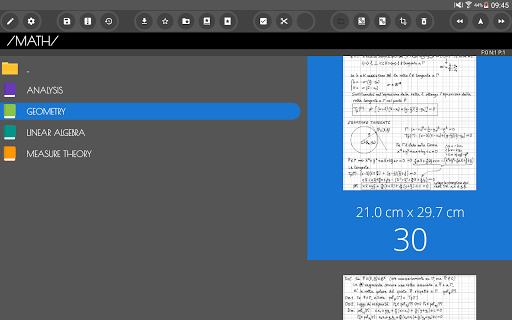
• Organise your notes into library folders. Cut, copy and paste notepads and pages.
• Export and share documents in PDF, JPEG, PNG formats. The PDF format is entirely vector based.
• Backup and restore any section of the library in ZIP format.
Before purchasing, you can download the free trial version, which lacks export and backup/restore features, at this link:
https://play.google.com/store/apps/details?id=com.inkandpaper.trial

What's New with Ink&Paper Handwrite PDF Notes 7.3.3

Chinese language added (translation review by dhy). German language added (translation by Walter Bütikoer).

Information

  • Category:
    Productivity
  • Latest Version:
    7.3.3
  • Updated:
    2021-10-27
  • Requirements:
    Android 0 or later
  • Developer:
    Francesco Paolo Torre
  • ID:
    com.inkandpaper
  • Available on:
Reviews
  • avatar
    Buena app y muy útil, pero le doy 4 estrellas porque el borrador de puntos me elimina trazos que no quiero que se borren, no solo el borrador me da este error, sino que también la herramienta para seleccionar, ya que a algunos trazos me los selecciona aunque no los seleccione
    2024-02-06 02:00
  • avatar
    I love the app!! But some improvement could be made: - ability to sort notebooks by alphabet - ability to save sets of pens - ability to set default pens set - ability to save default colour palette - ability to automatically make a gradient of colours of notebooks in folder - improve the way typeface is changed, currently it's a struggle with the use of slider
    2023-06-16 07:37
  • avatar
    The best thing about this app is that it has a close-up writing mode (a.k.a. a Zoom tool). Unfortunately, it's buggy and badly designed. The manual advance arrow moves the box too far, and the auto advance *fails* about half the time: when I write in the auto advance box, my writing doesn't appear where the app is clearly indicating it should. It ignores the auto advance button and just appears in the left half of the zoom box. An amazingly frustrating and miserable experience!
    2023-06-10 03:18
  • avatar
    The best thing about this app is that it has a close-up writing mode (a.k.a. a Zoom tool). Unfortunately, it's buggy and badly designed. The manual advance arrow moves the box too far, and the auto advance *fails* about half the time: when I write in the auto advance box, my writing doesn't appear where the app is clearly indicating it should. It ignores the auto advance button and just appears in the left half of the zoom box. An amazingly frustrating and miserable experience!
    2023-05-27 11:10
  • avatar
    Have tremendously found this 2 b 1 of few best drawing apps but after a short time huge problems arise namely re setup - user friendly so called!?! 2 choose which type of paper say blank as same with other choices is so unclear how to select & on off chance success how 2 save the choice & get 2 the work of making the 'artwork' Extremely strange that it's nearly impossible! & then when the yes off chance all goes smoothly u have 2 scroll back & forth 2 select every act involved in drawing ---
    2022-12-19 12:33
  • avatar
    Just got a new phone and came from a Samsung so I was trying to find an app to replace S notes. Not an easy task but this app came the closest. All the other apps I tried didn't recognize the capacitive stylus very well, this one does. It worked so well I even bought the paid version - only $4! It's not as good as S notes, but it's as close as you're going to get even if you would spend more money.
    2022-09-13 11:44