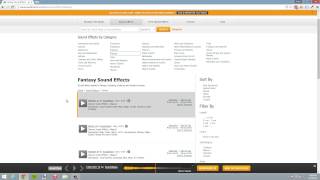
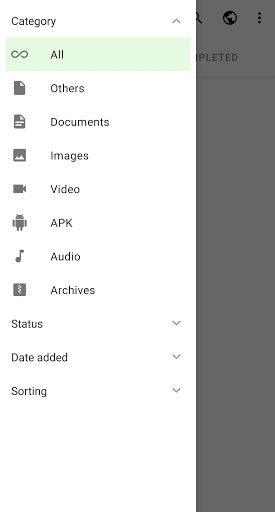
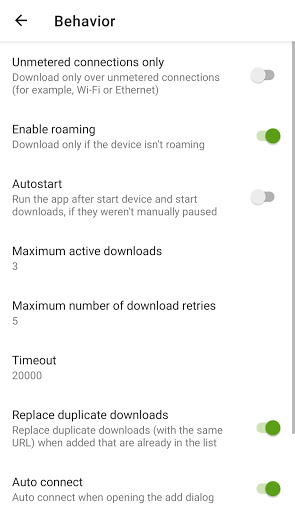
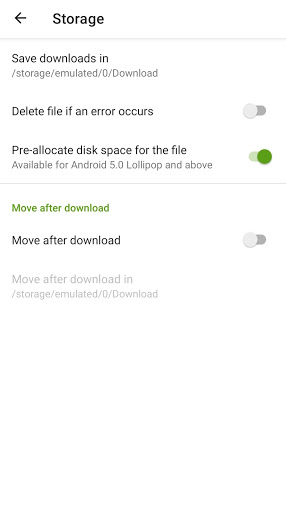
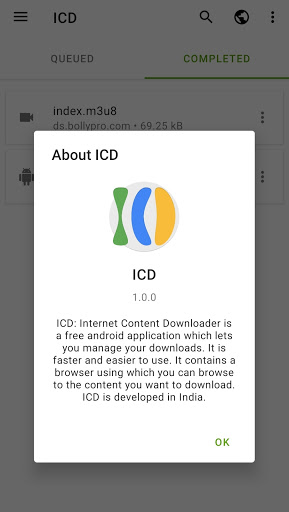
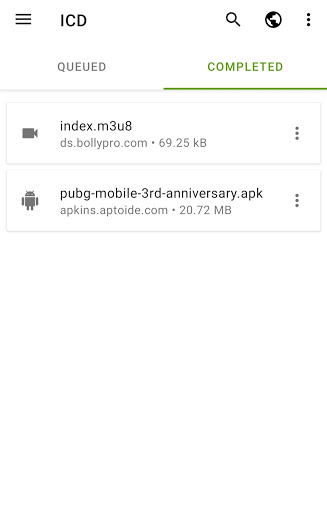
ICD: Internet Content Downloader is a free android application which lets you manage your downloads. It is faster and easier to use. It contains a browser using which you can browse to the content you want to download.
ICD is developed in India.
🇮🇳 🇮🇳 🇮🇳 🇮🇳 🇮🇳 🇮🇳 🇮🇳 🇮🇳 🇮🇳
ICD: Internet Content Downloader is one of the best browser with fastest and download manager available on android.
☆ You can Pause and Resume downloads
☆ Download streaming Music, Video, Files from your any websites using ICD.
☆ Smart download option to download files when you copy download links
☆ ICD has a very low RAM usage.
☆ Three prebuilt themes
☆ Download HD videos with one click
☆ Large file download supported
☆ Download video, music and pictures from any websites
☆ Download several files at the same time
☆ Download videos over Wi-Fi, 2G, 3G and 4G cellular networks
☆ Support downloading by video extension links
☆ Download videos in the background
Your Privacy matters so browse internet freely
☆ Blocks third party trackers
☆ With couple of clicks delete your browsing history, cache, cookies
ICD Browser features
☆ Browse videos with the built-in browser
Download manager additional features
☆ Multi language and Multi theme
☆ Direct Download music, video and other files to SD card
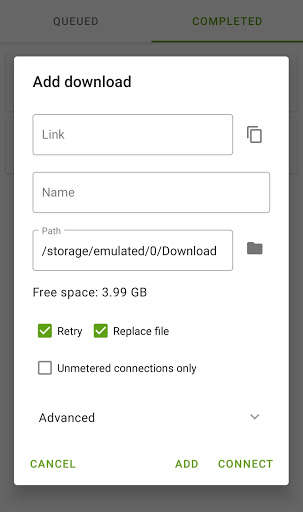
☆ Import download links from a text file or clipboard
☆ ICD supports all formats: archive files, MUSIC, VIDEO, documents, programs etc.
Disclaimer: Downloading and viewing of any file (Music, video & all other files) protected by copyright is prohibited and regulated by the laws of the country where you live. We assume no responsibility for any misuse of our App
If you are looking for powerful free video downloader manager to download videos from websites, try this ICD, you won't regret it!
If you like our service please rate us 5☆.
For Developers:
If you wish to use ICD in your android app, You can do this easily. Using ICD you can even hide the download link while redirecting your user to download screen. ICD will open of your app and your app will be visible in background, so it looks like user is always on the same app and it makes user experience better.
Here is how you can implement ICD in your android app using following JAVA code:-
try {
Intent intent = new Intent(Intent.ACTION_VIEW);
intent.setClassName("com.indian.downloader", "com.indian.downloader.ui.adddownload.AddDownloadActivity");
intent.putExtra(Intent.EXTRA_TEXT, downloadStringUrl);
intent.putExtra("hide_link", false);
startActivity(intent);
} catch (ActivityNotFoundException exception) {
try {
Intent myIntent = new Intent(Intent.ACTION_VIEW, Uri.parse("https://play.google.com/store/apps/details?id=com.indian.downloader"));
context.startActivity(myIntent);
} catch (ActivityNotFoundException e) {
Toast.makeText(context.getApplicationContext(), "No application can handle this request."
" Please install a web browser", Toast.LENGTH_LONG).show();
e.printStackTrace();
}
}
If you face any problem with ICD while using or implementing in your app, please contact us at our official email.
1. App performance is improved.
2. Loading time while adding downloads is reduced, now it's instantaneous.
3. Video ads are removed for better user experienced.
4. Minor bug fixes.


9Apps 4.9


![How To Fix Google Chrome Download Failed! [Network Error] screenshot 2](https://i.ytimg.com/vi/gYJa3EwCnT8/mqdefault.jpg)