

Heb je bvnc nodig op iOS? Het is nu beschikbaar op https://apps.apple.com/us/app/bvnc-pro/id1506461202
Bedankt voor het ondersteunen van mijn werk en GPL Open-Source Software door te doneren! Beoordeel ook mijn aanvraag en vertel het iedereen erover!
Release Notes:
https://github.com/iiordanov/remote-desktop-clients/blob/master/bvnc/changelog-bvnc
Oudere versies:
https://github.com/iiordanov/Gemote-desktop-clients/Releases
Report Bugs:
https://github.com/iiordanov/ Externe-desktop-cliënten / problemen
Als u vragen heeft, plaats dan geen negatieve beoordeling, eerder, vraag uw vraag op het forum, dus iedereen is voordelen:
https://groups.Google. COM / FORUM / #! FORUM / BVNC-ARDP-Aspice-opaque-extern-desktop-clients
Bekijk ook mijn RDP-client
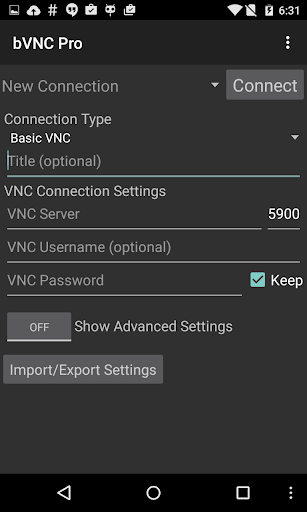
BVNC is een veilige, open source VNC-client. De functies zijn onder meer:
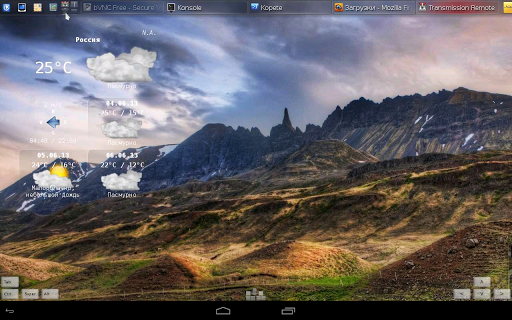
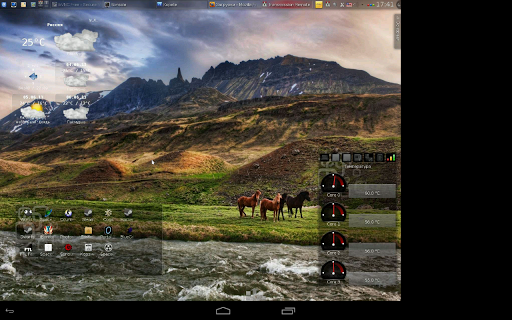
- Windows, Mac, Linux, BSD of een ander besturingssysteem met een VNC-server geïnstalleerd
- Hoofdwachtwoordondersteuning in de Pro-versie
- Multi-factor (twee-factor) SSH-authenticatie In de Pro-versie
- Multi-touch-controle over de muis op de afstandsbediening. Eén vinger tik links met klikken, twee-vingers tikken met de rechtermuisknopplaten en drie-vingers tap Middle-clicks
- Rechts en midden-slepen als u de eerste vinger die tapte niet opent - scrollen met een Tweevoudige dronk
- Pinch-zoom
- Force Landschap, IMMERIVE-modus Uitschakelen, Houd het scherm wakker opties in het hoofdmenu
- Dynamische resolutiewijzigingen, zodat u uw bureaublad kunt herconfigeren Machines van BIOS naar OS
- Volledige rotatie
- Multi-Taal
- Full Mouse Support
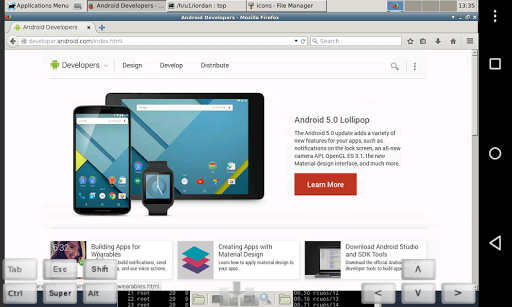
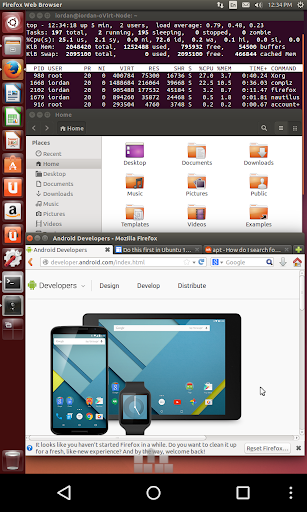
- Volledige desktop zichtbaarheid Zelfs met zacht toetsenbord Extended
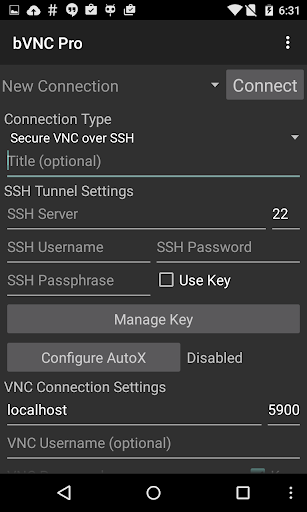
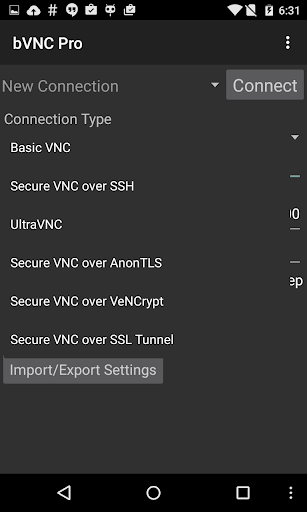
- SSH Tunneling, Anontls en Vencrypt voor beveiligde verbindingen (ondersteunt geen realvnc-codering).
- Hoogwaardige encryptie Superieur aan RDP met SSH en Vencrypt (X509-certificaten en SSL), voorkomende man-in-the-Middle-aanvallen
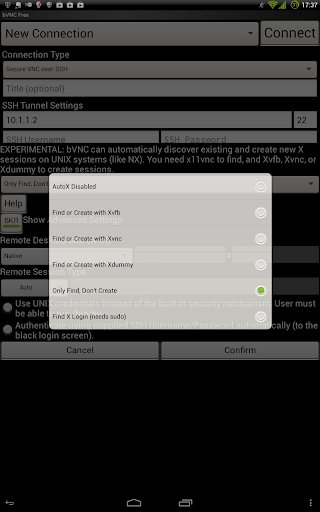
- Autox Session Discovery / Creatie vergelijkbaar met NX-client
- Strakke en copyreercodeers voor Quick Updates
- Mogelijkheid om de kleur diepte te verkleinen boven Slow Links
- Copy / Pasta Integrat ION
- Samsung Multi-Window
- SSH Public / Private (PUBKEY)
- Importeren van gecodeerde / niet-versleutelde RSA-toetsen in PEM-indeling
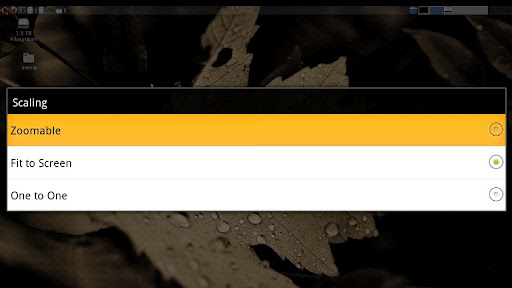
- Zoombaar, fit op scherm en één op één schaalmodi
- Two Direct, één gesimuleerd touchpad en één handige invoermodi van één hand, - in de ingangsmodus met één hand, lange-tik om een keuze te krijgen van klikken, sleepmodi, scrollen en zoomen
- Ondersteunt De meeste VNC-servers waaronder TightVNC, ULTRAVNC, TIGERVNC en Realvnc
- Ondersteunt Mac OS X Ingebouwde Remote Desktop Server (ARD) en Mac OS X-authenticatie
- ondersteunt geen realvnc-codering (gebruik VNC over SSH of Vencrypt In plaats daarvan)
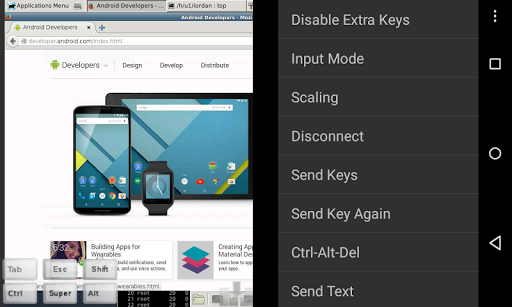
- Stowable On-Screen Extra
- Met de rechtermuisknop met de rechtermuisknop
- Gebruik D-pad voor pijlen, draait D-Pad
- Flext9 en Hardware-toetsenbord Ondersteuning
- Bekijken -Only-modus
- Help-apparaat Help bij het maken van een nieuwe verbinding in het menu bij het instellen van verbindingen
- Help op-apparaat op beschikbare invoermodi in het menu wanneer aangesloten - Aanbevolen met Hackers-toetsenbord van Google Play
- I Unstructions voor Windows:
Plain VNC:
http://iiordanov.blogspot.ca/2012/04/how-to-install-and-connect-to-tightvnc.html
Secure VNC Over Vencrypt:
https://groups.google.com/forum/# !topic/bvnc-ardp-aspice-opaque-android-bb10-clients/linjkyjbn-u
Secure VNC over SSH:
http://iiordanov.blogspot.ca/2012/04/tunneling-vnc-over-sh-to-windows.html
- Instructies voor Linux:
Plain VNC ( Remote Desktop op Ubuntu):
Opmerking: om Vino te gebruiken (standaard ubuntu vnc-server), eerste run:
GStings Set Org.Gnome.vino Vereisten-encryptie FALSE
http: // www. Howtoforge.com/configure-remote-access-to-your-ubuntu-desktop
Autox Secure VNC over SSH:
http://iiordanov.blogspot.ca/2012/10/looking-for- NX-client-for-android-or.html
- Instructies voor Mac OS X Remote Desktop:
http://iiordanov.blogspot.ca/2012/04/How-to-connect-to -Mac-OS-X-met-BVNC.HTML
Secure VNC over SSH:
http://iiordanov.blogspot.ca/2012/04/tunnel-vnc-over-SH-TO- mac-os-x.html
Code
Https://github.com/iiordanov/Remote-desktop-clients
v3.9.1
- Bugfix for Gboard
v3.9.0
- Bugfix for generating SSH key on empty connection
v3.8.9
- Fix for race condition in saving SSH host key on newer devices
v3.8.8
- Left-handed mode
- New ssh lib
- Landscape 180
- Polish translation
v3.8.6
- New Global options in Main Menu: Force Landscape, Immersive Mode Disable, Keep Screen Awake
v3.8.4
- Immersive mode!
v3.8.2
- Better error reporting
v3.8.1
- Better detection and support for AnonTLS and Android 6
- Bugfix for ipv6 addresses











9Apps 4.9














