

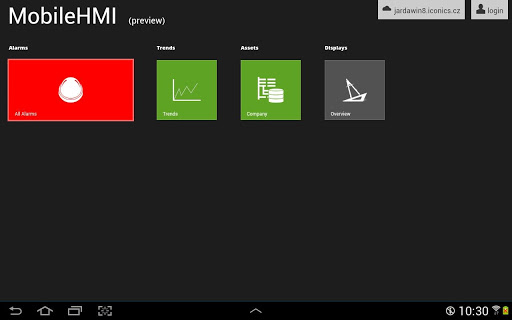
Access and control enterprise industrial automation applications from anywhere using MELSOFT MC Mobile. Beginning with the AppHub starting screen, users can customize the layout of their graphics and assets for quick intuitive access to control. By viewing MCWorks64-based operational HMI displays, application assets, alarms, and trends MC Mobile allows users to remain informed from anywhere. For increased efficiency existing automation customers of Mitsubishi Electric can access data, alerts, and graphics through MC Mobile to remotely control and view operational conditions in real-time. Users can view real-time and historical TrendWorX64 trends, acknowledge, and monitor AlarmWorX64 alarms, navigate and drill-down to AssetWorX assets, or control operations via GraphWorX64 displays. Developed with integration into the MCWorks64 solution, MC Mobile offers full client functionality from Android devices.
Version 10.95.6




9Apps 4.9














