

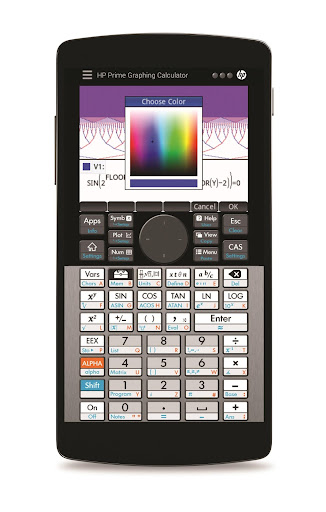
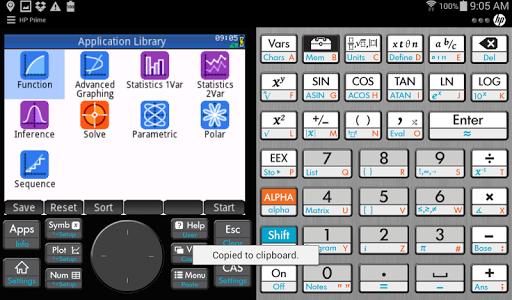
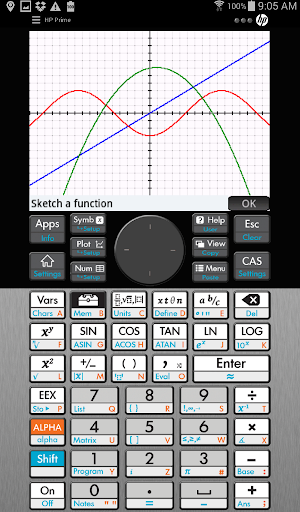
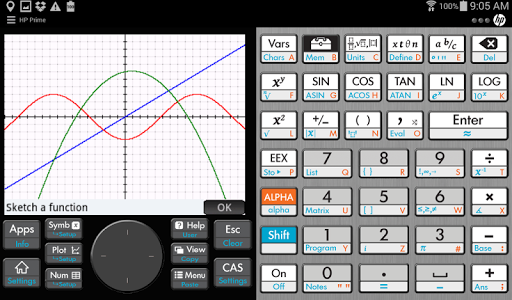
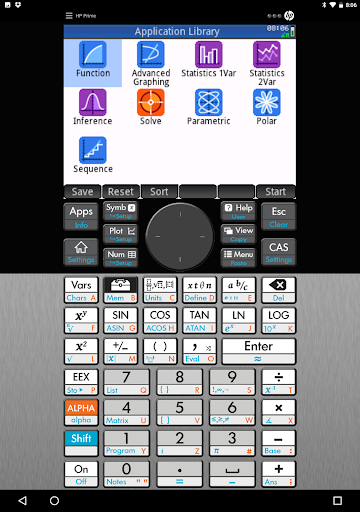
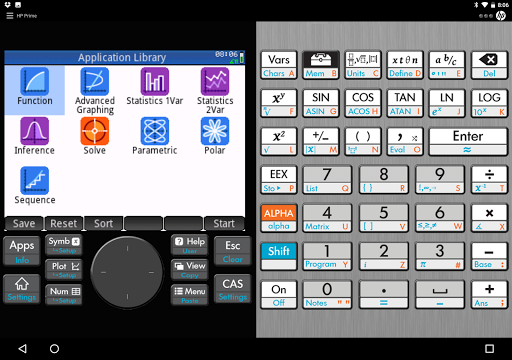
HP Prime Pro is an extensive and integrated graphing calculator app that enables students to solve problems, learn, and explore on their mobile device.
Designed with the same layout and features as the College Board approved HP Prime Graphing Calculator, the app answers the demands of the digital classroom and delivers flexible functionality anywhere you work.
FEATURES:
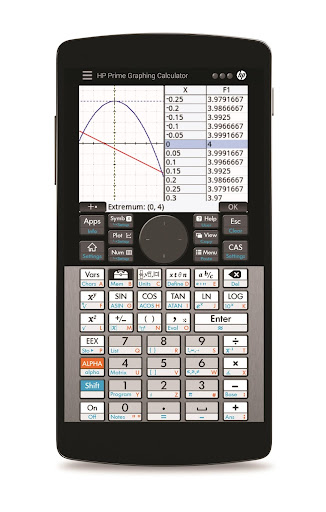
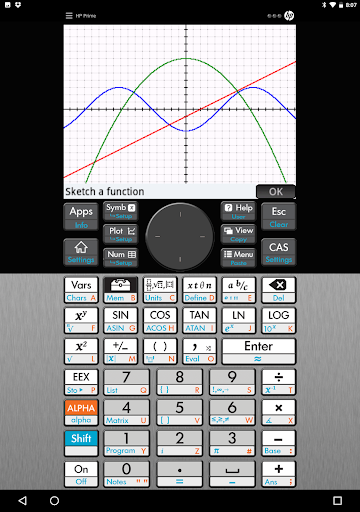
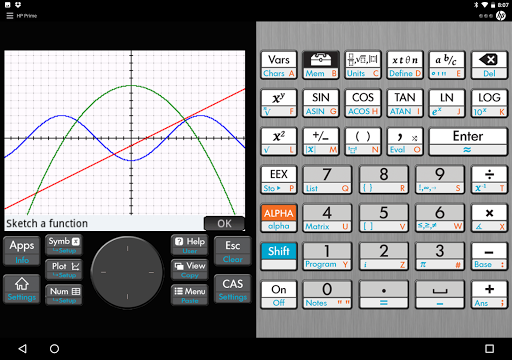
• Advanced graphing capabilities to graph implicit and explicit equations and inequalities, with the capability to trace or build tables of points of interest.
• Use the Graph 3D feature to plot functions that define Z in terms of X and Y
• Units & base conversions to handle the most complex problems in chemistry, physics, quantum mechanics and other engineering fields
• Pinch-to-zoom and multi-touch capabilities for a hands-on, intuitive experience.
• Full featured programming language including user defined functions and re-assignable keys
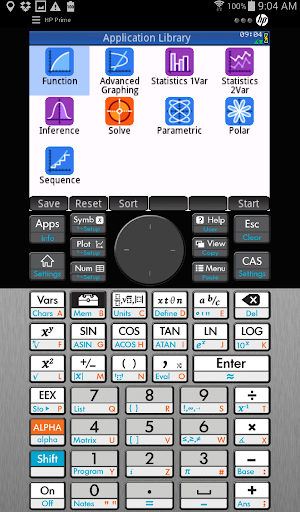
• Perfect companion for secondary and collegiate mathematics courses with dynamic Geometry, Statistics, Finance, and Spreadsheet applications.
• Just-in-time context-sensitive help available through the app.
• Easily toggle decimals to special values of (a/b)*π, (a/b)*√(c/d), ln(a/b), and e^(a/b)
• Solve single equations and systems of equations (linear and nonlinear)..
• HP Prime Explorer allows the user discover several function families
• Calculate bonds, cash flows, dates and more with the Finance feature.
• Reduce keystrokes with optional RPN.
• Delivers a multidimensional Computer Algebra System (CAS).
• Authentic app, developed and supported by HP.










9Apps 4.9














