
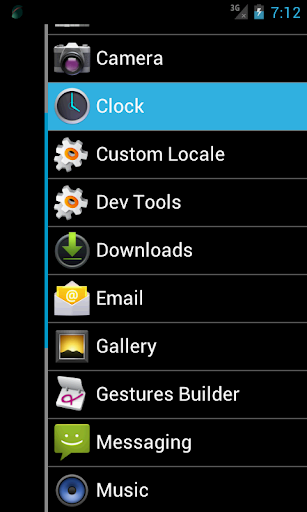
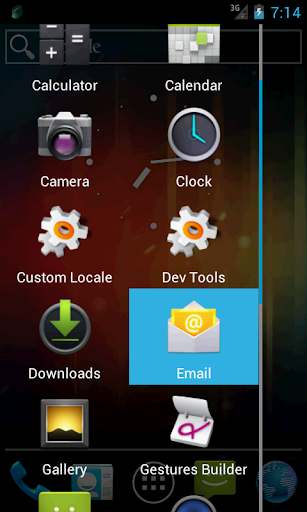
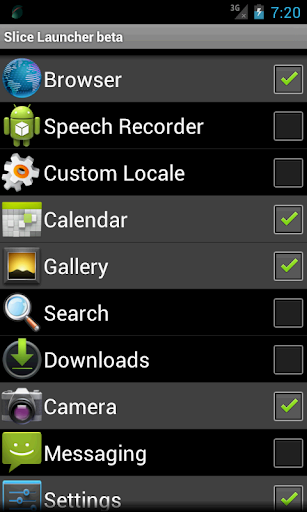
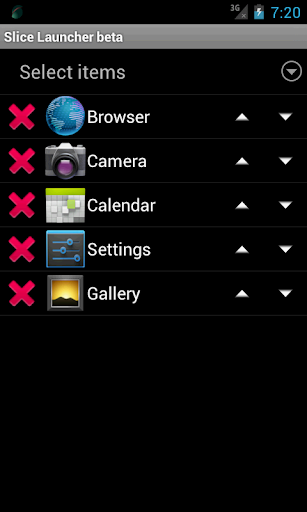
Slice Launcher is an application launcher to be operated by swiping the screen.
Since the application of the overlay type, you can display the launcher at any time.
As in the past, you do not need to select the application all the way back to the home screen.
[Notes]
* This application is beta version, operating specifications may be changed significantly during the upgrade.
* If the application conflicted, use only one application, or
try to change the settings of the slot.
* If a problem occurs in the terminal by any chance, please try to restart the terminal this time slot.
[Features]
* Other applications even if it is started, the launcher can be displayed at any time.
* Start Launcher and start desired operation can be performed by a one-touch action.
* You can set customized launcher to slots.
* Type of launcher might increase in the future.
[Supported languages]
* English
* Japanese
[Operating Instructions]
(1) First, touch "Manage Custom Panels" to open the custom panel manage screen.
(2) Touch " " Icon to select a panel which is the basis of custom panels.
(3) Make various settings in the custom panel edit screen.
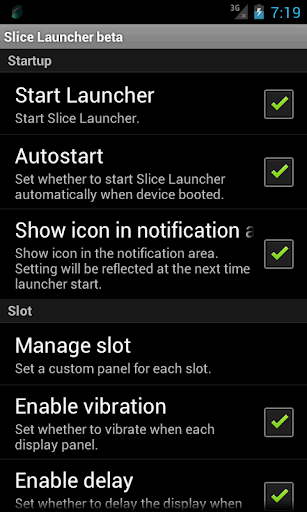
(4) Touch the "Start Launcher", return to the first screen.
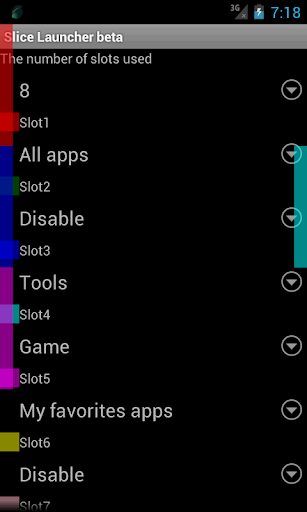
(5) Touch the "Manage slot" to open the slot manage screen.
(6) Set the number of slots used.
(The size and location of the slots will be changed automatically by slot number you set.)
(7) Assign a custom panel to any slot.
(Left-hand side of the screen is an odd slot, right side of the screen is even slot.)
(8) By touching the screen as inward from the edge of the slot in which the screen has been set, a launcher will be shown.
(9) Slider will be displayed at the touch. Slider is moved by swiping.
(10) The selected menu item you want appears, and release your finger over the item.
* Improved UI.
* Fixed several problems.




9Apps 4.9