
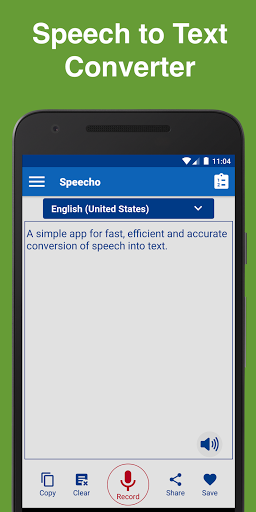
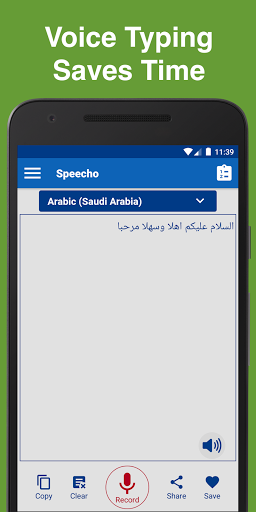
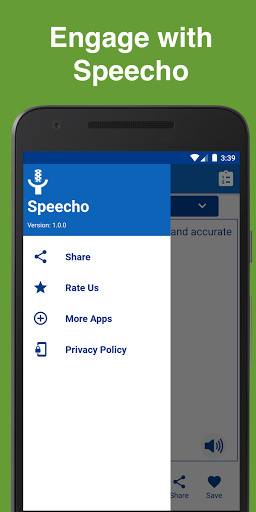
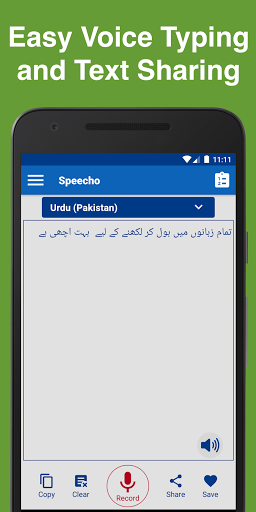
Speecho - Speech to Text Converter is a free app for converting all languages voices into text. This speech to text converter app is efficient in converting the voice into text along with other commonly required features like copy, clear, share, speak, or save converted text. There are many other salient features and options available in Speecho - the speech to text converter app.
Prominent features of Speecho are as below
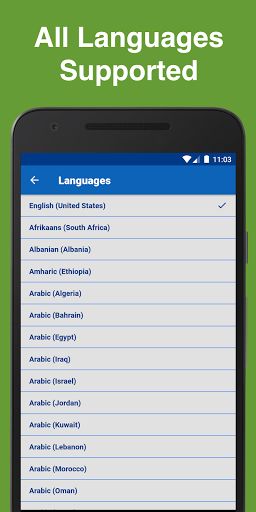
In Speecho - the speech to text converter app we have provided support for about all of the world languages for speech to text conversion. You can choose any of the language to convert your voice into text. As long as you speak, the app will convert your voice into the text note, that text you can use wherever you want.
You can even use different languages for each word or sentence, the app will gracefully merge your voice converted text into a comprehensive note. So by using this app, you can convert your voice messages into any language of the world.
In Speecho we have provided all those common feature to use the voice converted text, those features include
- Copy, so that you can copy the text and use it wherever you want.
- Clear, so that you can immediately clear the text area for your next voice dictation.
- Share, so that you can easily share it with other messaging or social apps.
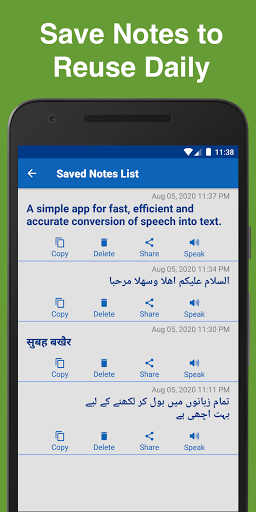
- Save, so that you can save your daily use message texts and you do not need to dictate or write them every time. You can just copy those text messages from Speecho app or even use Speecho's share feature to post it on messaging or other social apps.
- Delete, so that you can delete the notes which are no more needed.
Speecho - The speech to text converter app is very useful for language practitioners so you can speak in front of Speecho and app will convert your audio dictations into text form and then you can verify whether you pronounced the words in right way.
Speecho also support text to voice conversion. For that we have enabled typing into the text area so that you can type in along with voice converted text. App will speak the text with selected language accent. Feel free to use text in different languages. Speecho will gracefully handle multiple world languages at the same time. This text to speak feature is also supported for your saved text notes.
Speecho - Speech to Text converter can be very time saving for you if you do extensive writing in phone apps daily. Instead of writing too much text just use the Speecho app to convert your voice dictations into text that you can use wherever you want or even save it for next time use.
Speecho - Speech to Text Converter app is available for Audio Dictation in Arabic Saudi Arabia, for Speech to Text in English United States (US), Audio Speech Recognition in Arabic Kuwait, Audio Transcription in Finnish Finland, Speak notes in English Canada, Voice typing in English United Kingdom, Voice Notes in Arabic United Arab Emirates (UAE), Text to speech in Afrikaans South Africa, Convert Audio to text in Catalan Spain, Audio to text conversion in English India, Audio Talk recognition in German Germany, Dictate text in German Austria, Speech to text in Hindi India, Speak notes in English Singapore, Audio dictation in Malay Malaysia, Voice Notes in Spanish United States, Audio transcription in Tamil India, Chinese speech recognition, Voice typing in Vietnamese Vietnam, dictate text in Swedish, text to speech in Thai, Speech to text in Zulu South Africa, voice recognition in Filipino, Audio speech recognition in Urdu Pakistan, Dutch speak notes, Turkish speech to text conversion, Bengali voice typing, text to speech in Arabic and many more languages.
Download Speecho - Speech to text converter app today and start saving time by directly converting your voice dictations into text instead of manually writing them.
- Healthy Pixel



![Convert Text to Speech on Windows with Single Click [Free with No Limit] screenshot 4](https://i.ytimg.com/vi/h4xP5wByR9Y/mqdefault.jpg)


9Apps 4.9














