

Easy Slider enables the easiest and most comfortable way to adjust volume and brightness of your device when browsing videos or playing games. It also lets you launch your favorite apps or switch to recent apps effortlessly.
No need to use physical buttons or notifications panel to change the volume or brightness from one video to another; place your device off your hands or hold it with one hand, you can increase or decrease the volume instantly by just a single swipe or set brightness easily on any screen and any time you want. What's more, you can launch pinned or recent apps from the new advanced slider menu easily.
Warning: This app may not work as expected on devices with edge display. You may need to increase swipe area width to high values, which means using more of the screen as overlay.
Easy Slider allows performing swipe actions on selected side of the screen. It displays an overlay over other apps, which is always available when the screen is unlocked (except while some system apps which display over of the overlay are open in the foreground).
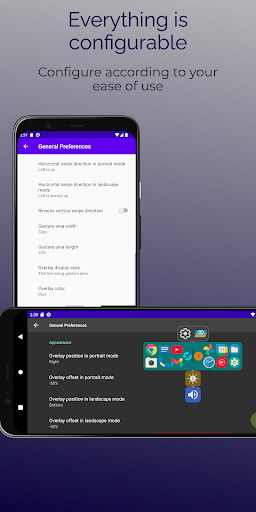
You can start using Easy Slider with the default settings, but if you want to modify the app according to your preferences, you can change every parameter you need from the configurations.
Features of Easy Slider:
- Always available overlay area for swipe detection
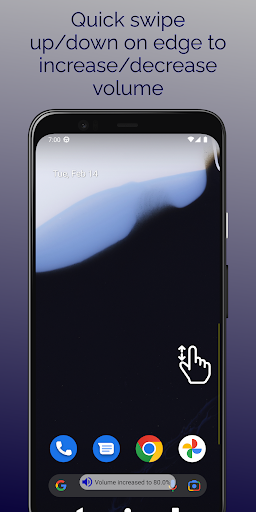
- Quick swipe up/down to increase/decrease volume by desired steps
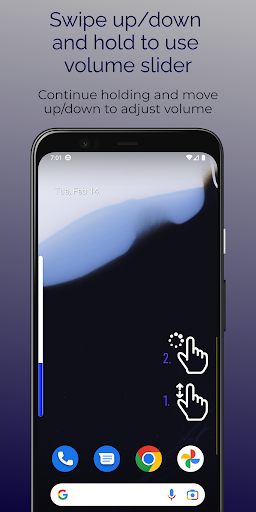
- Hold after swipe to show volume slider for specific adjustment. Continue holding and swipe to set volume.
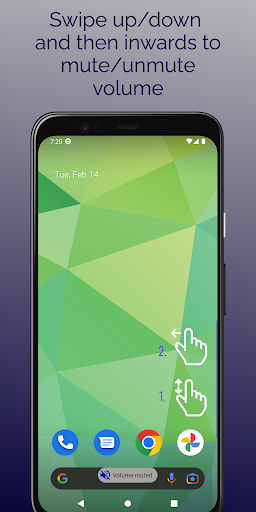
- (New in 2.30) Swipe up/down and then inwards to mute/unmute volume
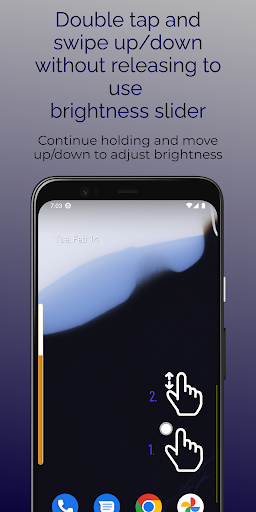
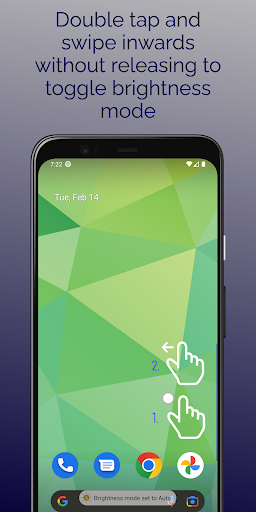
- (New in 2.30) Double tap and swipe up/down to adjust brightness. Double tap and swipe inwards to toggle auto/manual mode.
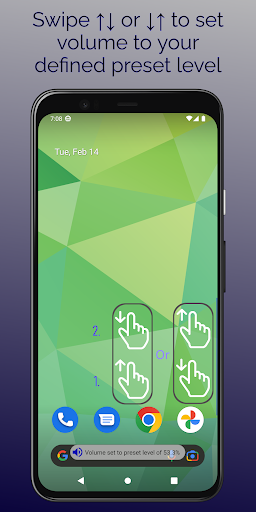
- (New in 2.70) Swipe up followed by down, or down followed by up to set volume to your defined preset level
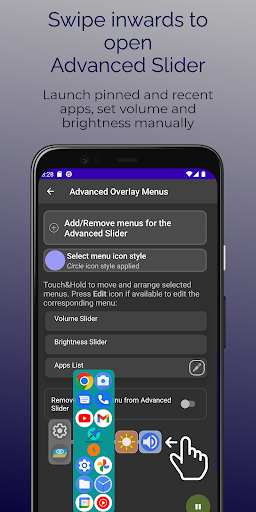
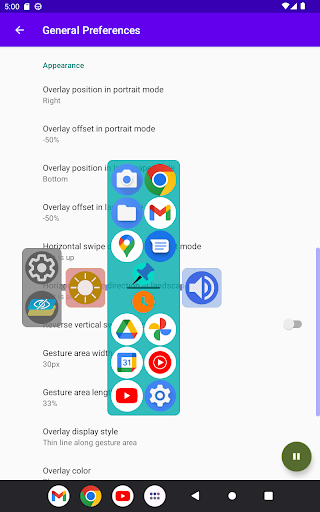
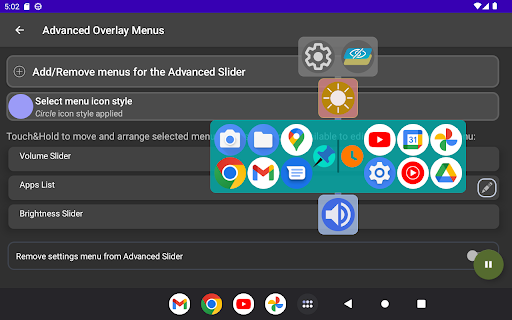
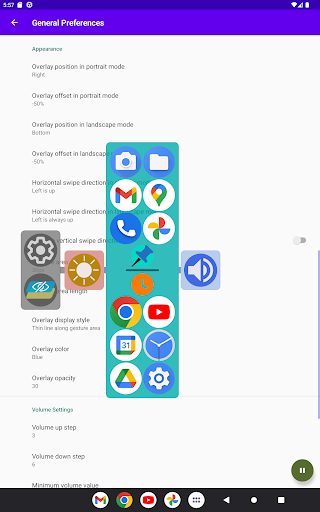
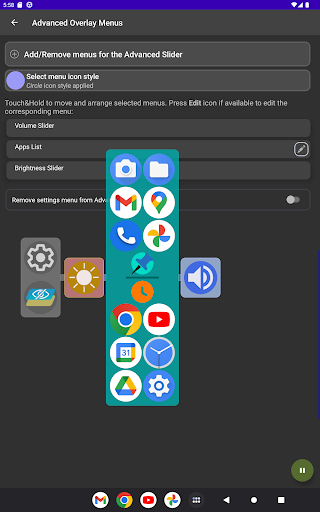
- (New in 2.00) Swipe inwards to display advanced slider. Pin apps to quickly launch them. See recent apps and switch easily.
- (New in 3.00) Apply custom icon packs, set matching menu icon style
- (New in 2.00) Alternative way to set volume and brightness on advanced slider
- Transparent display of the swipe area with adjustable opacity and color
- Configurable swipe area position and offset for both portrait and landscape orientations
- Configurable swipe area width and height
- Suitable for left and right hand usage
- Single hand usage
- Volume increase and decrease steps, min and max levels adjustable
- Enable/disable service
- Auto start on boot if left enabled
- No battery usage
Tip: If you start by swiping up/down, it's volume gesture; if you start with tap and then swipe, it's brightness gesture.
Apart from these, don't forget that swiping inwards shows the advanced slider menu.
Note: Display over other apps permission is required for this app to run. It allows the app to stay and register touches on top of other apps. You can follow the "Initialize the app" menu to enter the related setting.
Note: Although this app doesn't use any battery in the background, disabling battery optimization may be necessary depending on your system. It's highly recommended to disable battery optimization for this app to prevent it from being stopped by the operating system. You can follow the "Initialize the app" menu to enter the related setting.
- Bug fixes
New feature in version 3.10:
- Expert Configuration added. It's now possible to scale advanced overlay menus; select pinned or recents only mode, and set number of columns and rows for apps menu. Its widget-like configuration also allows moving menus or the whole layout, adding/removing menus, modifying their expert settings. Check out Help (?) for how-to-use info, and use the on-screen buttons for other functionalities.
- Minor general improvements









9Apps 4.9














