Sound Recorder Pro icon

Sound Recorder Pro

1.0.9 for Android
4.0 | 5,000+ Installs | Reviews

hardcoded joy

$2.49

Description of Sound Recorder Pro

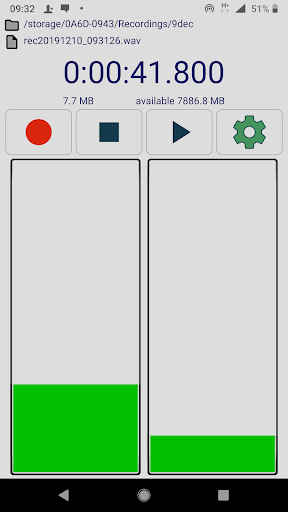
High quality audio / voice recorder for Android.
Features:
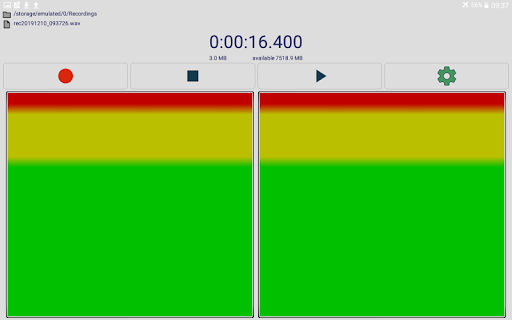
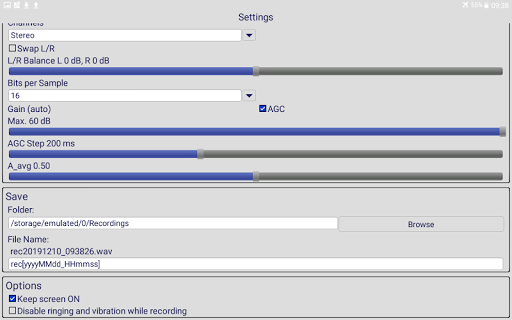
- raw MIC data (captures all sound)
- also recording with screen OFF
- stereo MIC (if device has 2 MICs) - listen with headphones and feel surrounded by the sound
- lossless audio format (PCM WAV)
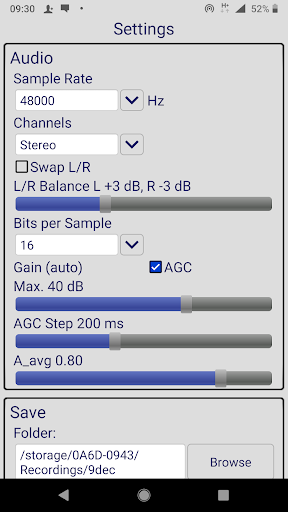
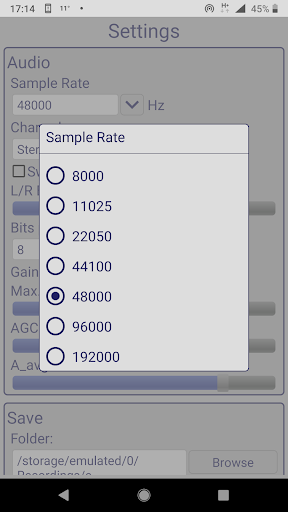
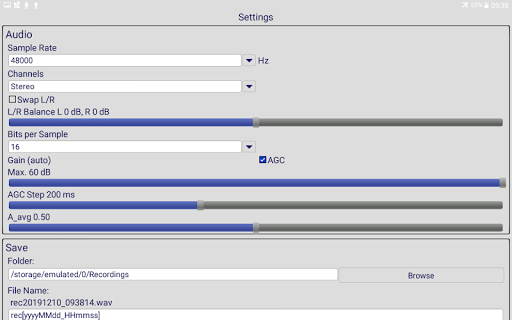
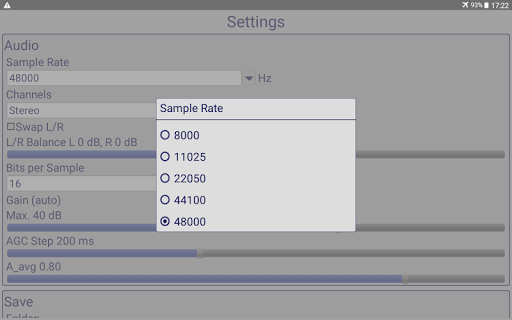
- sample rate 8kHz to 192kHz (older devices may not support all the sample rates)
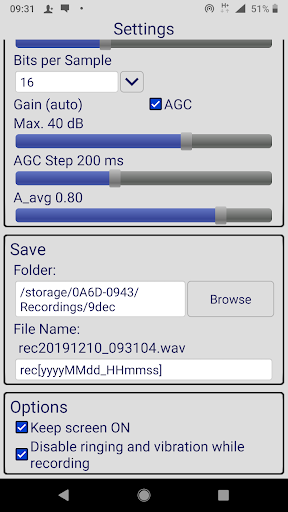
- bits per sample selection 16-bit (high quality) / 8-bit (record files to use in some embedded systems)
- ajustable gain 0 to 60 dB or automatic (look-ahead AGC)
- AGC buffer step selection 10ms to 500ms
- AGC measured amplitude averaging factor A_avg 0 = max. amplitude, 1 = buffer average
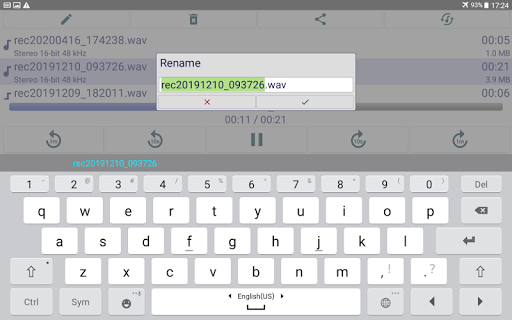
- user-configurable file name including date and time
- 4GB file size technical limit - new file created automatically to continue recording
- stereo / mono channel selection
- swap left/right option
- left/right balance /- 10 dB
- keep screen ON - option so that device does not enter sleep mode
- disable ringing and vibration while recording - option so that the recording does not get ruined by the phone ring or vibration
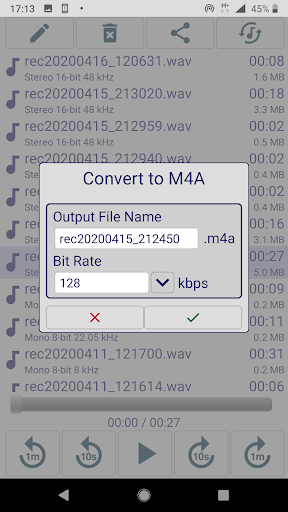
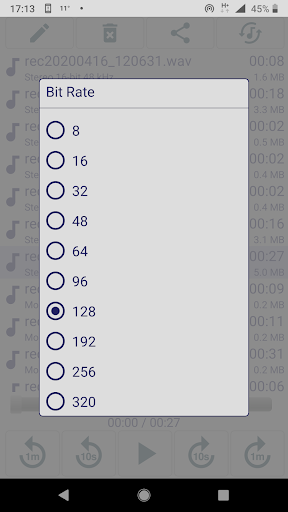
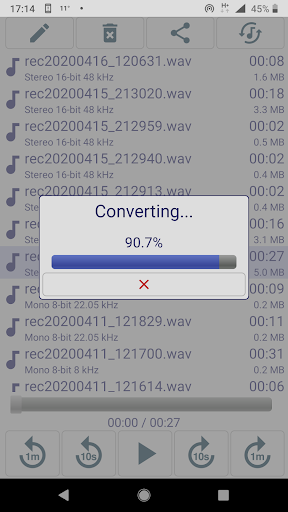
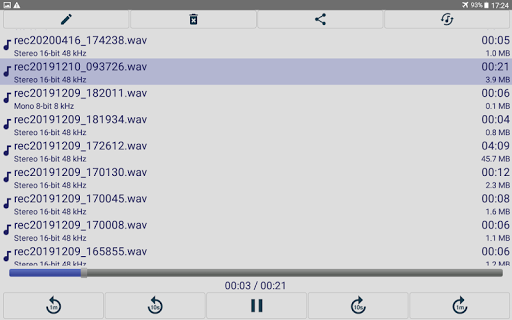
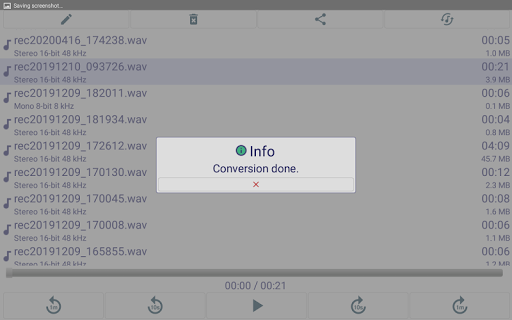
- NEW! convert wav to m4a to get smaller file size (requires Android 4.3 and up)
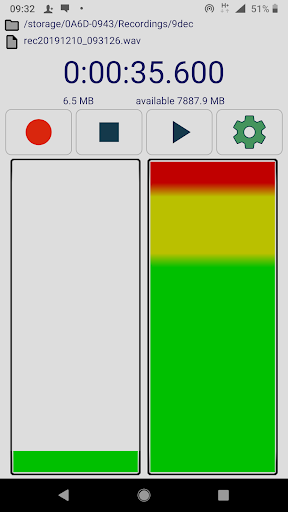
You have to see the magic of automatic sound level / gain control (AGC), especially if you use to record meetings / lectures. It works as follows: it amplifies the quiet sounds to capture all, but then if a loud sound happens, it gets reduced volume to not blow your ears.

What's New with Sound Recorder Pro 1.0.9

Fixed some bugs.

Information

  • Category:
    Music & Audio
  • Latest Version:
    1.0.9
  • Updated:
    2020-05-05
  • Requirements:
    Android 0 or later
  • Developer:
    hardcoded joy
  • ID:
    com.hardcodedjoy.soundrecorderpro
  • Available on:
Reviews
  • avatar
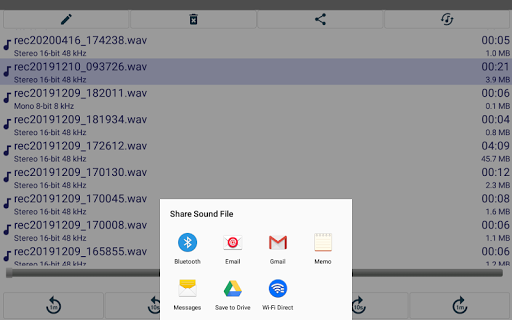
    It does exactly what it needs to do. I was able record stereo/binaural audio on my Pixel phone in WAV at 32-bit/48-khz sampling.(32-bit float would be a great addition!) I recorded for over an hour without any issues. The process of exporting/moving files from the [app_files] location to somewhere I can copy them to my computer is a little bit clunky to figure out, but it works.
    2023-09-11 05:19
  • avatar
    There is no pause
    2023-08-03 05:48
  • avatar
    No pause button while recording.
    2023-06-02 06:48
  • avatar
    Excellent application, recommended
    2023-06-01 08:49
  • avatar
    It used to be an excellent app, but now it severely lags and crashes all the time. I tried reinstalling it but to no avail. Still lags to the point of being unusable, it literally takes 5-7 seconds for it to react to any input. I am very disappointed that I paid for this mess.
    2023-04-12 06:36
  • avatar
    Easy to use and records high quality but even when the stereo setting is chosen, the resulting recordings are still mono. (Samsung Galaxy S9+)
    2022-04-04 08:34