
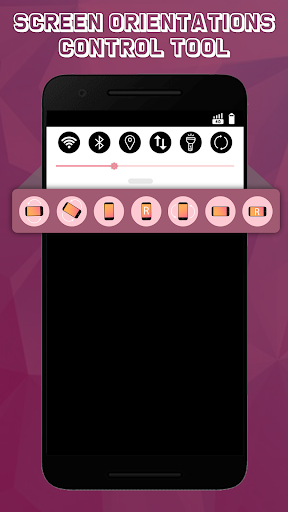
Screen Orientations Control Tool
is an amazing app with various rotation modes which can be very much useful.
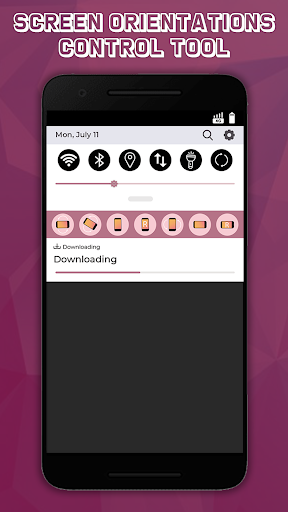
The app is so sample to use just set the ON/OFF button and select rotation mode which you want to apply to your phone screen.
Following are the Screen Orientation Mode:
-
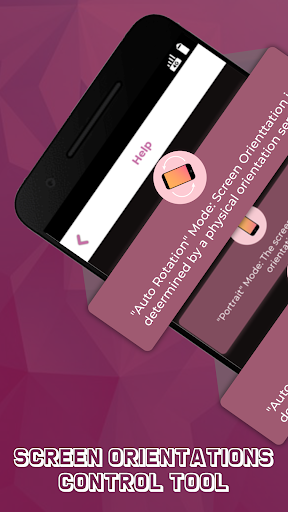
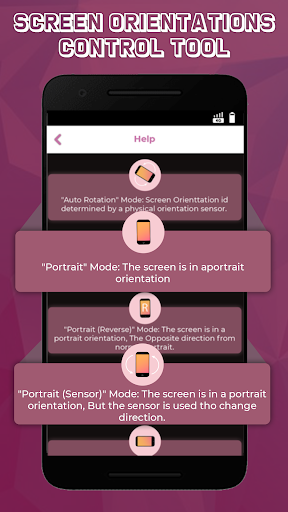
Auto Rotation :
the screen rotates based on a sensor.
-
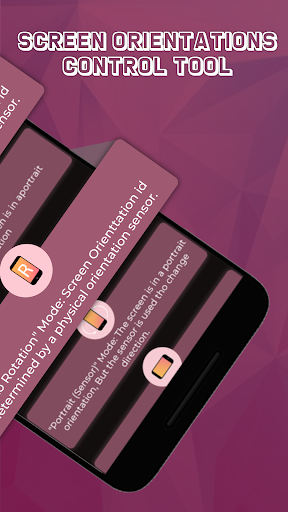
Portrait :
the screen is in a portrait orientation.
-
Portrait (Reverse) :
the screen is fixed vertical in opposite direction from normal portrait
-
Portrait (Sensor) :
rotates automatically to a vertical orientation based on a sensor.
-
Landscape :
the screen is in landscape orientation.
-
Landscape (Reverse) :
the screen is fixed horizontal in opposite direction from normal Landscape.
-
Landscape (Sensor) :
rotates automatically to a horizontal orientation based on a sensor.
Depending on your device specification some of rotation mode may not respond accordingly.






9Apps 4.9














