
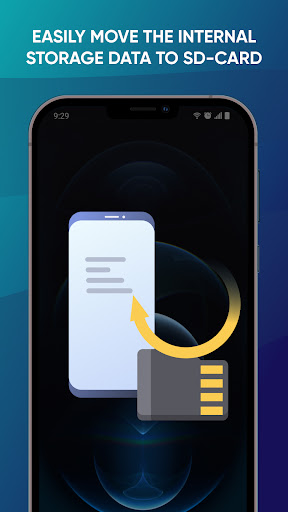
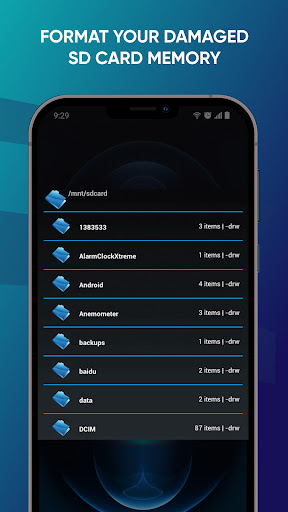
SD Card Recovery Instructions application explains how to save all your important data and store them separately, which is very convenient. A person who frequently uses storage memory always needs free space on micro sd or built-in memory. When you are using the app you have two options: Internal Storage and External Storage. Also you have a choice to do auto transfer or schedule transfer. It is up to you. Schedule transfer helps you when you plan the day and time.
With this app, auto transfer helps to transfer files from internal storage to external storage automatically and avoiding your internal memory to exhausted. This feature supports:
- Images;
- Video;
- Audio;
- Document;
- Apk;
- Other types of files.
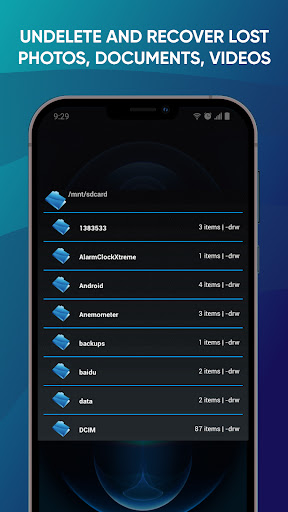
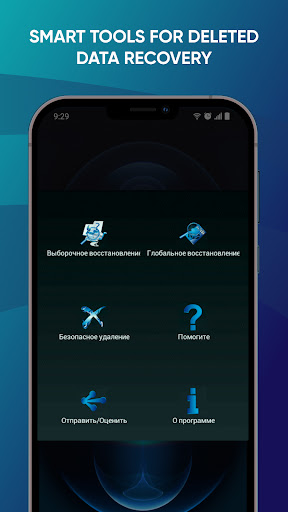
Most data loss is caused by human error, rather than malicious attacks. You no longer need to worry about lost data, accidentally deleted photos or videos, because the SD Card Recovery Instructions application will help you recover everything. You manage all the data yourself. That means the practice of collecting, keeping, and using data efficiently. For example, data recovery is possible because a file and the information about that file are stored. In all this, the application will be a great helper for you.
Thanks you for choosing our SD Card Recovery Instructions application.




9Apps 4.9














