

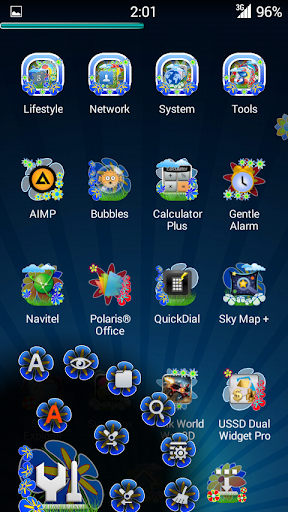
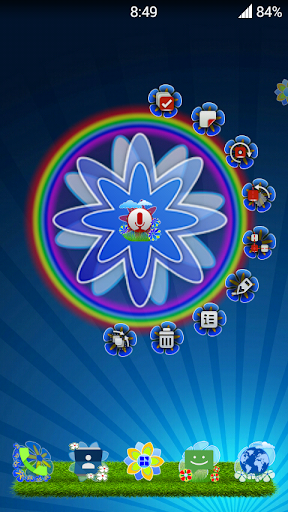
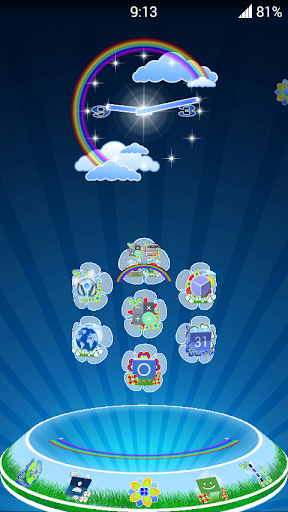
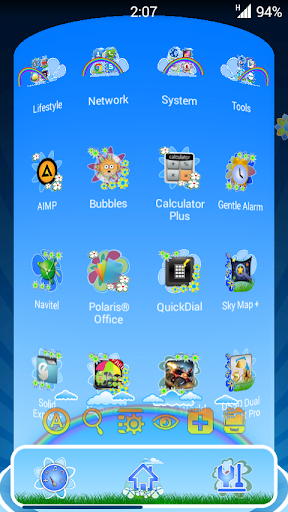
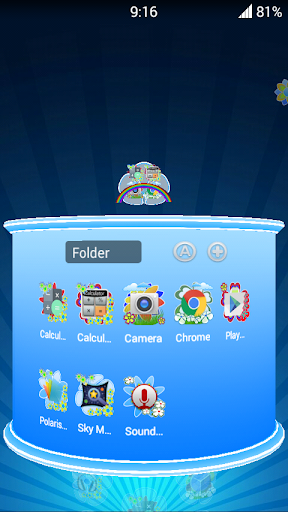
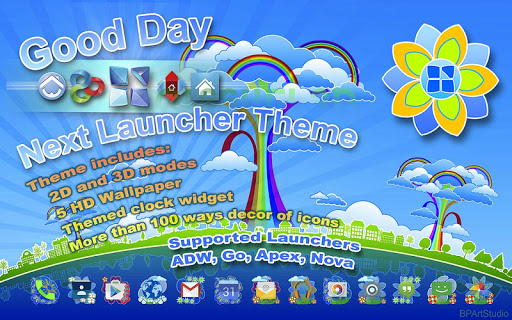
Introducing colorful theme for the Next Launcher 3D, our answer to the dull sameness.
★Theme supported on ADW, Go, Apex, Nova.★
More than 100 ways decor of icons will give a fresh and unique look to your desktop and applications menu. Decor of icons will change after every reboot device or Next Launcher 3D.
Installation instructions:
1. Make sure you have the latest version of the "Next Launcher 3D". (Search "Next Launcher 3D", to download).
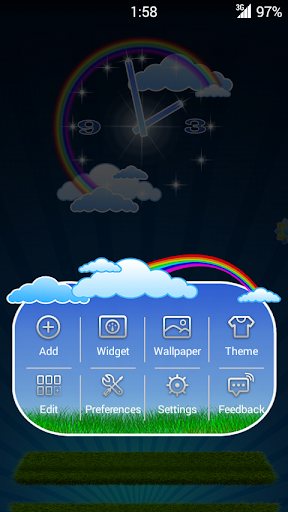
2. On the desktop press Menu >> Theme >> Phone >> choose a theme Good Day.
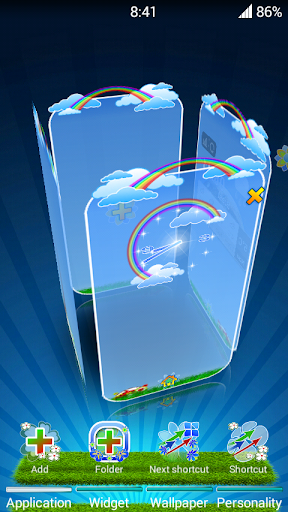
3. To set the in 3D mode:
"Next Launcher" switches to 3D mode >> press Menu >> Theme >> Phone >> choose a theme Good Day.
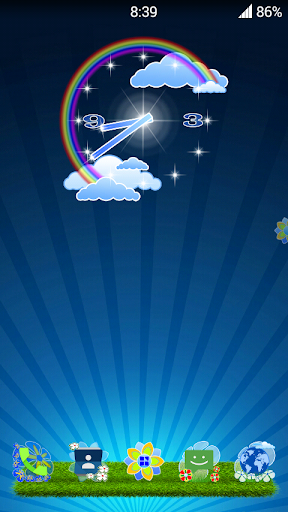
4. Set your clock widget:
Menu >> Widgets >> System >> search the list " Good Day clock"
If you have any problems with the installation, necessarily email me litezru@gmail.com
To see all themes created by Developers "BPArtStudio" go to the link http://bpartstudio.blogspot.com
Added support Launchers ADW, Go, Apex, Nova



9Apps 4.9

![Top 10 Best Next Launcher Themes 2013 - Part 2 [Galaxy Note] screenshot 1](https://i.ytimg.com/vi/5hvFM4lwO2c/mqdefault.jpg)


![How To Customize Android Like a True PRO in 2025 [Ft. Liquid Glass Setup] #Ep02 screenshot 4](https://i.ytimg.com/vi/_bXrzilCDBo/mqdefault.jpg)













