
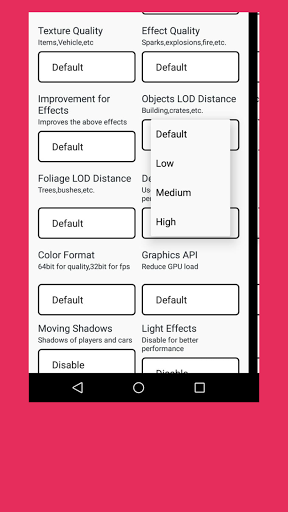
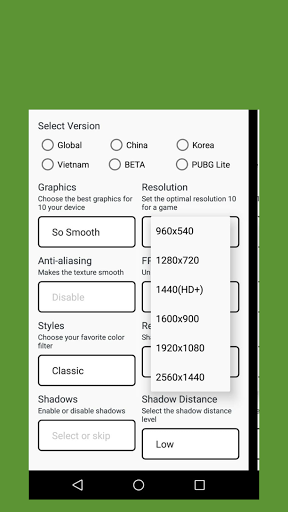
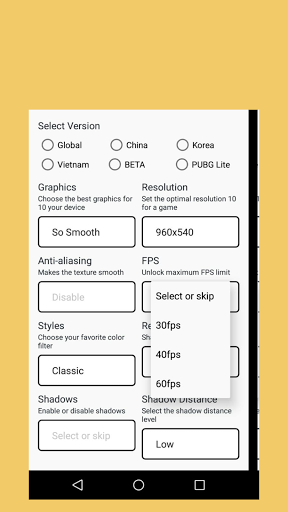
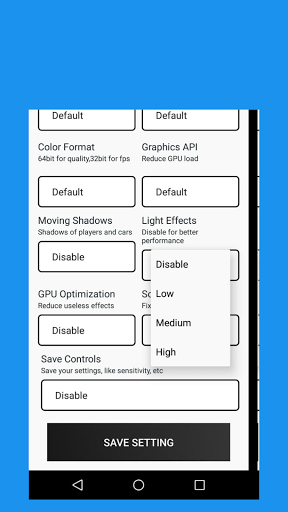
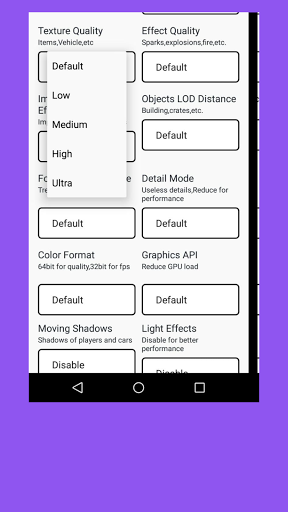
GFX Tool is a Utility launcher for specific games where you can fully customize the game graphics to get beautiful pictures and smooth gameplay.
For the first time, it is recommended to use the reset screen feature to effectively reduce the probability of GFX not taking effect.
For users who use GFX for the first time, we recommend using CPU-based GFX.
Custom settings, need to click on the customize advanced setting, set the appropriate GFX settings, enter the game (click to PLAY NOW) can take effect
You must click on [PLAY NOW] to start the game.
Supported game versions: Global, CN, LITE, KR, VN, TW, BETA
We are a 100% safe, free application that won't put your game account at any risk.
features
Change resolution
Unlock HDR graphics and all FPS levels
Fully control Anti-aliasing and shadows
And much more other useful options
GFX Tool
Close game if it’s currently running before starting GFX Tool
Choose your version of your game
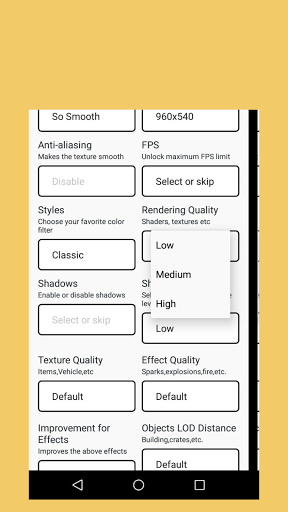
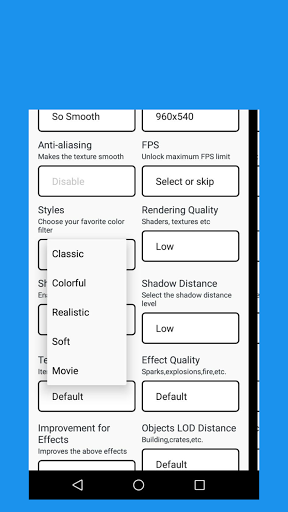
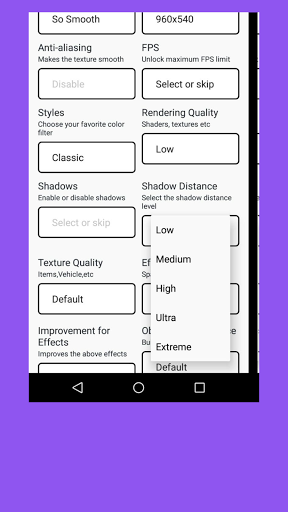
Customize the graphics according to your desires and device capabilities.
Once everything is set, click on Accept and Run Game
DISCLAIMER
This is an UNOFFICIAL application for PUBG. This application is not associated in any way with PUBG Corporation. All rights reserved. In accordance with https://developer.pubg.com/tos?locale=en
“PUBG, PLAYERUNKNOWN’S BATTLEGROUNDS and all related logos are trademarks of PUBG Corporation or its affiliates."
If you feel that we have violated your intellectual property rights or any other agreement, please contact us by e-mail smitbhanderi987@gmail.com, we will immediately take the necessary measures.



9Apps 4.9














