

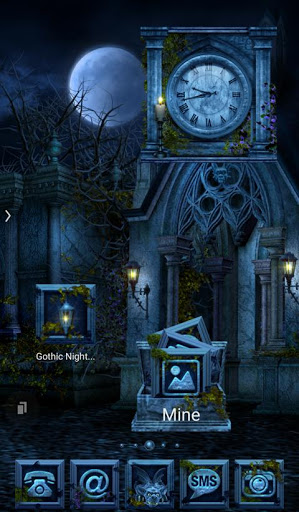
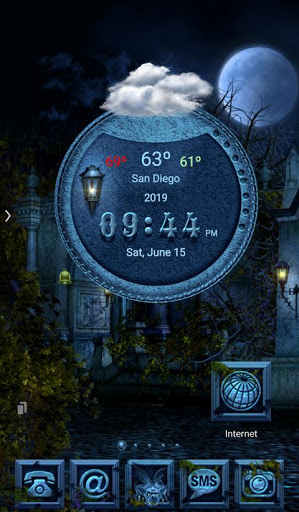
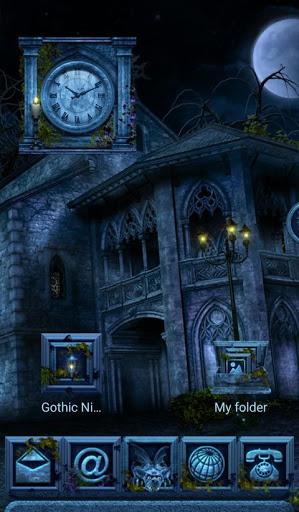
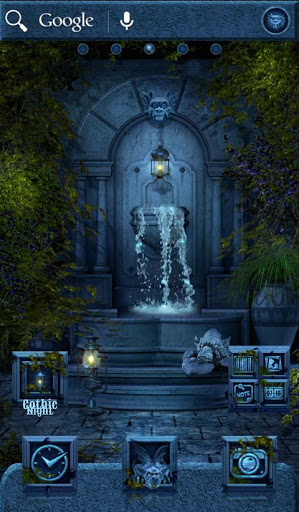
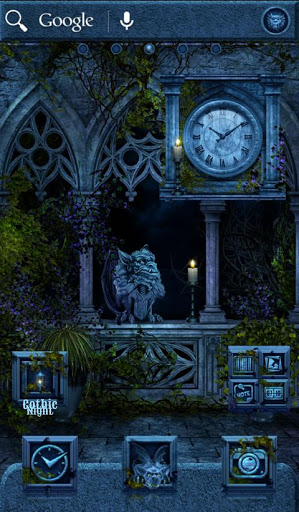
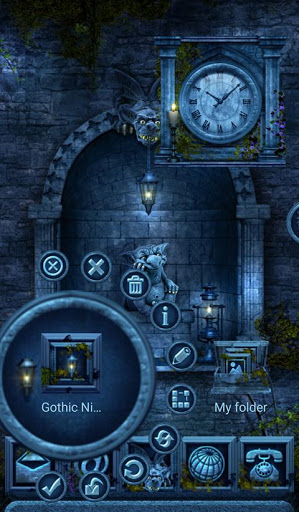
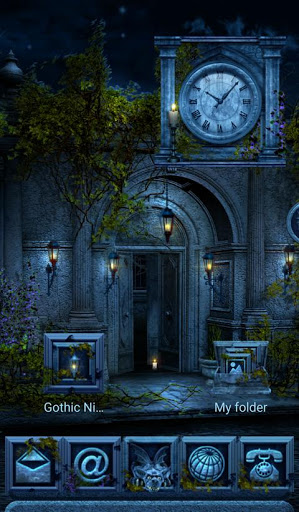
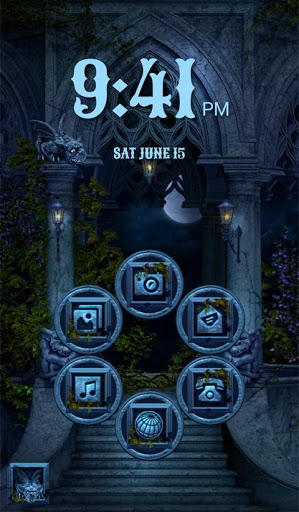
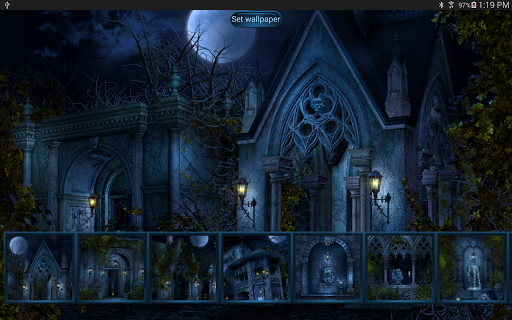
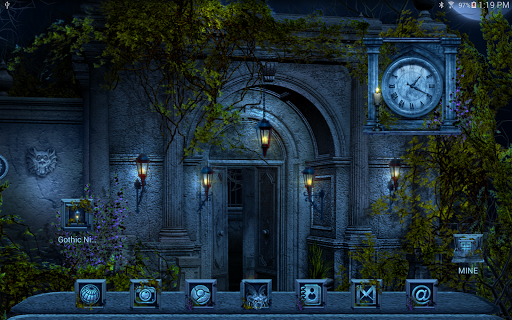
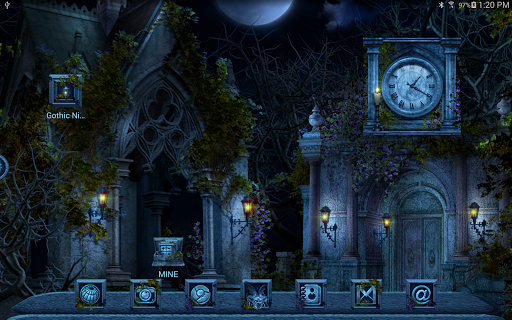
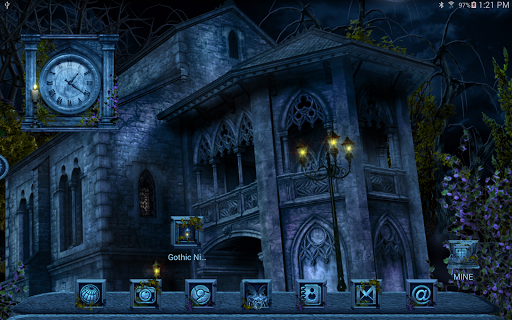
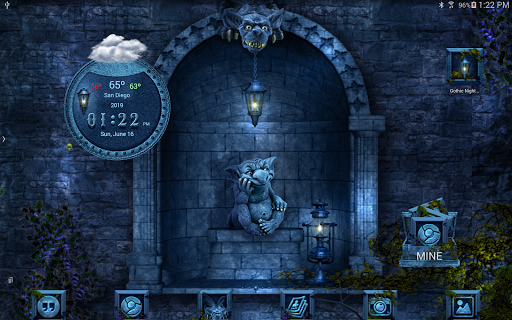
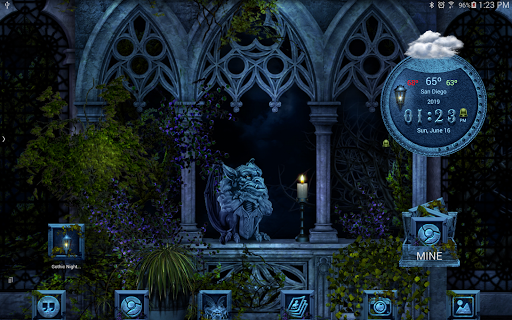
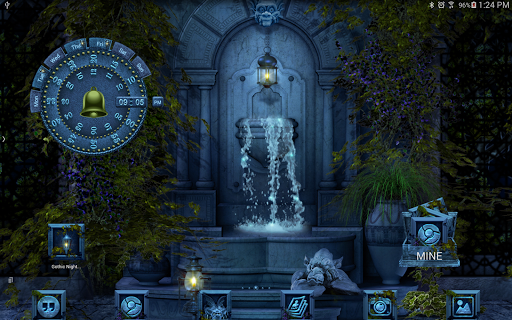
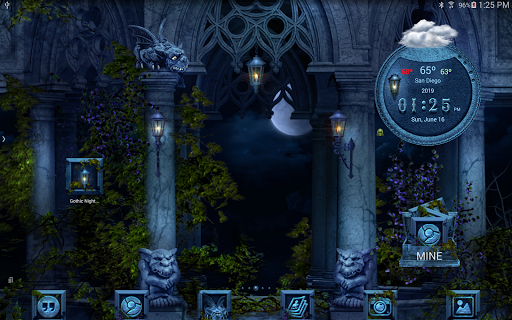
*The screenshots have been made using different launchers.*
** IF YOU HAVE ANY PROBLEMS PLEASE CONTACT US BEFORE LEAVING NEGATIVE FEEDBACK **
This Multi Launcher Theme contains a wallpaper set, an icon pack, and a matching analog alarm clock.
You MUST have installed one of this Launchers to use this theme:
TSF Launcher
Next Launcher
Nova Launcher
ADW Launcher
ADW Launcher 2
Smart Launcher
Apex Launcher
Atom Launcher
Holo Launcher
Go launcher Z
*************** (:|:) ***************
TO APPLY THE THEME:
TSF Launcher:
Smart Button > Themes > Gothic Night Theme
Clock:
Smart Button > Add > Widgets > System widgets > Gothic Night clock
Wallpapers:
Smart Button > Wallpaper > Gallery Apps > Gothic Night
*************** (:|:) ***************
Next Launcher:
Long press desktop > Theme > Gothic Night
Clock:
Long press desktop > Widget > System widget > Gothic Night clock
Wallpapers:
Long press desktop > Wallpaper > Gothic Night
*************** (:|:) ***************
ADW Launcher:
Press desktop > ADW Settings > Themes > Gothic Night Theme > Apply
Clock:
Press desktop > Add > Widgets > Gothic Night Theme > Gothic Night clock
Wallpapers:
Press desktop > Wallpaper > Gothic Night
*************** (:|:) ***************
ADW 2 Launcher:
Press desktop > Themes > scroll down > Gothic Night Theme > Apply
Clock:
Press desktop > Widgets > scroll > Gothic Night Theme > Gothic Night clock
Wallpapers:
Press desktop > Wallpapers > Gothic Night
Icons:
Press icon > Edit > Select New Icon > ADW Theme IconPacks > Gothic Night Theme
Folder:
Press folder > Edit > Preview > First Icon
*************** (:|:) ***************
Nova Launcher:
Nova Settings > Look and feel > Icon Theme > Gothic Night Theme
Clock:
Press desktop > Widgets > Gothic Night clock
Wallpapers:
Press desktop > Wallpapers > Apps and Themes > Gothic Night
Dock:
Nova Settings > Dock Background > Content > Image > Select theme > Gothic Night
*************** (:|:) ***************
Smart Launcher:
Menu > Preferences > Theme > Gothic Night
Wallpapers:
Menu > Wallpaper > From Apps > Gothic Night
Clock:
Press clock > Replace widget > Gothic Night Theme
*************** (:|:) ***************
Apex Launcher:
Apex settings > Theme settings > Gothic Night > Apply
Clock:
Press desktop > Widgets > Gothic Night clock
Wallpapers:
Press desktop > Wallpapers > Gothic Night
*************** (:|:) ***************
Go Launcher Z:
Press desktop > Theme > Right Top Corner Installed > Gothic Night > Apply
Clock:
Press desktop > Edit > Widget > System widget > Gothic Night clock
Wallpapers:
Press desktop > Edit > Local > More > Gothic Night
*************** (:|:) ***************
Holo Launcher:
Appearance Settings > Icon pack > Gothic Night Theme
Wallpapers:
Press desktop > Wallpapers > Gothic Night
Clock:
Press desktop > Widgets > Gothic Night clock
*************** (:|:) ***************
Atom Launcher:
Launcher settings > Theme Settings > Gothic Night > Apply
Wallpapers:
Press desktop > Wallpapers > Gothic Night
Clock:
Press desktop > Widgets > Gothic Night clock
*************** (:|:) ***************




9Apps 4.9















